
Transform
Resetting rotation, matrix and origin
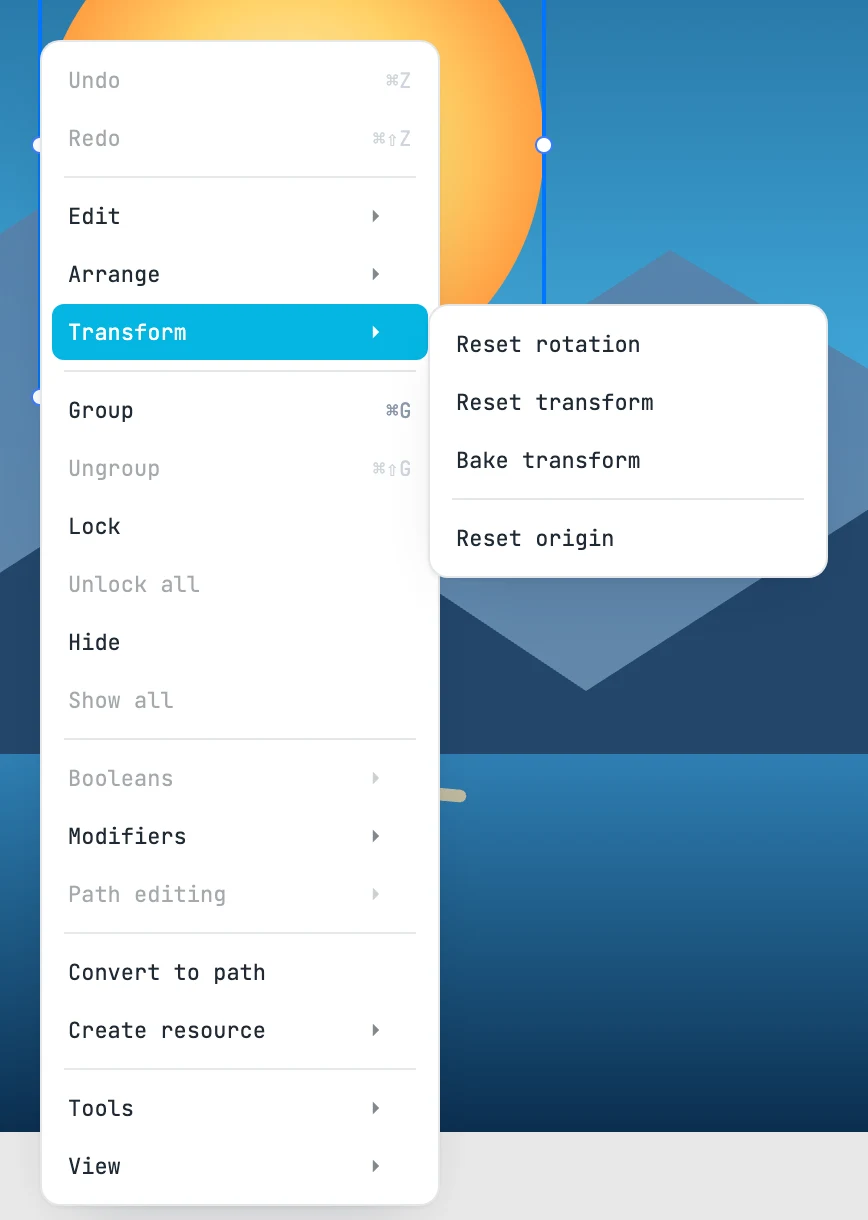
The Transform menu
Right-click menu › Transform. The commands work on the matrix of each selected object, each around the center of its own bounding box: the object stays in place.
| Item | What it does |
|---|---|
| Reset rotation | removes the rotation, turning around the center. Scale and skew remain |
| Reset transform | the matrix becomes a plain translation again: rotation, scale and skew are removed, and the center stays where it was |
| Bake transform | rotation, scale and skew go into the geometry, and the matrix remains a translation to the center. A shape becomes a path (a rotated rectangle does not exist), a path changes its geometry in place, a group passes its matrix on to its children. It does not apply to text, images and use. The stroke width carries the scale along, unless it is Non scaling |
| Reset origin | the origin goes to the center of the bounding box and the geometry compensates: visually nothing changes |
Each one is an undo step. The items are disabled when there is nothing to work on.