
SVG
Opening an SVG, and the SVG with Janvas data
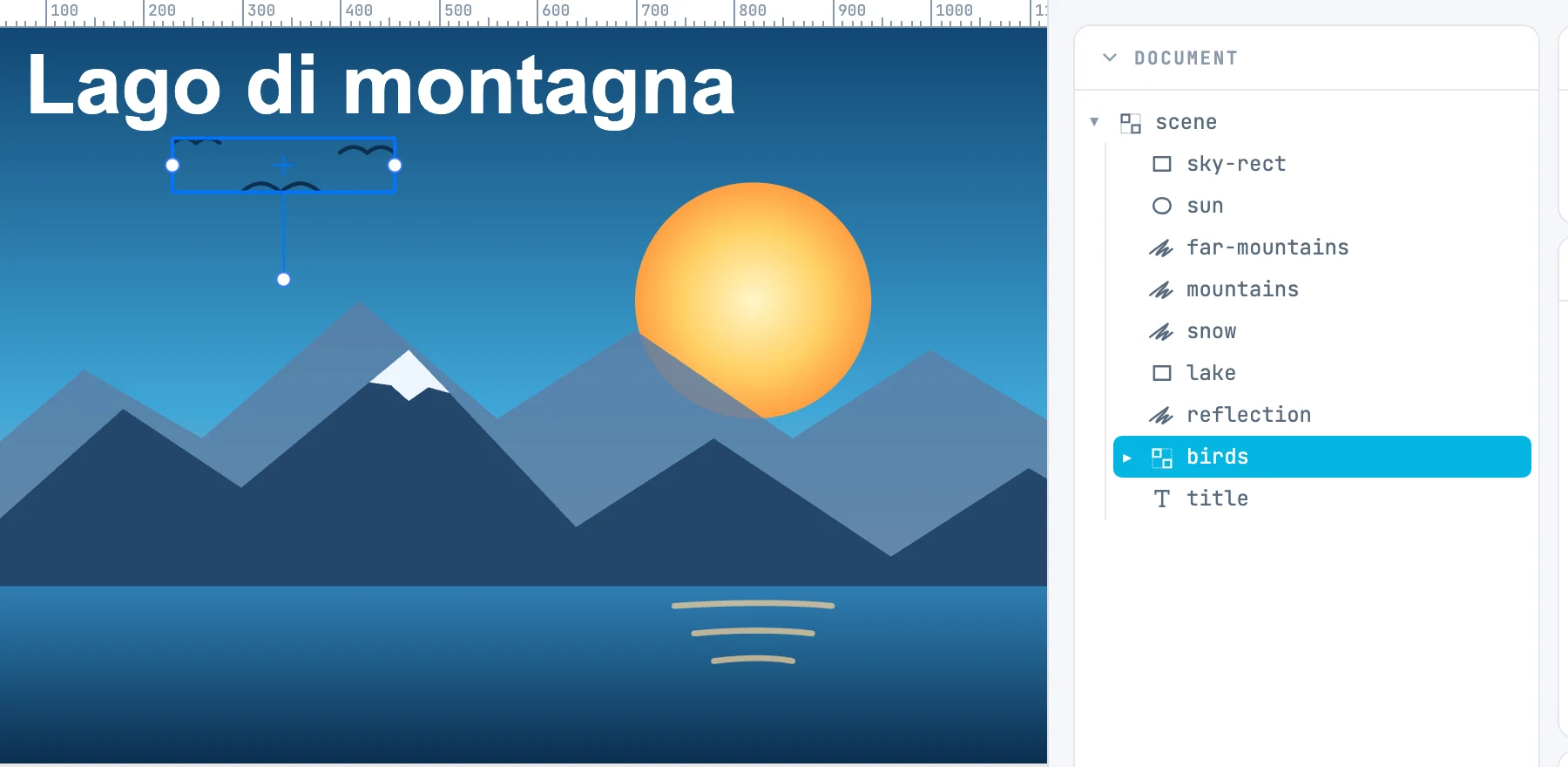
Opening
- The SVG becomes a document: each element a node, with its properties.
- All the resources — gradients, patterns, clips, masks, markers, filters, symbols — end up in the document's resources, wherever they were in the file.
- Every object with a clip or a mask becomes an editable Clip / Mask group.
- Markers are normalized: their content takes its real position, and their clip becomes a clipping group.
- Color stop colors written in
stylebecome editable from the panel. - The CSS styles of text runs (Illustrator, Inkscape) are read.
Opening or importing
Open… opens the SVG as a document. Dropped on the canvas, instead, the SVG enters the open document as a group — see Dropping files on the canvas.
The SVG with Janvas data
When you export with Editable data, the SVG carries the whole Janvas document inside, fonts included. Reopening it in Janvas reopens the document, not the drawing.
If the SVG was changed outside Janvas after the export, a dialog asks what to open when you open it:
| Button | What it opens |
|---|---|
| Drawing | the drawing as it is now; closing the dialog does the same |
| Janvas document | the document saved inside: changes made outside are lost |