
Regular polygon
Shortcut W
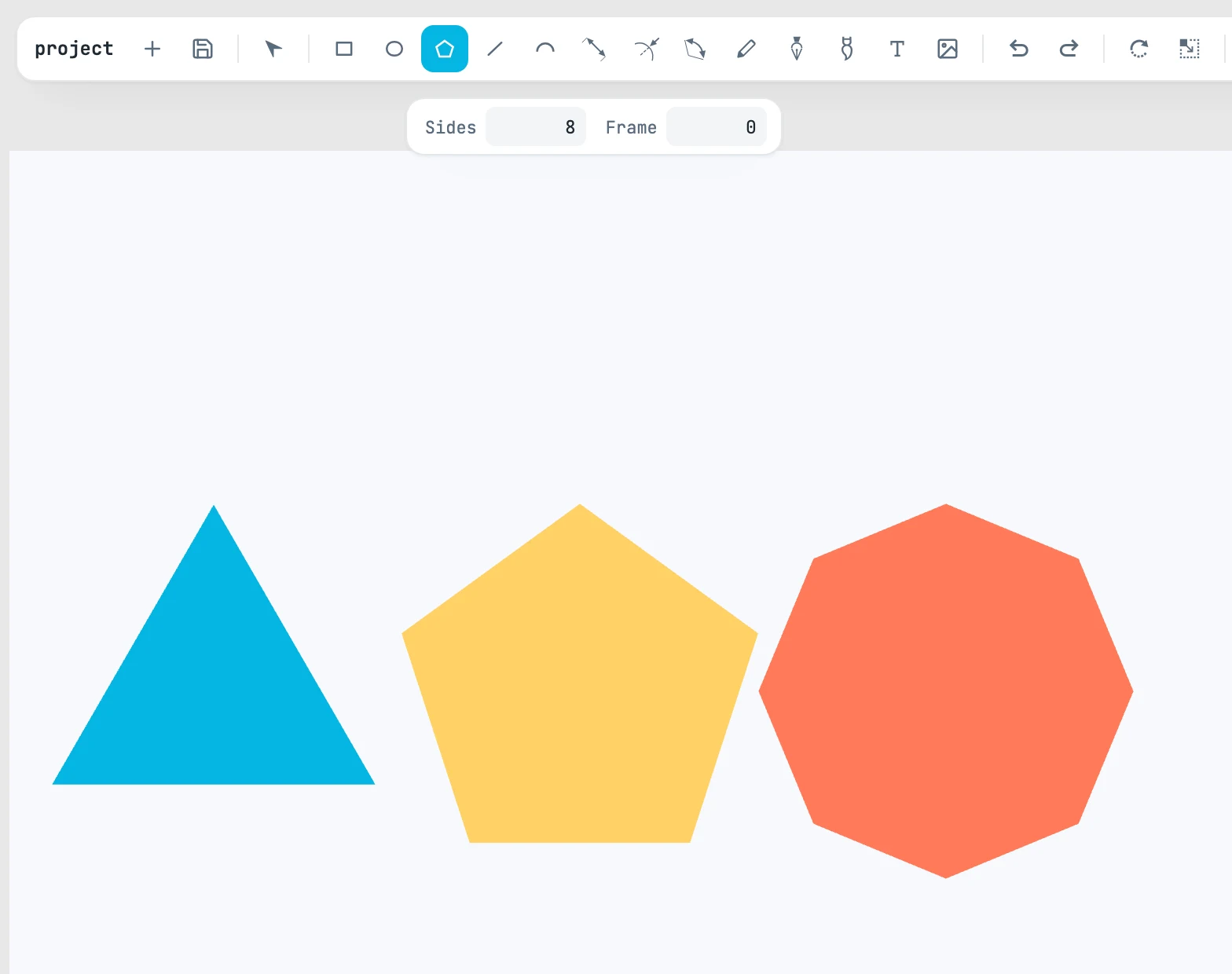
The gesture
The first point is the center, the second gives the radius: the distance between the two. The first vertex is at the top.
The bar
| Field | What it does |
|---|---|
| Sides | how many sides; 5 by default, never fewer than 3 |
| Frame | how far the inner polygon is inset: above zero it makes a frame, at zero the shape is solid |
What is created
Once the shape is placed, you are back to the Selection tool with the shape selected. It is created above the objects next to it, inside the page under the center of the gesture (or in the active page, or in the open container), with the Fill & stroke style set with an empty selection. You can then change the sides in the Shape panel.