
Placing images
The insert image button, and dropped files
The command
The insert image button in the toolbar is not a tool: it asks for the file and places the image at the center of the view, and the selected tool stays the same as before. It has no letter.
Dragging files
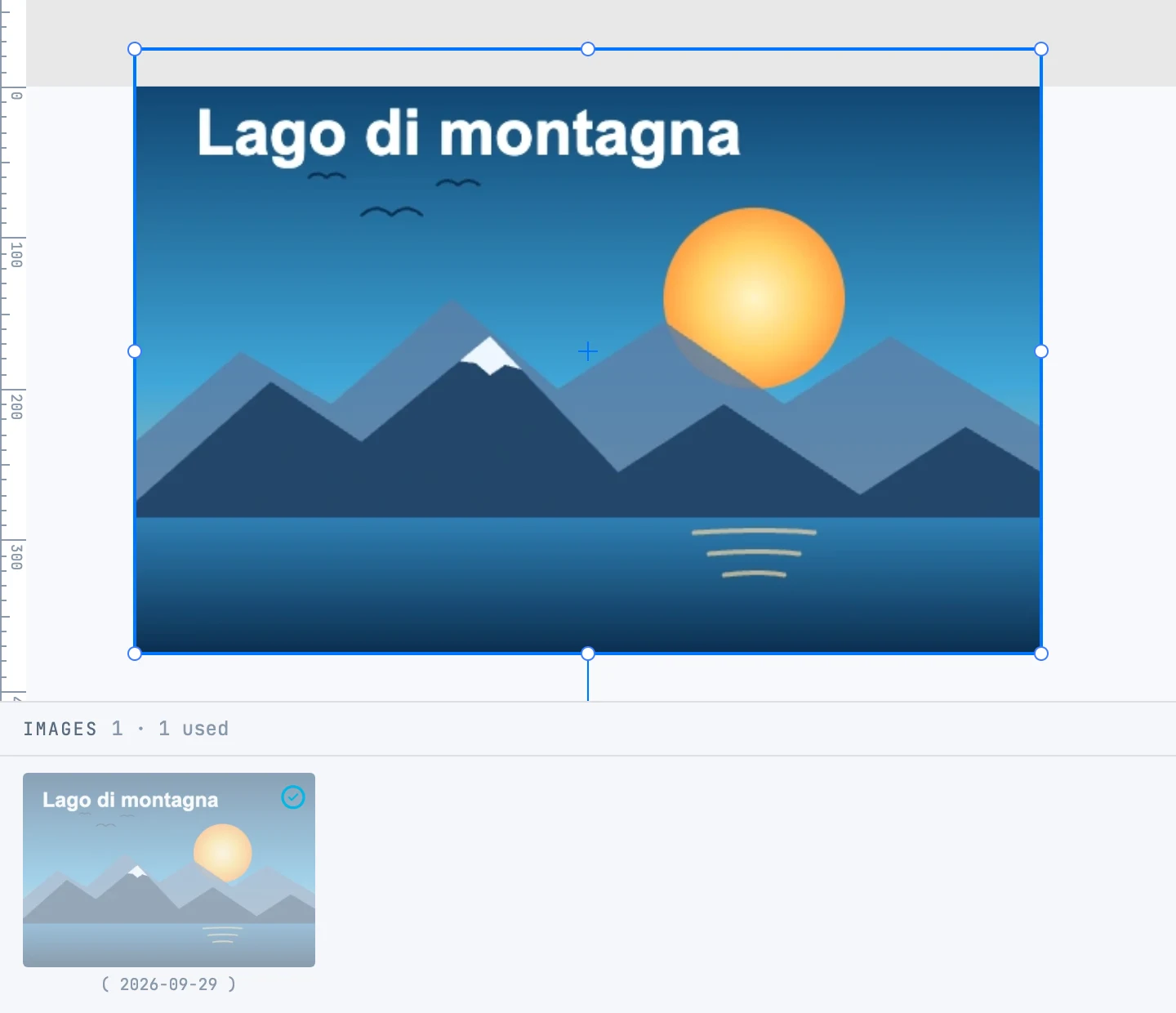
An image dropped on the canvas is placed where you dropped it; several images at once all go in. Dropped on a photo grid, they go into the grid. An SVG file instead comes in as a group of vectors (see Dropping files on the canvas).
Where they end up
- The image's bytes go into the document's Images store: a working image of at most 1000 pixels and a thumbnail.
- The drawing gets a
usethat references it: you can place the same image several times, and each one is cropped independently. - The original stays a file on disk, found again when needed (for high-resolution printing).
See Images panel and Photo originals.