
Shape panel
With a shape that has properties of its own
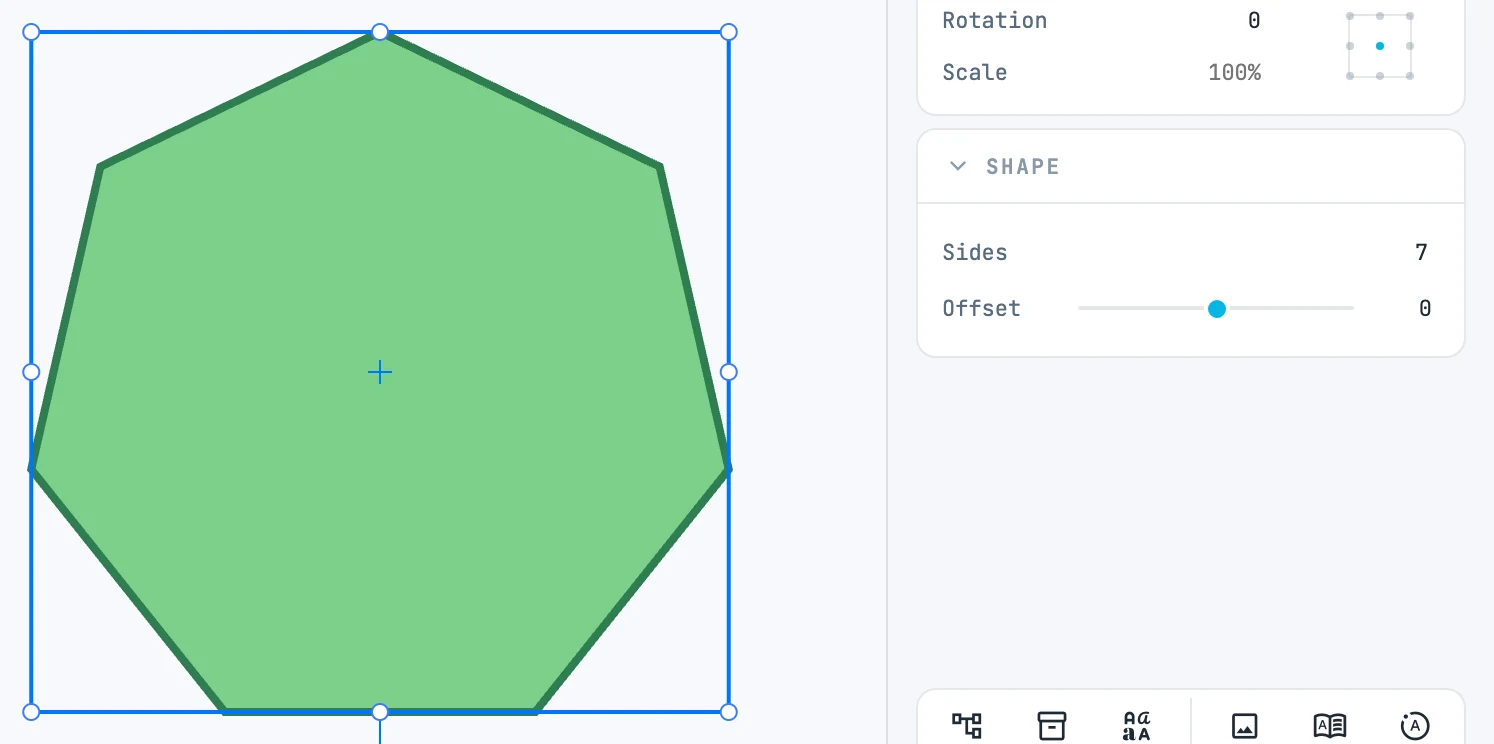
When it appears
With a shape that has properties of its own. The rows depend on the shape.
Fields
| Field | What it does |
|---|---|
| Corner | rectangle: the corner radius. The icon at the end opens the four corners, one row per corner with its icon: touch one and they take over; moving the single slider makes them equal again |
| Sides | regular polygon: the sides |
| Offset | rectangle, circle, ellipse, polygon, path, boolean: the hole (positive) or the outward frame (negative) |
| Join | path and boolean: how the eroded outline closes at the corners |
| Radius / Start / Sweep | arc: radius, start angle, sweep |
| Pie | arc: open or pie slice — the same geometry expressed in two ways |
| Operation | boolean: unite, subtract, intersect, exclude, divide — you change it without redoing it |
| Simplify | path: the simplification tolerance; on release it is written and returns to zero |
| Points | path: how many points; while dragging Simplify, before → after |
The arc
An arc is recognized by the shape of its geometry, not by its type: it is a path made of a single arc.