
Pencil
Shortcut N
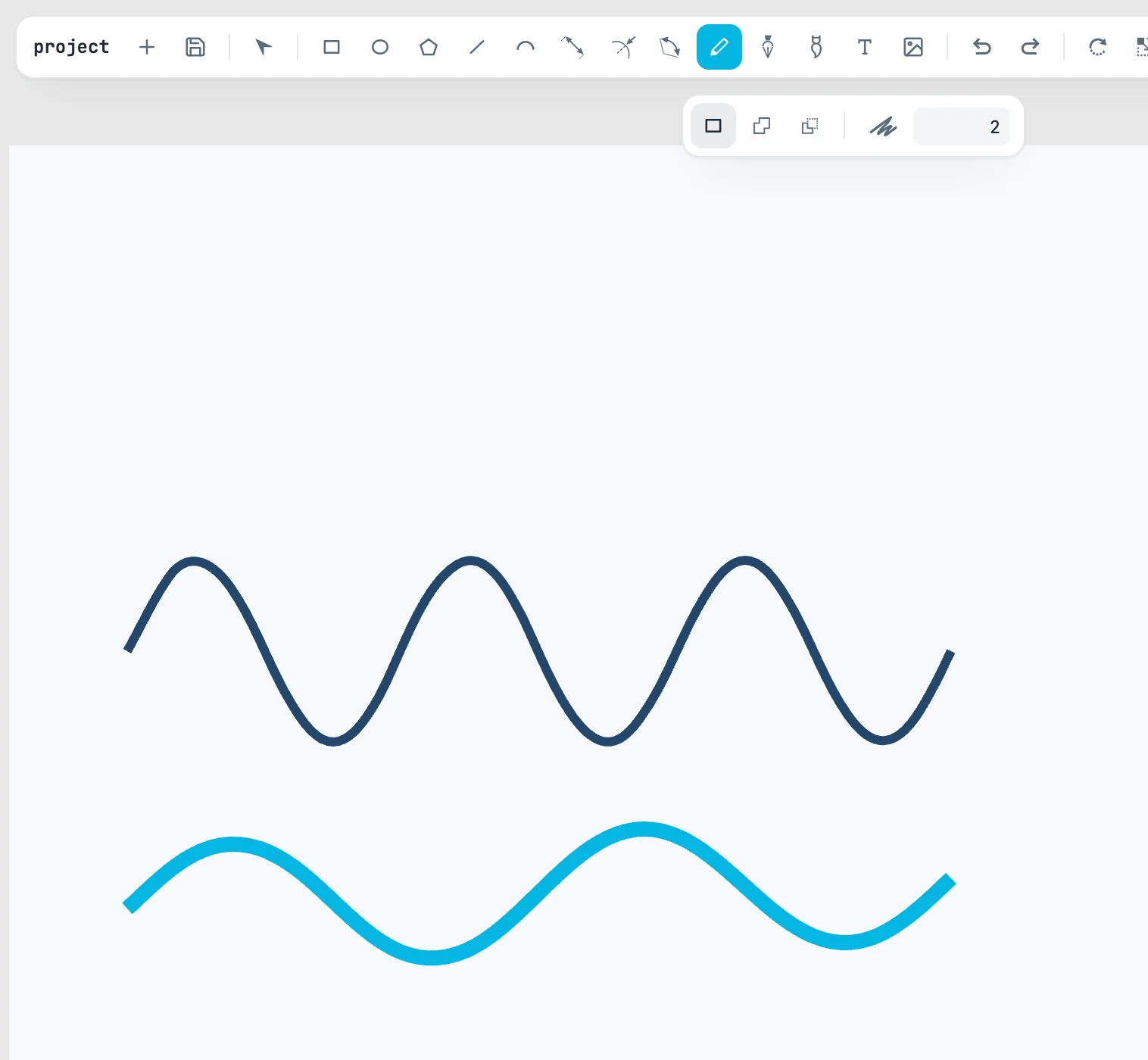
The gesture
You press, drag, release: the stroke is the route the pointer took, turned into a smooth curve (not a polyline of hundreds of tiny pieces). The Pencil does not snap.
- If you release within 15 pixels of where you started, the stroke closes: it is a closed shape, and it takes the fill of the style. Left open, it stays a line.
- A stroke shorter than 6 pixels is not created.
- The Pencil stays selected, and the stroke you just placed stays selected.
The bar
| Option | What it does |
|---|---|
| normal | the stroke is placed as it is |
| unite | the stroke is united with the shape it touches |
| subtract | the stroke is cut away from the shape it touches |
| tolerance | how much the trace is simplified, in screen pixels; 2 by default. At zero every sample is kept |
In unite and subtract, the stroke determines the target: the first shape under the points it passed over. Stroke and shape become a boolean operation, which takes the place and appearance of the shape, and stays selected. Nothing underneath? The stroke is simply placed. A group or a text cannot go into a boolean operation.