
Clipboard and duplicate
Cut, copy, paste, duplicate, repeat
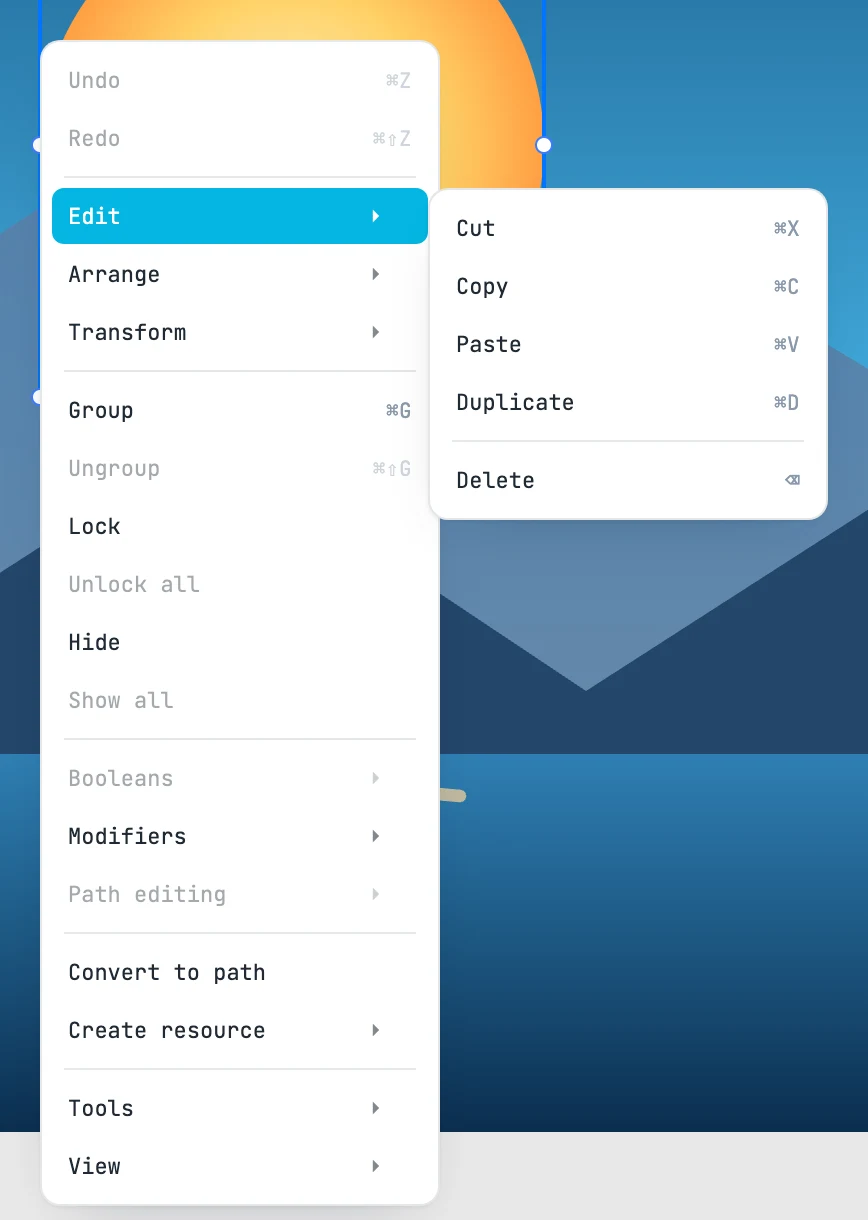
Cut, copy, paste
| Keys | What it does |
|---|---|
| ⌘ X | Cut: copies and deletes |
| ⌘ C | Copy: copies the selected objects |
| ⌘ V | Paste: pastes |
- The clipboard receives the subtree of the objects, as text: you can paste it into another Janvas window too.
- You paste where you are working: inside the open container, otherwise into the active page.
- Objects keep their local coordinates: copied from one page, they land at the same point of the page you paste into.
- Once pasted, they go above the objects already there.
- Between documents with different units, the object keeps its length.
If the browser denies access to the system clipboard, the copy stays inside the window: cut and paste work at least there.
Duplicate and repeat
| Keys | What it does |
|---|---|
| ⌘ D | Duplicate: a copy of the selection, with the last duplicating gesture |
- Select an object and move (or rotate) it holding ⌥ at the start: a moved copy is created.
- Each ⌘ D afterwards repeats the same move or the same rotation on the new copy.
This way you lay down a row of copies at a constant step, or a ring of copies around the same center.
An animated object is duplicated with its tweens, which point to the copy. With a tween being edited, ⌘ D duplicates the object; to repeat a tween, drag its bar with ⌥.
Delete
| Keys | What it does |
|---|---|
| ⌫ or Del | Delete: sends the selected objects to the document's trash. With a tween being edited, it discards that tween, not the object |