
Brush
Shortcut B
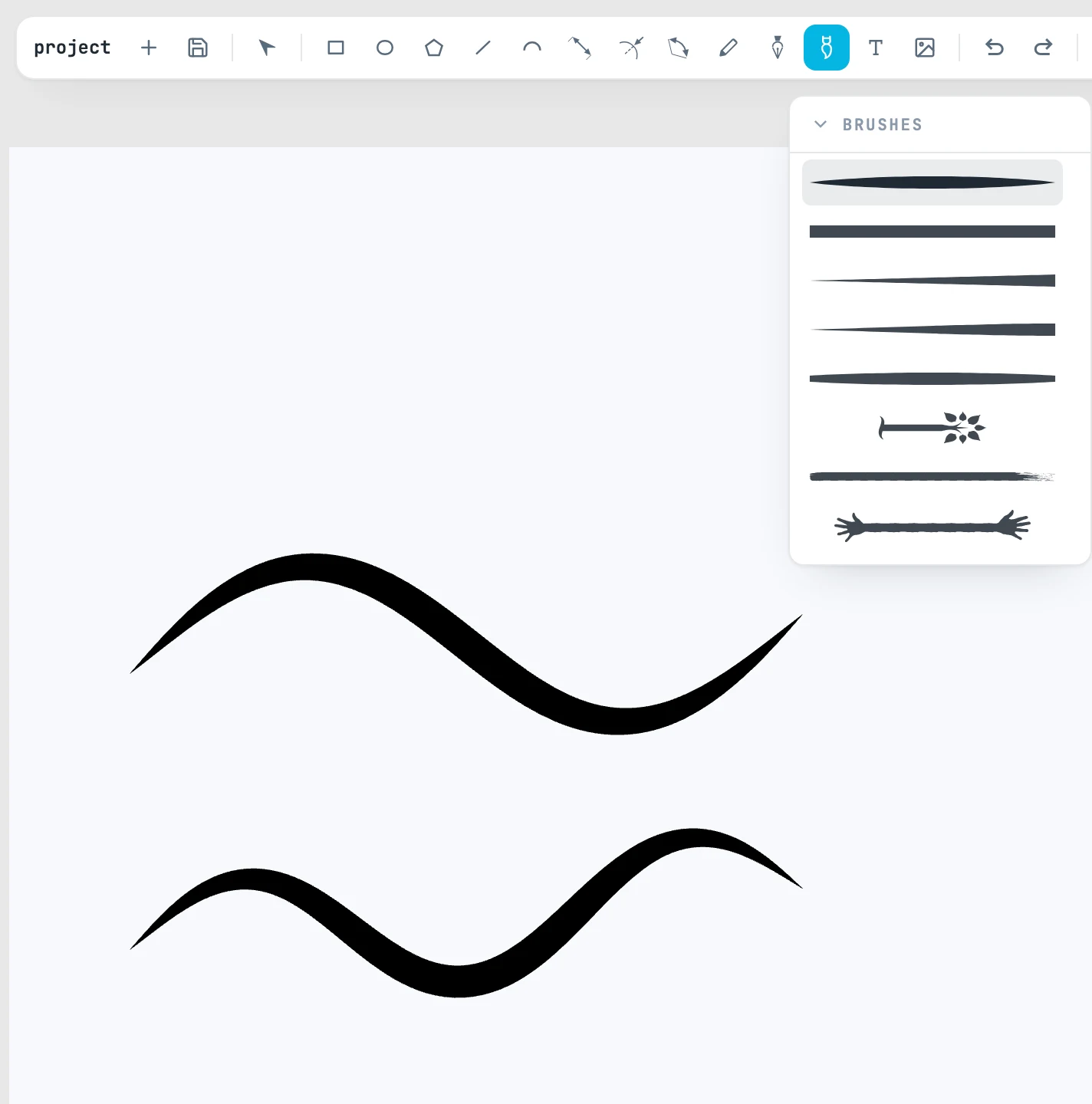
The gesture
It is the Pencil: you drag a freehand stroke, and it does not snap. But what is created is not a line: it is a brush stroke, that is, the shape of the selected brush bent along the drawn line (a spine, see Spine). The stroke you just placed stays selected, with the Brush still in hand.
The list of brushes
It opens when you hover over the Brush button. Each item shows the brush's actual mark; the name is in the tooltip. The Janvas library has eight: Taper, Flat, Wedge, Blade, Bulge, Tipped, Beads, Arrow.
Selecting a brush picks it up, and the list closes. Dragging its header detaches the list and keeps it open; its × puts it back under the button.
Then
Thickness, head, tail, repetition and the other stroke rules are changed in the Spine panel. Double-click to enter the stroke and edit its line.