
Pages
Sheets, masters, templates, sizes, order and rows

A page is a sheet with a real size. It can contain the drawing and clip it, sits in a row with the others or wherever you put it, and prints as a sheet of its own. A master gives it a shared background; a template is a ready-made page.
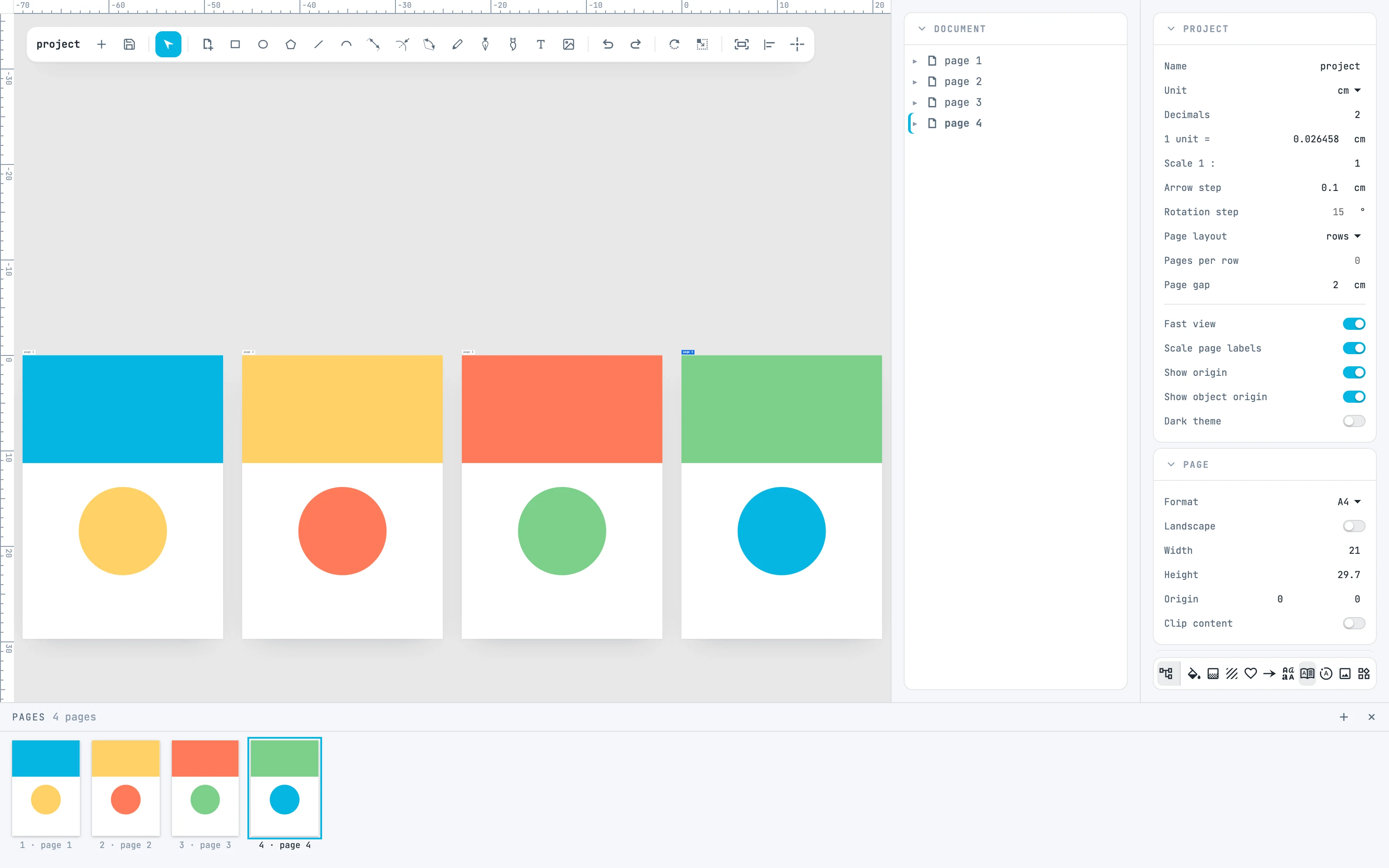
Four pages in a row, the Pages panel at the bottom and the page inspector
12.1

Pages panel

Going to a page, reordering, adding, duplicating and deleting pages.
12.2

Master pages

The Masters panel, giving a page a master, what you see and what prints.
12.3

Templates

The Templates panel, the categories, adding a page from a template.
12.4

The page label

Selecting and moving a page, and the active page.
12.5

Formats

ISO A, B and C, US, business cards, photo, social, screens, video.
12.6

Pages in rows

Page layout, Pages per row, Page gap.