
Align, distribute, reflect
The alignment bar and reflection
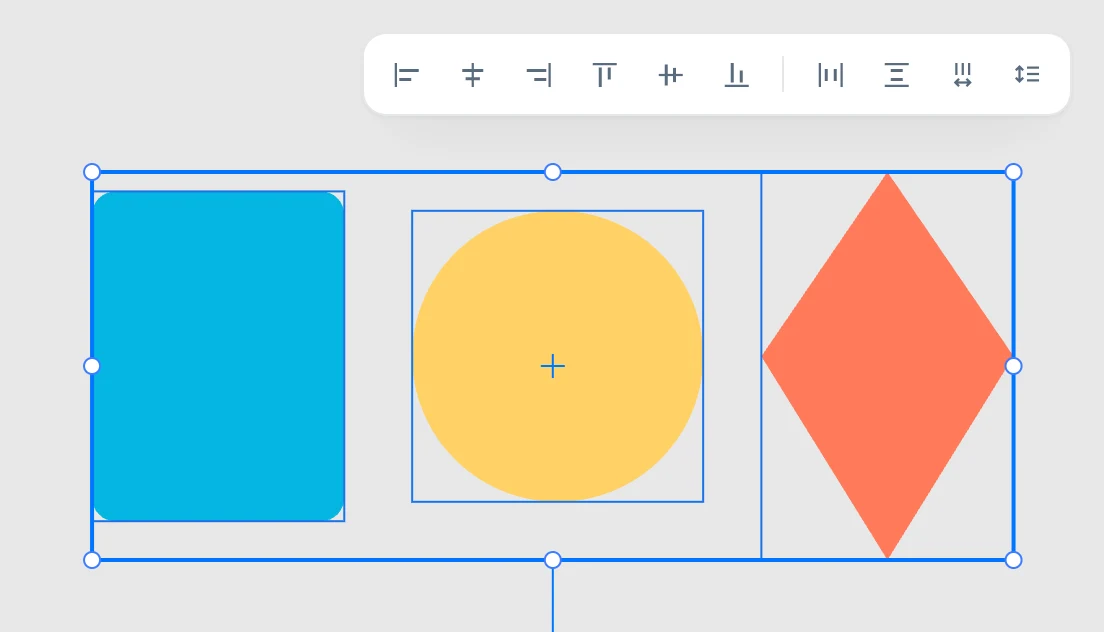
The bar
It opens when you hover over the align and distribute button in the toolbar. The buttons are always enabled: without enough objects the command does nothing.
Align
| Button | What it does |
|---|---|
| align left | the left edges |
| align center | the centers, horizontally |
| align right | the right edges |
| align top | the top edges |
| align middle | the centers, vertically |
| align bottom | the bottom edges |
With several objects, they align to their shared bounding box. With a single object, it aligns to the sheet: the page that contains it, otherwise the first page of the document.
Distribute
| Button | What it does |
|---|---|
| horizontal spacing | equalizes the gaps between the edges, horizontally |
| vertical spacing | equalizes the gaps between the edges, vertically |
| horizontal centers | equalizes the distances between the centers, horizontally |
| vertical centers | equalizes the distances between the centers, vertically |
You need at least three objects: the two at the ends stay where they are and the ones in between are spread out. With objects of different sizes the two approaches give different results, which is why both are there.
Reflect
In the header of the Geometry panel there are two buttons:
| Button | What it does |
|---|---|
| reflect horizontally | reflects around the center of the shared bounding box, right ↔ left |
| reflect vertically | reflects top ↔ bottom |
| with ⇧ | each around its own center |
The same from the keyboard: ⌥ ⇧ + arrow keys. The reflection stays in the object's matrix.