
Type
Typing, styling characters, laying out

A Janvas text is an object like any other: you move it, scale it, color it. Inside, each character can have its own style, and lines wrap on their own in a frame, in columns, across several threaded frames, inside a shape or along a line.
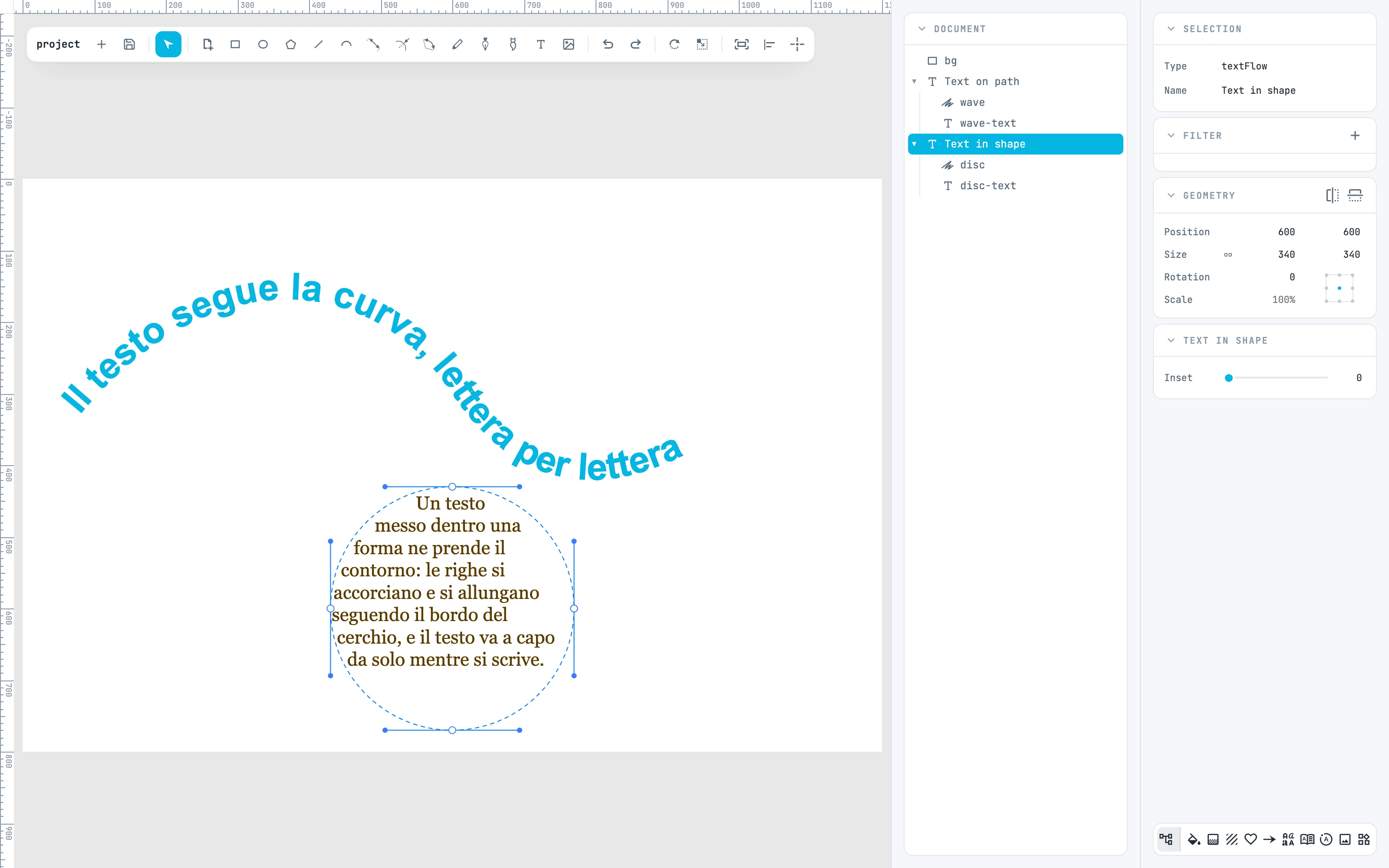
A text along a curve and a text inside a circle, with the tree showing them
6.1

Typing and editing

Open a text, move around, select, close.
6.2

Character style

The Text and Fill & stroke panels on a closed text and on selected characters.
6.3

Text frames and columns

How lines wrap, columns, overset text.
6.4

Threaded text frames

The frame ports, threading, unthreading, typing across frames.
6.5

Area type and type on a path

Text in shape, Text on path, and how to edit them.
6.6

Fonts

The Fonts panel, the three sources, fonts in files and when converting to paths.