
Free Rotate and Scale
The A and S tools, with the reference point
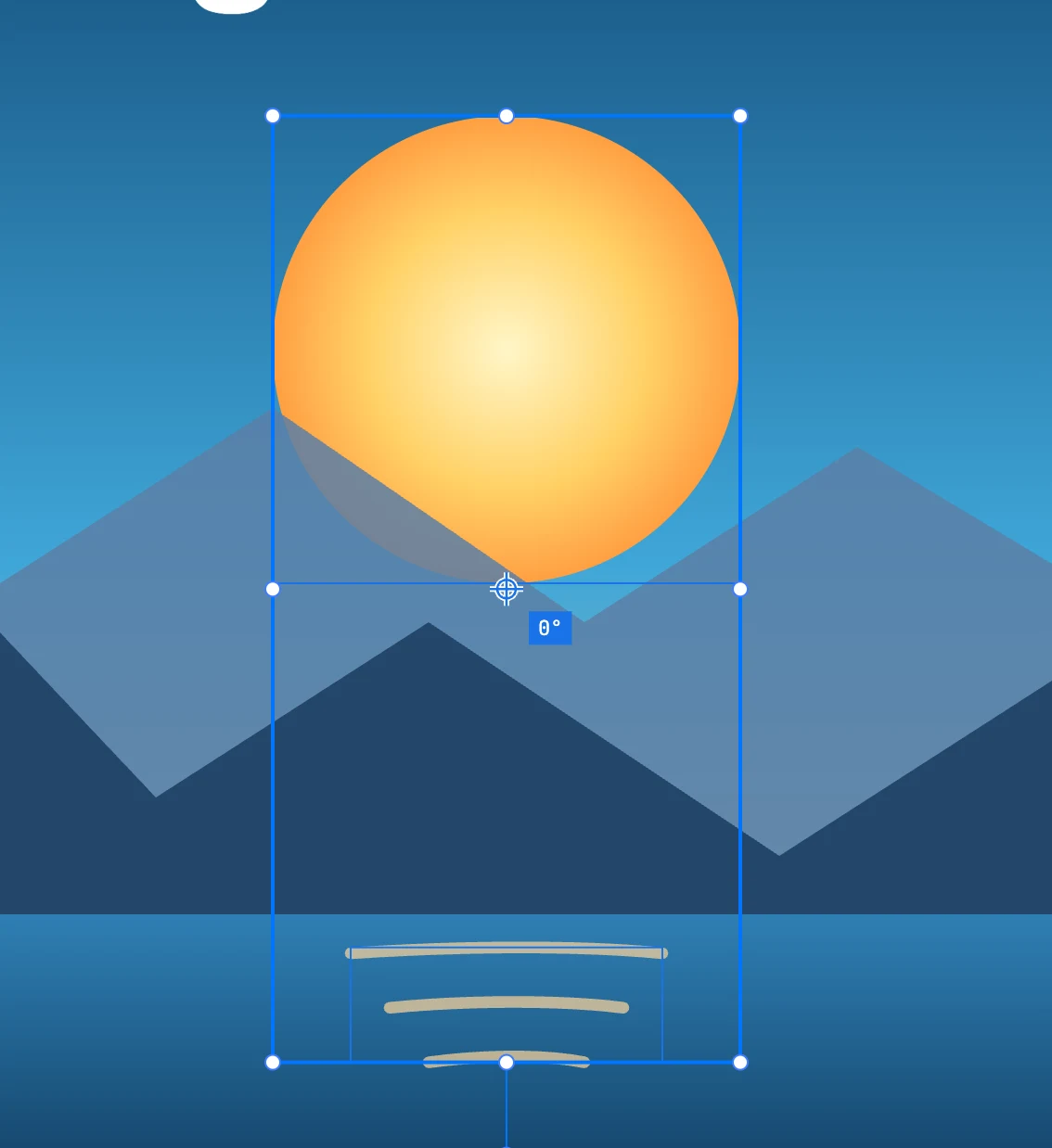
The tools
| Tool | Letter | Gesture |
|---|---|---|
| rotate from the page origin | A | rotates around the reference point by the angle between where you clicked and where you are; with ⇧ in increments of Rotation step |
| scale from the page origin | S | scales around the reference point: the factor on each axis is the distance from the reference point divided by that of the click; with ⇧ proportionally; past the reference point it reflects |
They also act as the Selection tool: with nothing selected, or holding ⌘, a click selects. The gesture starts only when you drag, in one undo step. With ⌥ the rotation works on a copy, and ⌘ D repeats it.
An axis on which the click is almost aligned with the reference point does not scale: it would be a division by almost zero.
The reference point
- It starts at the center of what is selected; when the selection changes it goes back to the center.
- Grab it and drag it to move it: it follows the snapped pointer (a vertex, a center). Esc puts it back where it was.
- It is not part of the document: it does not go into the history and is not saved.
Entering the value
Next to the reference point there is a label: a click opens a small dialog — Rotate with Angle °, or Scale with Percent — and the value is applied around the reference point, just like the gesture. Enter confirms, Esc or the × close it.
On anchor points
When you come from the anchor point mode of a path with some points selected, the two tools work on those points: they rotate or scale them around the reference point, and the direction handles of curves whose points are all selected rotate and scale with them.