
Pages in rows
In a row, in a column or in a grid
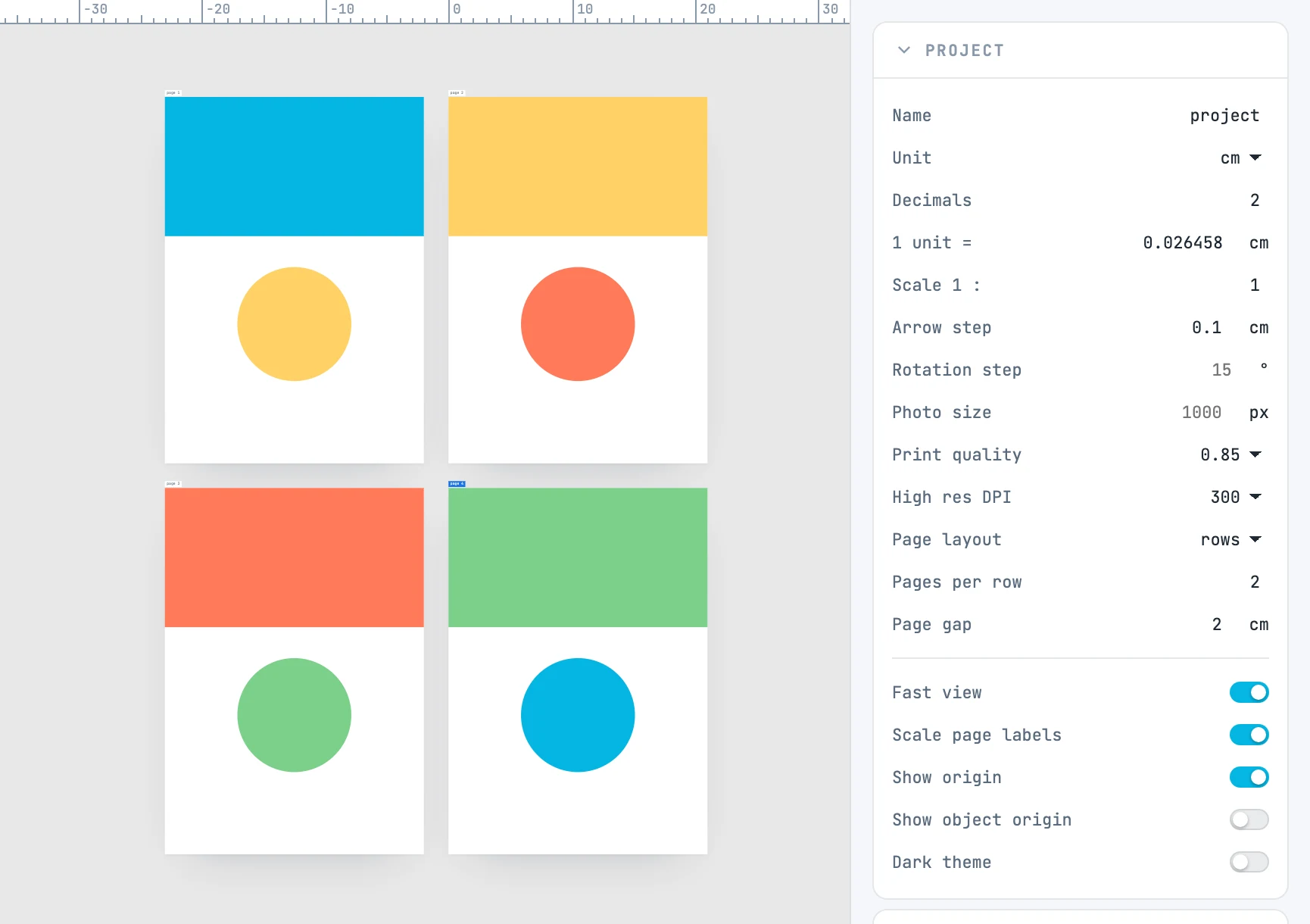
The three rows of the Project panel
| Field | What it does |
|---|---|
| Page layout | free: pages stay where you put them. rows: they are lined up, in their order |
| Pages per row | 0 = a single row; 1 = a column; N = a grid of N per row |
| Page gap | the space between pages; empty means 20 mm |
How it behaves
- Each row is as tall as its tallest page, and pages are aligned to the top of the row.
- The first page stays where it is: the others line up after it.
- Changing the size, order, position or number of pages, or the layout, lines them up again in the same step as the change: a single undo reverts everything.
- A new document starts in rows; one opened from a file (a PDF, an SVG) starts in free layout.
- The masters do not enter the rows: they sit in a row above the pages.