
The resource menu
Clean up, merge, find, duplicate, delete
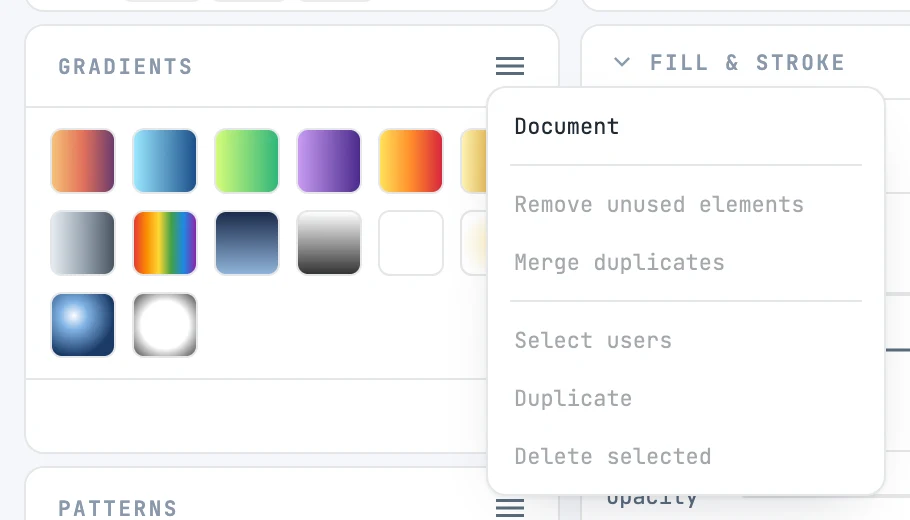
The items
| Item | What it does |
|---|---|
| Document | switches from the library to the document's resources, and back; when checked, you see the document. On the library the other items are disabled |
| Remove unused elements | moves to the trash the resources of that type that nothing uses — also in a chain: a gradient referenced only by one that is removed goes too. Disabled if there is nothing to remove |
| Merge duplicates | finds identical resources (same type, same properties, same children), keeps the first, and makes whatever used the others point to it |
| Select users | selects on the canvas the objects that use the selected resource; works with one selected resource. If another resource references it, it goes up to the objects that use that one |
| Duplicate | copies the selected resources with their children, with new ids ("g1-2") |
| Delete selected | moves the selected resources to the trash. If something uses them, it asks for confirmation, saying how many objects lose their fill or stroke |
Items that change the document are one undo step and leave the canvas selection as it is; Select users instead changes the selection and is not a step. The Colors panel has its own menu.