
Pages panel
The pages in a row, in the footer
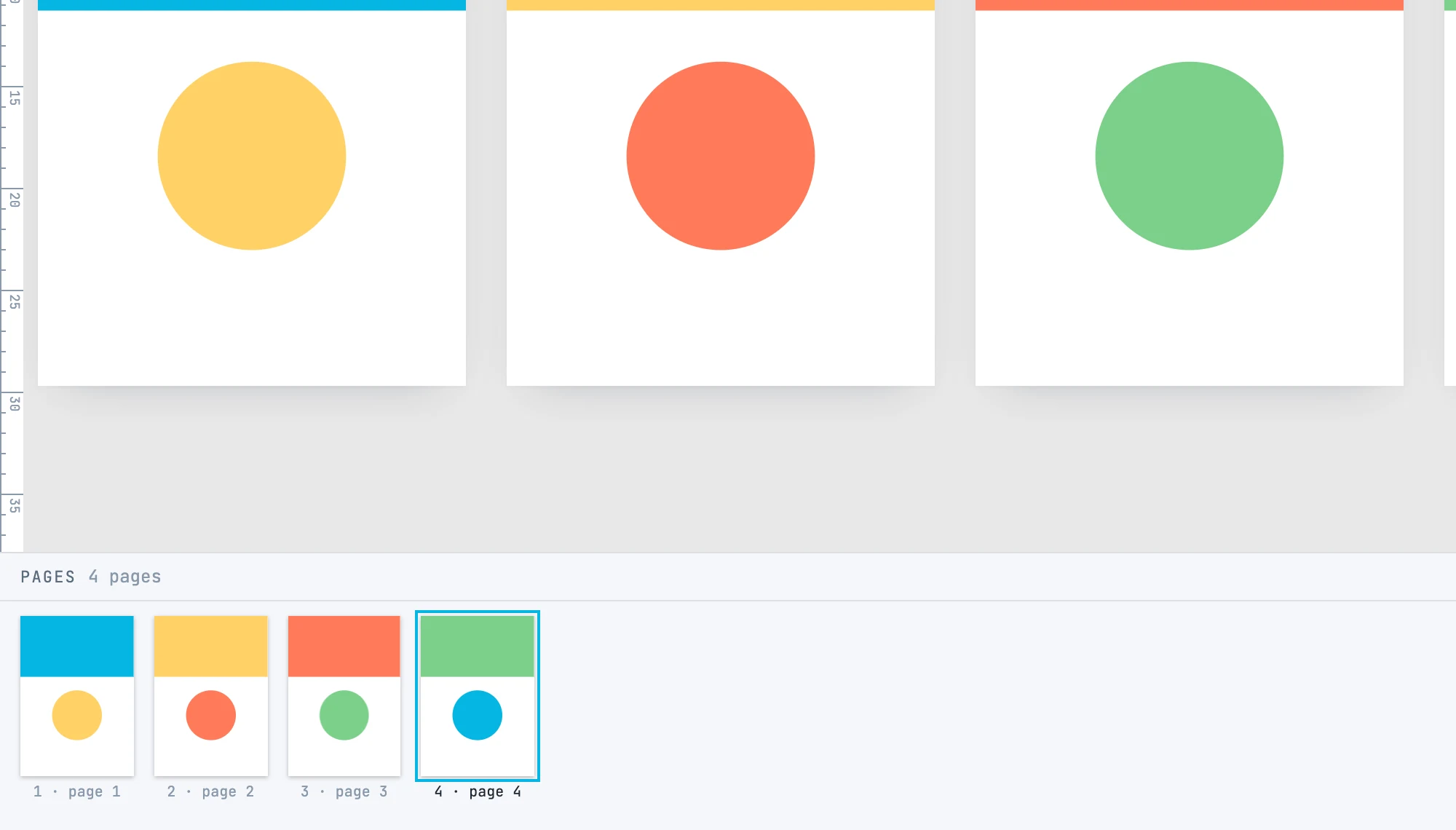
What it looks like
- It opens from the pages button of the bar at the bottom of the inspectors, in the footer. The pages of the drawing in a row, each with its thumbnail — the real page, painted small —, its number and its name. The active page is highlighted. Thumbnails are redrawn shortly after every change.
- In the middle of the header: add page (+), duplicate and delete, on the active page.
- On the right, the two sources: masters puts the master pages panel in its place, pages goes back to the pages.
The gestures
| Gesture | What it does |
|---|---|
| Click on a page | makes it active and frames it, without selecting it: selecting a page takes its content along with it |
| Drag a page | changes the order. The positions stay: each page moves to the position of the page that is now there, so on the canvas the order reads as in the panel. One step |
| + | a new page, the size of the active page and with its master, at the end after the last one; it becomes active and is framed. If the document has masters, it opens a menu: Blank page, or one of the masters — the active page's one is checked —, and the page takes its size |
| duplicate | copies the active page with its content, and with the tweens that animate it, right after it in the order; the copy becomes active. One step |
| delete | sends the active page to the trash with its content; the previous one becomes active. The last page cannot be deleted |
Where pages come from
From the + and from duplicate in this panel, from a template, and when opening a PDF. There is no tool to draw them.