Modifiers
Boolean operations, clipping, distortions, repetitions
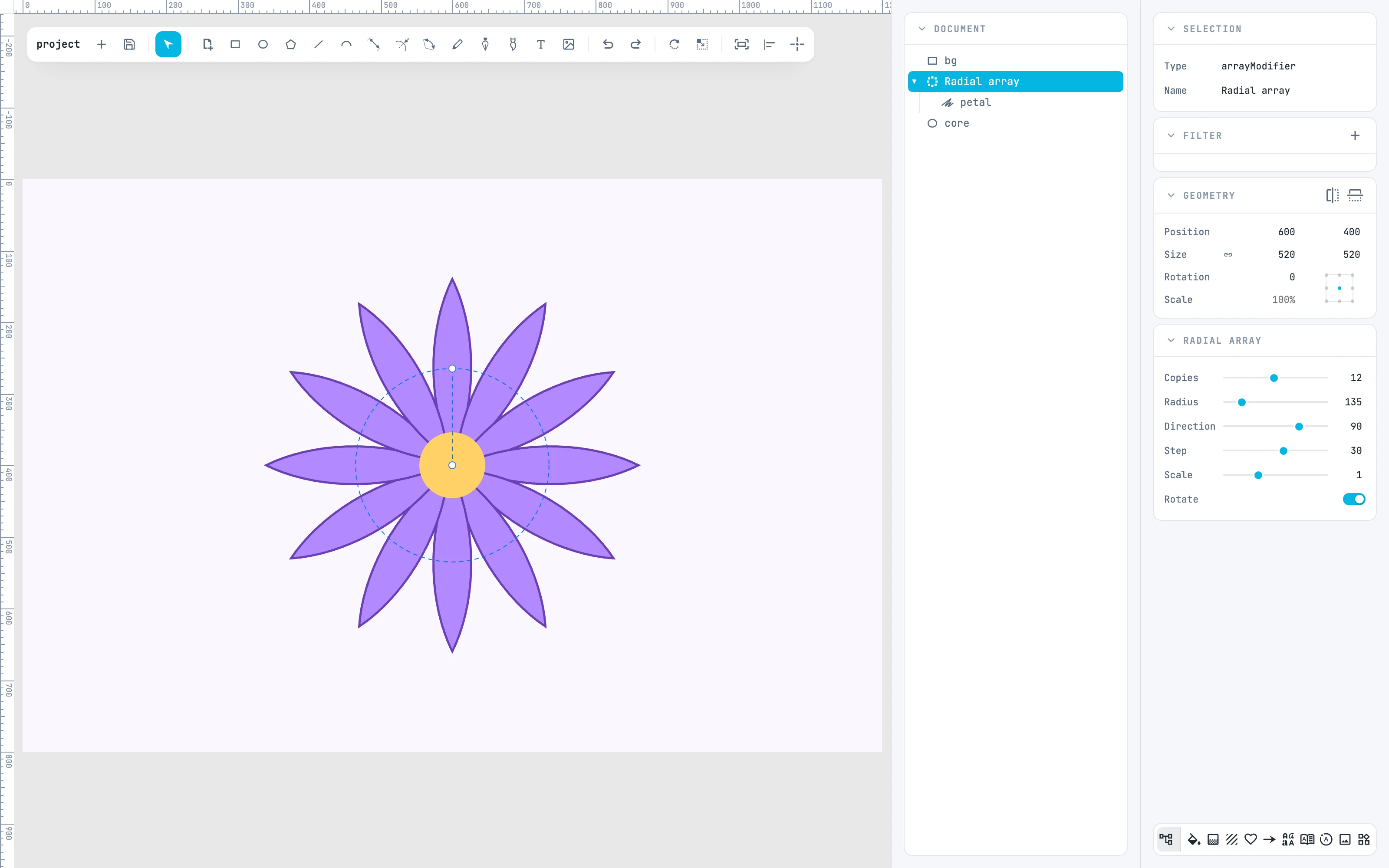
A modifier takes what is selected and puts it inside a new node: the shapes become its source, and the node draws the result. Nothing is lost: double-click to enter again and edit the sources, and the result is rebuilt.
- You create them from the right-click menu › Booleans or Modifiers.
- The new node takes the place of the lowest source in the stacking order, and where an appearance is needed it takes that source's.
- All in one step: a single undo removes the whole operation. The exception is a Mask with mask shapes that have no fill: a second step gives them white.
- In the Document tree the icon shows the type (and for boolean operations and arrays also the operation or the mode).