
Geometry panel
With any selection that has a bounding box
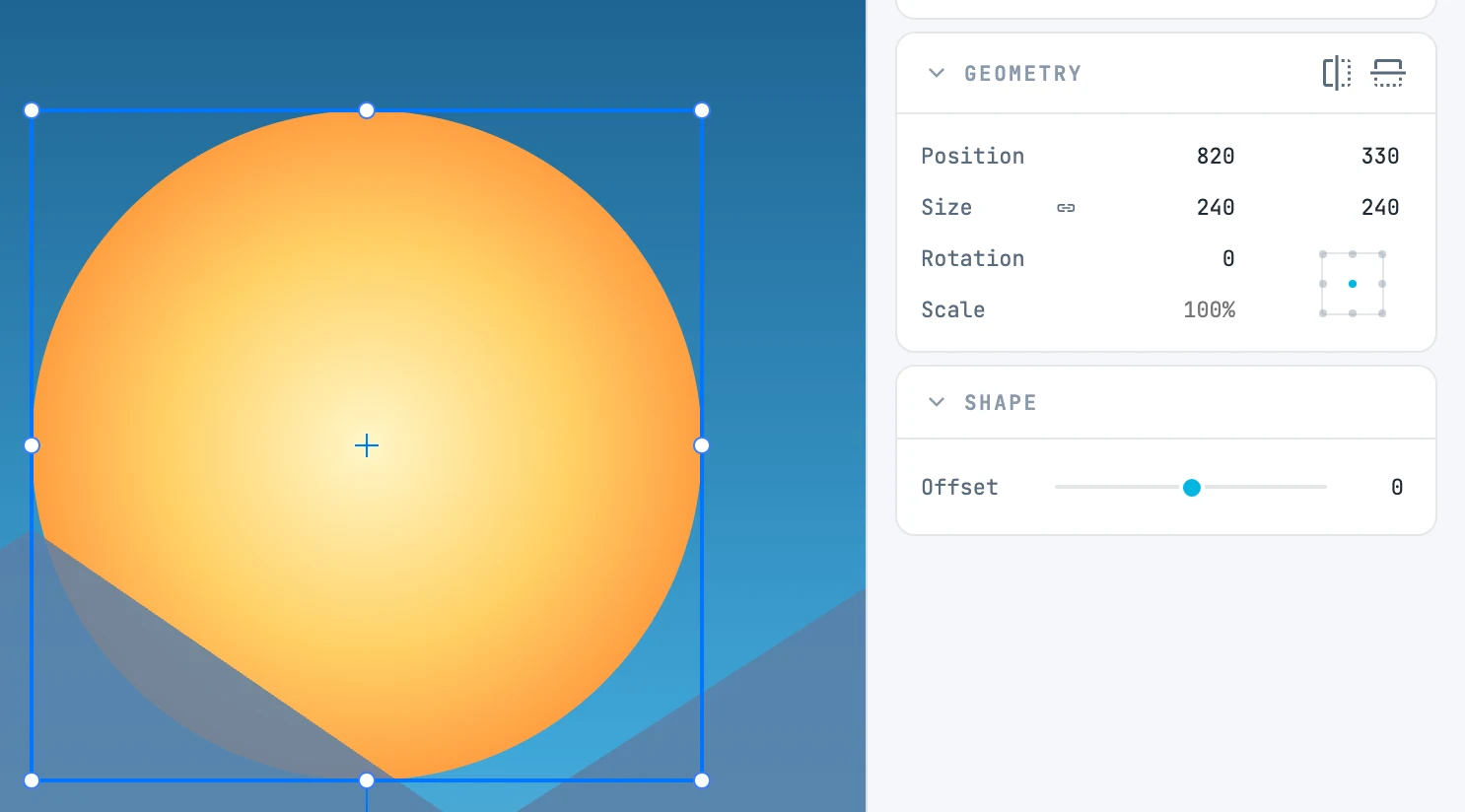
When it appears
With any selection that has a bounding box. Where it is and how big it is.
Fields
| Field | What it does |
|---|---|
| Position | X and Y of the point selected on the reference point locator, from the page origin; when you type in one field, only that axis moves |
| Size | width and height. The button before the numbers keeps the proportions: with the constraint on, the field you type in drives the other |
| Rotation | the angle, around the locator point |
| Scale | a command, not a measurement: it always reads 100%, and typing "150" (or "150%") scales by 150% around the locator point |
| 9-point reference point locator | which point stays fixed: it applies to size, rotation and scale, and it is the point whose X and Y you read. The box inside it rotates with the object |
| Each one | with several objects: scale and rotate each one on its own bounding box instead of the shared one |
In the header
The two reflect buttons: horizontal and vertical, with ⇧ each object on its own center.
One or more objects
With a single object you read and write in its own space: on a rotated object the size is that of its sides. With several objects, in the shared bounding box, unrotated.