
Install the app
A window of its own, and files that open from the system
Install
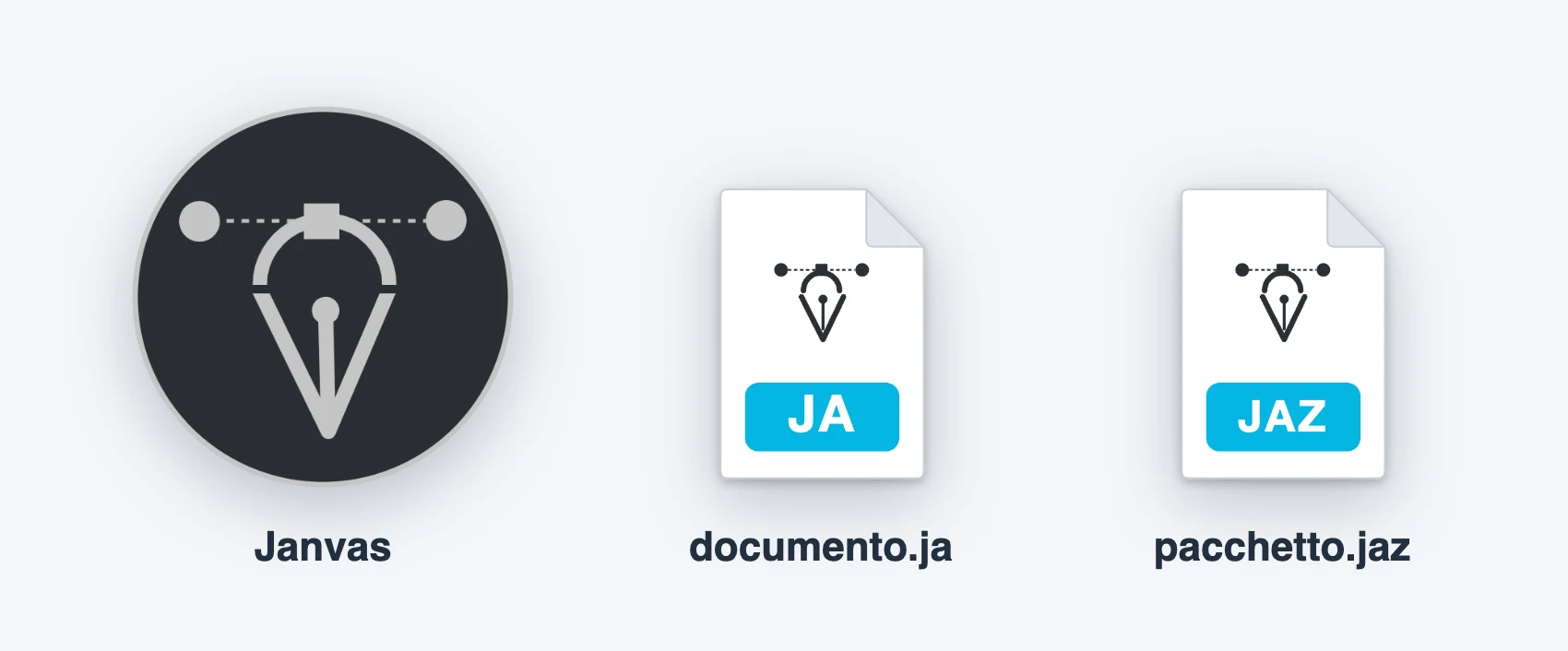
Janvas is an installable app: in Chrome or Edge, from the editor's address, you install it from the browser menu. It then opens in its own window, with the pen nib icon.
There is no offline mode: the app does not register a service worker, so every launch loads the latest version of the editor.
Open files from the system
The installed app offers to open these file types ("Open with" in the Finder or in File Explorer):
| Extension | What happens |
|---|---|
.ja | opens as a Janvas document, with its own document icon |
.jaz | opens as a Janvas package, with its own document icon |
.svg .pdf .dxf .json | opens as a new document |
Each file opens its own window: a second file does not replace the document open in the first.
Document icons and new file types take effect after you reinstall the app, or after Chrome has updated it.
Open a document from an address
The editor accepts the ?doc= parameter with the address of a document (JSON, SVG, PDF, or DXF): graphic-editor.html?doc=… opens it at startup. Without it, a new document opens with one A4 page, fitted in the view.