
What is Janvas
A 2D graphics editor in the browser
Janvas is a vector editor for people who draw for a living — illustrators, architects, interior designers. Everything you draw remains an editable object — shapes, paths, text, images, groups — arranged in the document tree.
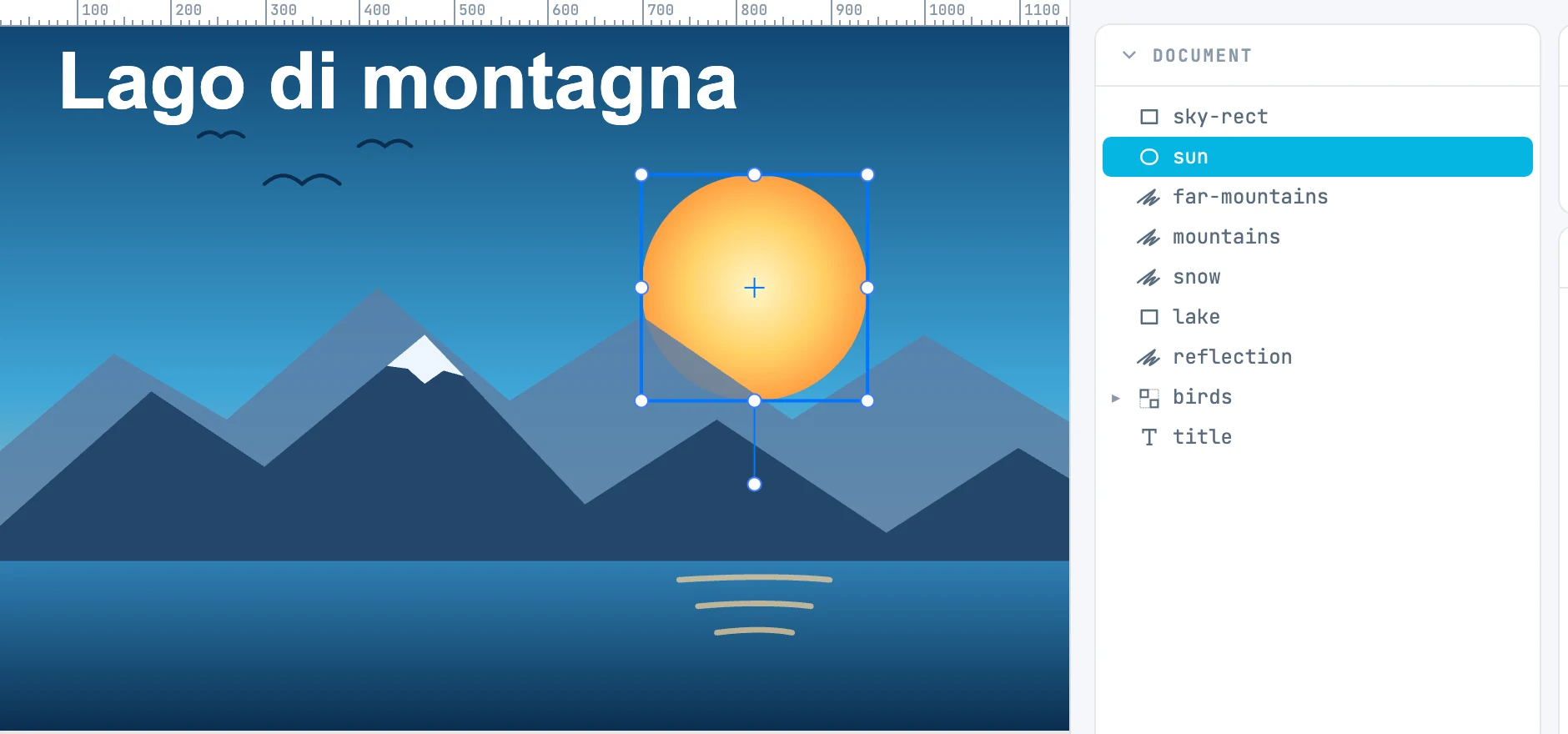
What you can do with Janvas
- Draw shapes, lines, arcs, dimensions, freehand paths or paths drawn with the Pen tool, brush strokes, and text.
- Lay out on real-size pages (ISO, US, photo, social, screens, video), in rows or free.
- Combine shapes with boolean operations, bend them along a spine, repeat them in an array, clip or mask them, distort them in perspective.
- Apply fills and strokes in solid colors, linear and radial gradients, patterns; apply filters and markers.
- Write free text, text in frames with columns, in threaded frames, inside a shape, or along a path.
- Build a photo book: image archive, photo grids, automatic layout.
- Animate any property of any object with the timeline.
What it opens and what it writes
| Format | Opens | Writes |
|---|---|---|
.ja | yes | yes — the Janvas document (JSON with the fonts) |
.jaz | yes | yes — the package: document, fonts, images, thumbnail, photo originals |
.json | yes | — |
.svg | yes | yes — with Export SVG…, optionally with the Janvas data inside |
.pdf | yes | through the browser's print |
.dxf | yes | — |
| janvas 7 documents | yes | — |
The details of each format are in the File section.
Where it runs
Janvas opens at app.janvas.com. Saving to a chosen file and reading photo originals use the file access APIs of Chrome and Edge; in other browsers the document is downloaded.