
Colors
The library swatches, and the colors the drawing paints
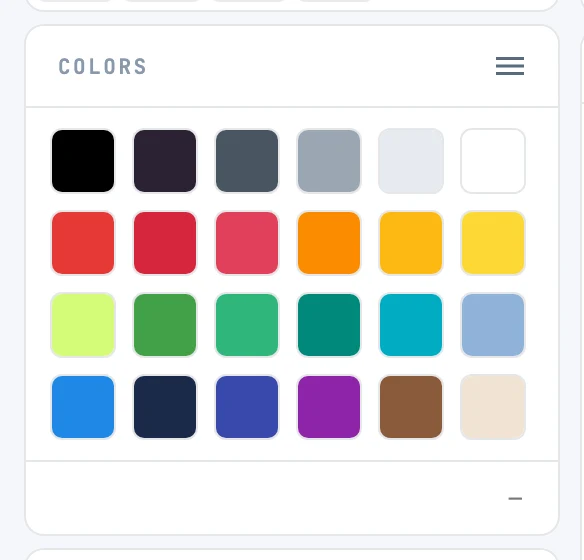
What it lists
By default, the library swatches, each with its name in the tooltip. With Document in the menu, the colors the drawing actually paints — the effective fill and stroke of visible shapes and texts, inherited ones included, currentColor and the default black. A stroke counts only if it has a width. The most used comes first, and the tooltip says how many objects use it.
The document colors do not include gradients, patterns, images, the colors of color stops or those of individual runs of a text.
Gestures
| Gesture | What it does |
|---|---|
| Click, ⌘ + click, ⇧ + click | select colors in the panel |
| Double-click a library swatch | applies it as fill to the selected objects; with ⌥ as stroke. With nothing selected it becomes the color you draw with |
| Double-click a document color | selects on the canvas the objects that use it as fill and frames them; with ⌥ those that use it as stroke |
| Drag a color onto a shape | dropped on the outline it becomes its stroke, inside it becomes its fill |
| Type a color in the footer | only with the document colors: recolors everywhere. Every fill and stroke of that color takes the new one, in one step. The old color's transparency is kept if the new one has none; an invalid color does nothing |
The menu
The ≡ in the header: Document switches from the library to the document colors and back; Select users, only with the document colors, selects on the canvas the objects that use the selected colors, even more than one.