
Paths
Anchor points, direction handles, rounded corners and path operations
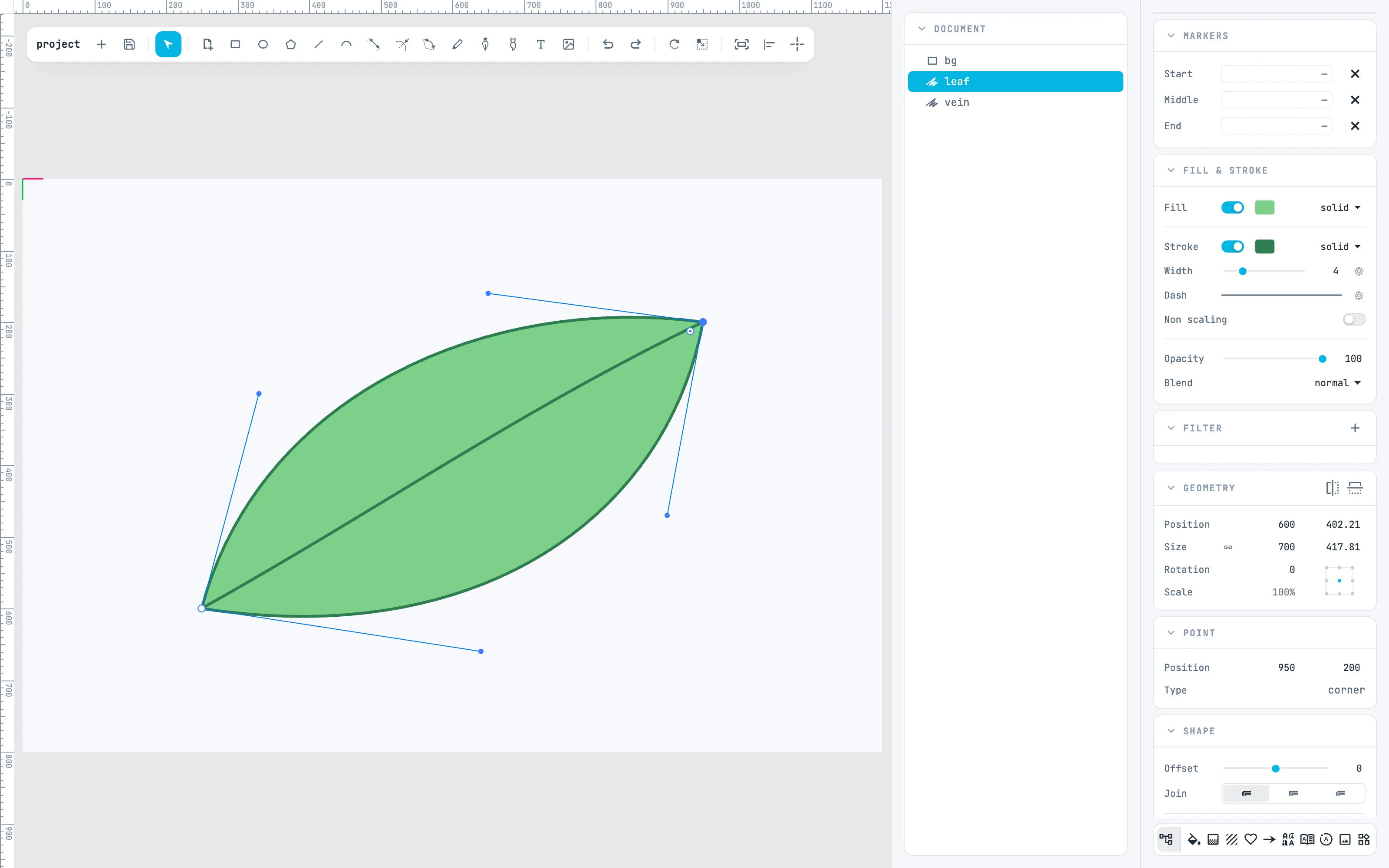
A path is a sequence of anchor points joined by straight segments, curves and arcs. A double-click opens its anchor points: from there you move, add, delete, round and cut.
5.1
Editing anchor points
Enter the anchor points, select them, move them, drag the direction handles.
5.2
Add, delete, convert, cut
The four gestures with modifier keys, and the small cross at the middle of a segment.