
Boolean operations
Unite, subtract, intersect, exclude, divide
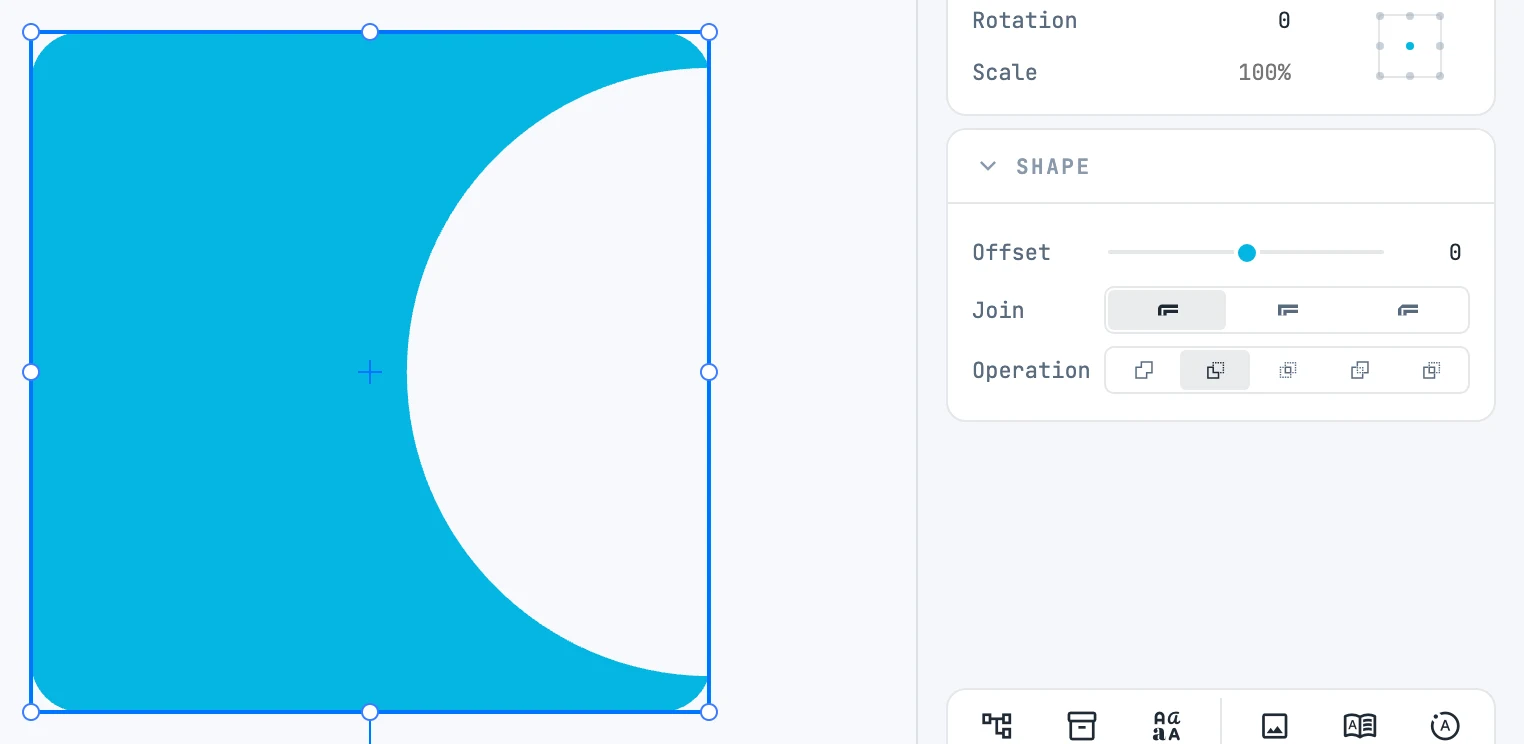
The five operations
Right-click menu › Booleans, with at least two selected shapes that can provide their outline:
| Item | Result |
|---|---|
| Unite | the union of the shapes |
| Subtract | the first shape minus the others |
| Intersect | the common part |
| Exclude | everything except the common part |
| Divide | the shapes split along the outlines that cross |
The shapes go in by stacking order: the "first" is the lowest one. A shape's hole or frame (Offset) is part of its outline. The node is named "boolean" and takes the appearance of the first shape.
Changing the operation
With the boolean operation selected, in the Shape panel the Operation row changes the operation without redoing it: the sources stay where they are. There you also find Offset and Join for a hole or a frame on the result.
Editing the sources
Double-click the boolean operation: you enter it, and you can move, scale and edit each shape point by point. When you exit, the result is rebuilt. When you scale the boolean operation from outside, the scale goes down into the sources.
With the Pencil
The Pencil in unite mode or in cut-away mode (the two buttons in its bar) creates a boolean operation between the stroke and the shape it touches. See Pencil.