
Cropping in the cell
Move, zoom and rotate a photo inside its cell
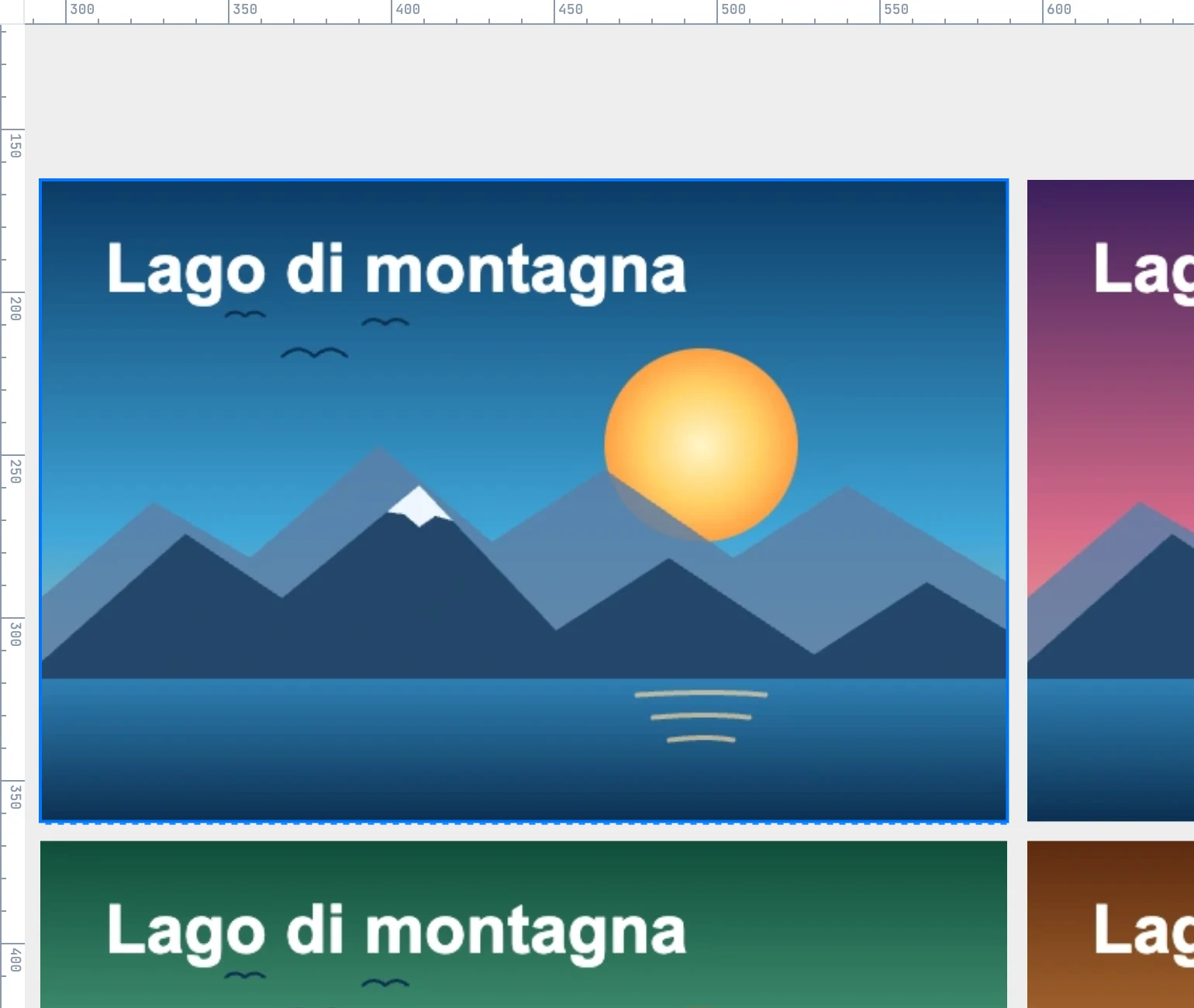
The gestures
Inside the grid (double-click to enter), with the photo selected:
| Gesture | What it does |
|---|---|
| Drag the photo | moves the photo in the cell: chooses which part is visible |
| Wheel | zooms around the pointer: the point under the pointer stays fixed |
| ⌥ + wheel | rotates the photo |
| ⇧ + ⌥ + wheel | rotates in 15° steps |
The photo always covers the whole cell, even when rotated. During the gesture you see a preview; the document is written at the end, in one step (on release, or when the wheel stops). On a photo that is not selected, and outside the grid, the wheel still controls the view.
With numbers
| Field | What it does |
|---|---|
| Zoom | the magnification, from 1 to 10 |
| Rotation | the rotation, in degrees |
One photo, two crops
The crop and the weight are stored on the use, that is, on the placement: the same photo placed twice can be cropped in two ways.