
Images and photo book
The image archive, photo grids, automatic layout

Every image that enters Janvas goes into the document's Images archive; in the drawing it is referenced by a use. On top of this there is a small photo book: photo grids that lay themselves out, and an automatic layout across several pages.
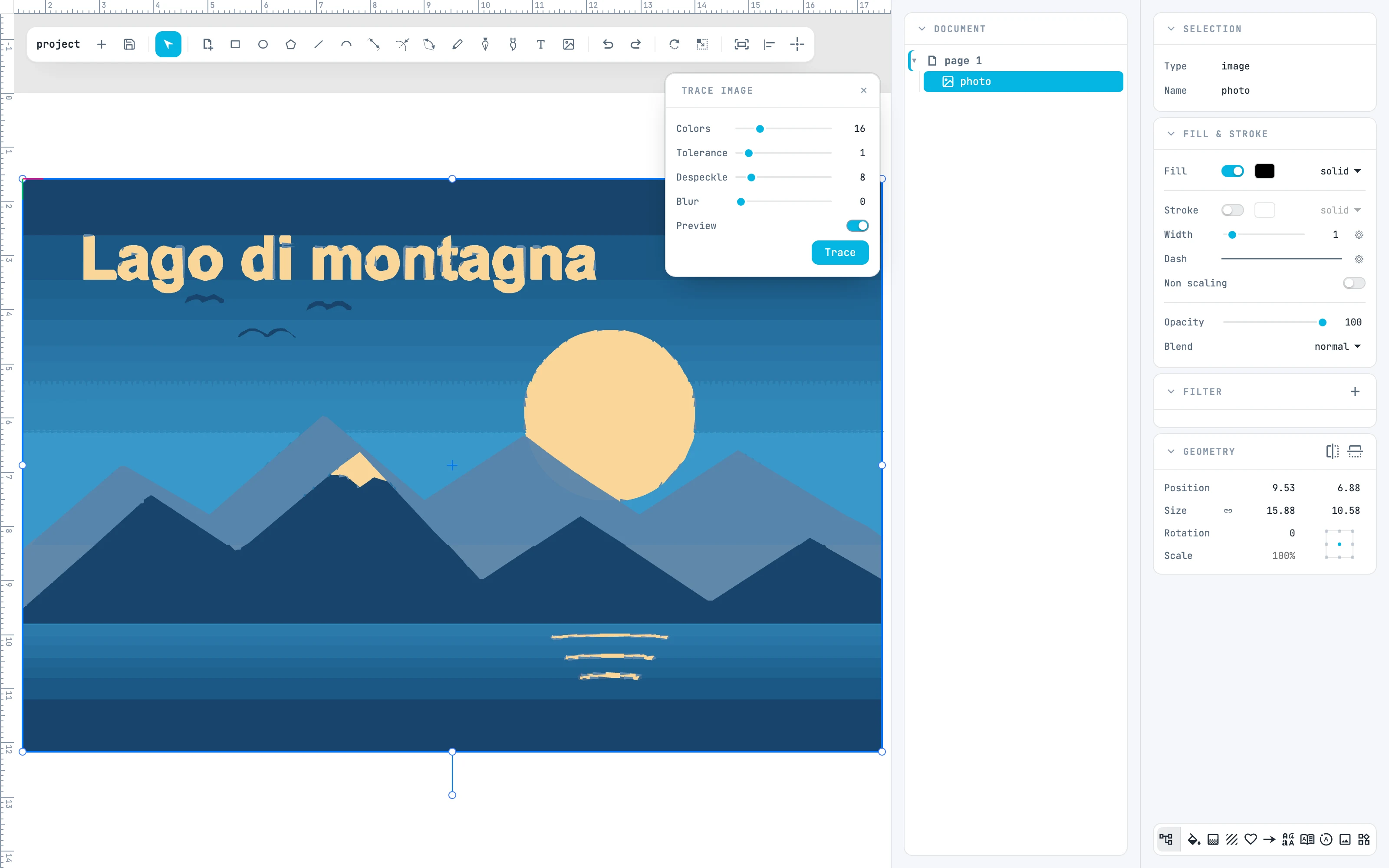
An image with Trace image open and the preview on
11.1

Images panel

Add images, filter them, select them, give them weight and category.
11.2

Photo originals

How Janvas finds the originals again, and when it uses them.
11.3

Photo grid

Create the grid, fill it, change the layout, sort by date.
11.4

Cropping in the cell

The cropping gestures, and the fields that set them.
11.5

Auto layout

Automatic layout of images across several pages.
11.6

Trace image

The Trace image panel, the preview and the result.