
The page label
The handle of a page on the canvas
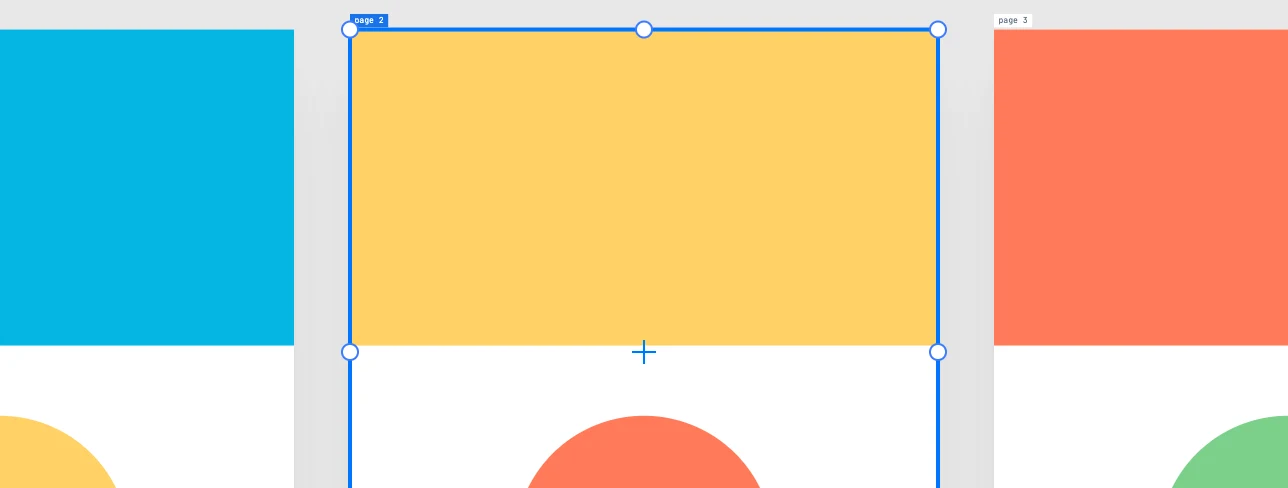
The label
- The name of the page, above its top left corner. All labels have the same size.
- It is editor interface: it is not printed, not exported, and the player does not show it.
- With Scale page labels on, it follows the zoom; off, it keeps the same size on screen.
Selecting and moving
- You select a page by clicking its label, and move it by dragging the label.
- A click on an empty area of the sheet only makes it active: it does not select it and does not move the view.
- While moving, it does not snap, and over the label the pointer does not snap.
- A page in rows (Page layout = rows) cannot be dragged: it can only be selected.
- A locked page cannot be picked up even by its label.
The active page
It is the page of the last thing selected or drawn, the one you went to, or the one whose empty sheet you clicked. Its label is highlighted. That is where what you draw outside any sheet and what you paste are created; the rulers count from it; the Page panel appears for it when nothing is selected. Double-clicking an empty area of a page makes it active and frames it.