
Object origin
Where an object's zero is
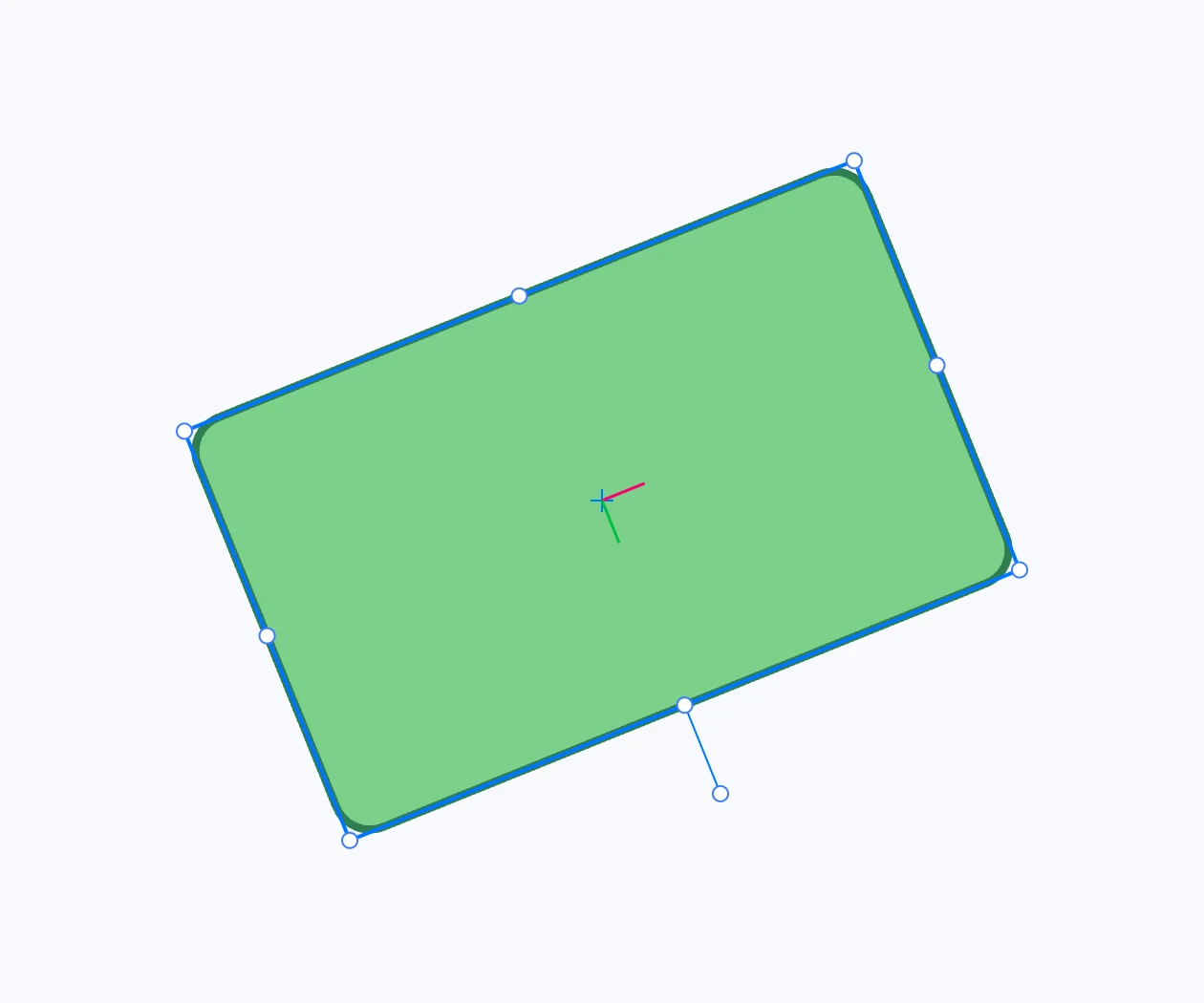
What it is
Every object has an origin: the zero point of its coordinates, where its matrix places it. With a single object selected, it shows as two axes (X pink, Y green) rotated like the object — if Show object origin is on in the Project panel. It matters when you rotate or scale around the origin, for example in an animation.
Moving it
- Hold ⌥ over the origin (the cursor becomes the move cursor) and drag it.
- The point snaps: the origin lands on a vertex, a center, a midpoint.
- On release the origin goes there and the geometry follows it: visually the object does not change. One undo step.
Without ⌥ the origin cannot be grabbed: a click there goes to the handle or the object underneath.
Putting it back at the center
Right-click menu › Transform › Reset origin: the origin goes to the center of the object's bounding box, and the geometry compensates.
Objects that do not show it
Text, a photo in a cell, a page: their origin cannot be moved. Rectangles, images, circles, ellipses, polygons, lines, polylines, paths, groups and use show it.