
Document and resources
The document tree, its resources and its data

You see the document in three ways: as a tree, in the Document column; as resources — the things objects use by name, such as gradients, patterns, symbols and markers — in the Resources column; and as data, the tables that fill the tables and charts of the drawing.
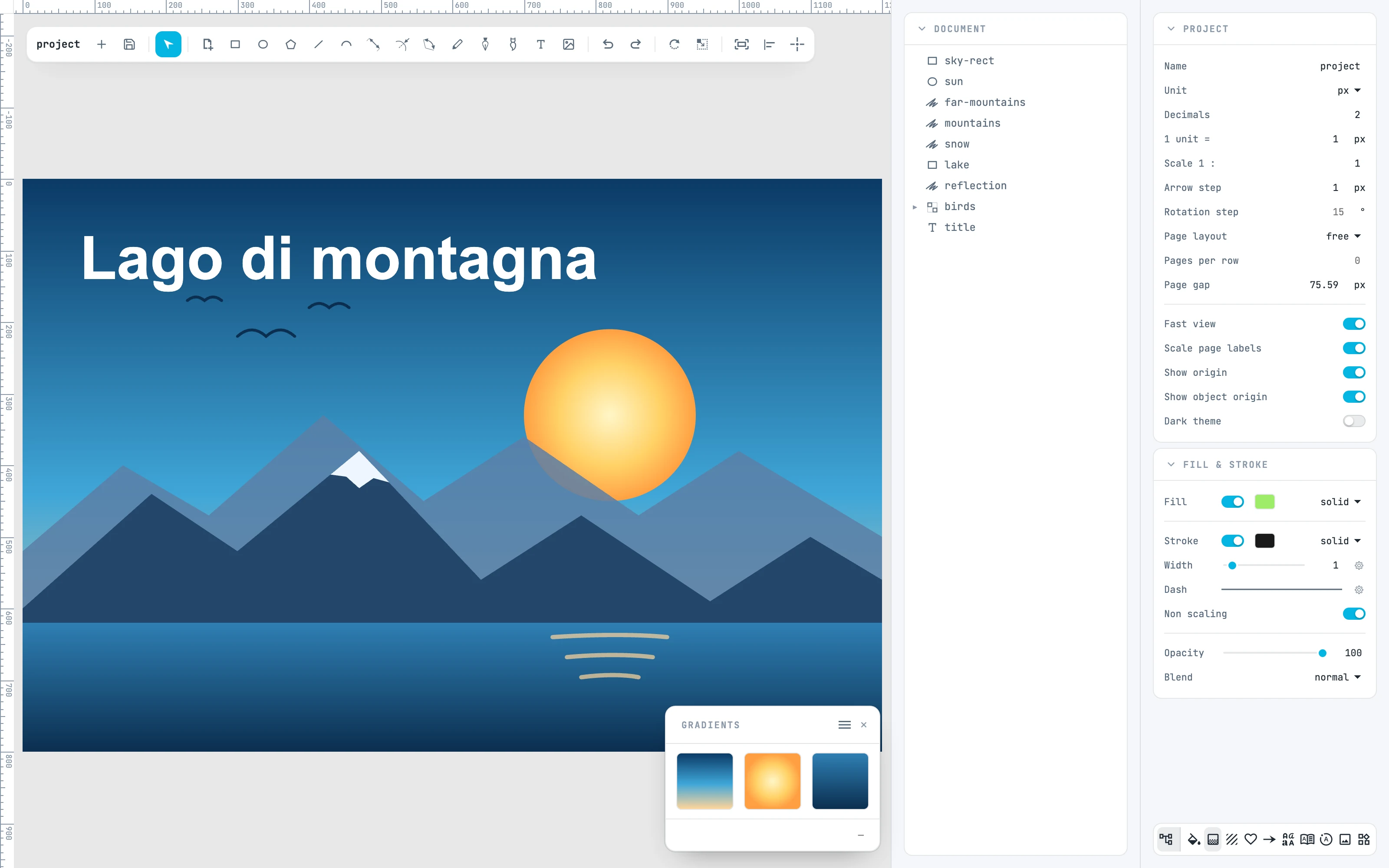
The Gradients panel with the three gradients of the document
10.1

Document tree

Rows, selecting, dragging, locking and visibility, pages.
10.2

The bar and the Resources column

Where the columns and the footer panels open; the Resources column and its panels.
10.3

Colors

Applying a color, finding what uses it, changing it everywhere.
10.4

Gradients and Patterns

The preview grid, applying a paint, selecting, renaming, dragging.
10.5

Symbols and Markers

Put a symbol on the canvas, replace it, enter it; markers.
10.6

Widgets

The components panel: tables, charts and the photo grid.
10.7

Tables and charts

The tables and charts of the drawing, their panel, where the data comes from.
10.8

The data panel

Writing, selecting, copying and moving cells; the Google Sheet.
10.9

Tables

Data tables that are not drawn: tables, charts and texts use them.
10.10

Dragging paints and resources

Everything you can drag, and where.
10.11

The resource menu

The items of the ≡ menu of Gradients, Patterns, Symbols, and Markers.
10.12

Creating resources

The Create resource submenu.