
Path editing
Join, close, unify, split, reverse
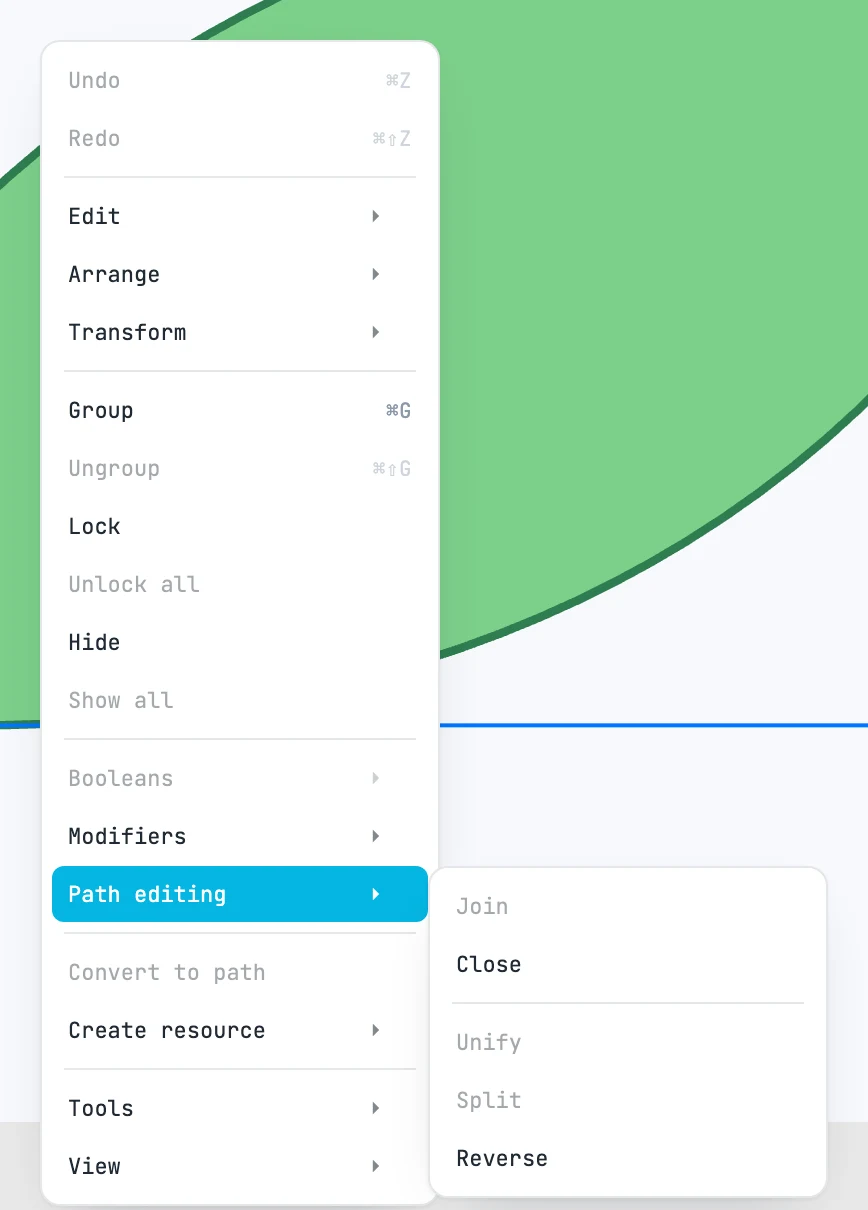
The items
Right-click menu › Path editing, on the selected paths:
| Item | What it does | Requires |
|---|---|---|
| Join | everything goes into the space of the first; open ends that touch within 3 screen pixels are welded, reversing pieces if needed; a loop that returns to its start is closed. The result is the first path, the others go to the trash. It also takes lines and polylines | at least two among paths, lines, polylines |
| Close | closes every subpath: a straight segment back to the first anchor point | one path |
| Unify | a single path with the subpaths of all of them; if they are all in the same container, in place of the topmost. Nothing is welded | at least two paths |
| Split | one path for each subpath, same appearance, stacked one above the other | one path with several subpaths |
| Reverse | reverses the path direction | one path |
With one path and one of its anchor points selected (in anchor point mode), Close, Split and Reverse work only on the subpath of that point; Split then makes two paths: the point's subpath and the rest. Each item is one undo step, and is disabled when it has nothing to work on.