
Select and transform
Select, enter, move, scale, rotate, arrange

The Selection tool (V) selects and transforms. Almost all the work on objects you have already drawn goes through here: handles, arrow keys, menus and panels.
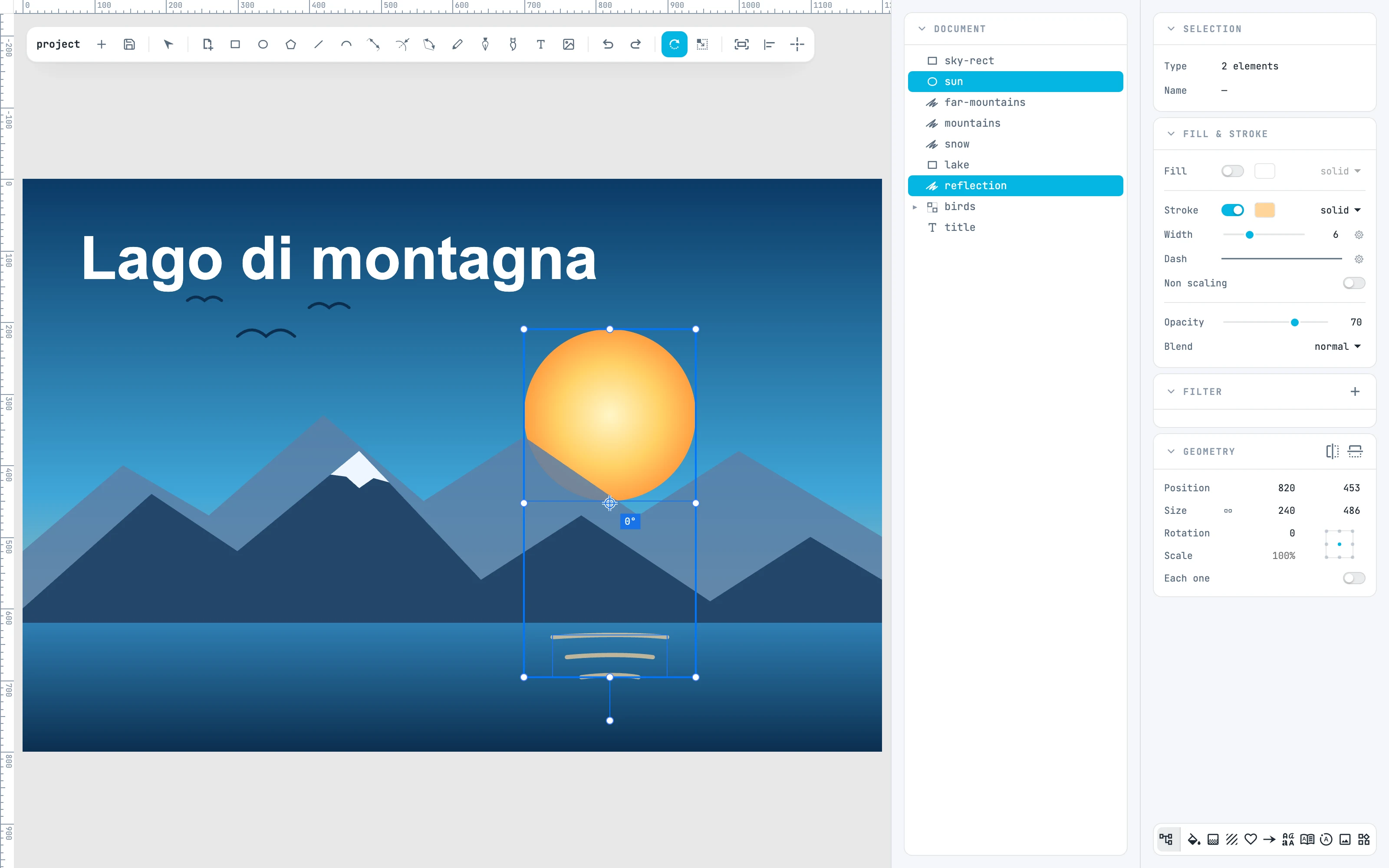
Two selected objects and free rotation with the reference point, with the angle next to it
3.1

Selection

Select one or more objects, by clicking or with a marquee.
3.2

Entering and exiting containers

Groups, modifiers, symbols, text and paths open with a double-click.
3.3

Moving

Drag, move along an axis, change page, move by a step.
3.4

Clipboard and duplicate

The clipboard across windows and documents, and ⌘D, which repeats the last gesture.
3.5

Scale and rotate with the handles

The eight handles, the center and rotation, with SHIFT and ALT.
3.6

Free Rotate and Scale

Rotate and scale around a movable reference point, on anchor points too.
3.7

Object origin

Show the origin, move it with ALT, put it back at the center.
3.8

Align, distribute, reflect

Six alignments, four distributions, two reflections.
3.9

Stacking order

Bring to front, send to back, move up or down one level.
3.10

Groups, locking and visibility

Group and Ungroup, Lock and Unlock all, Hide and Show all, and the icons in the tree.
3.11

Transform

Reset rotation, Reset transform, Bake transform, Reset origin.