
Type
Shortcut T
The gesture
| Gesture | What is created |
|---|---|
| Click | a point text: a line that grows as you type |
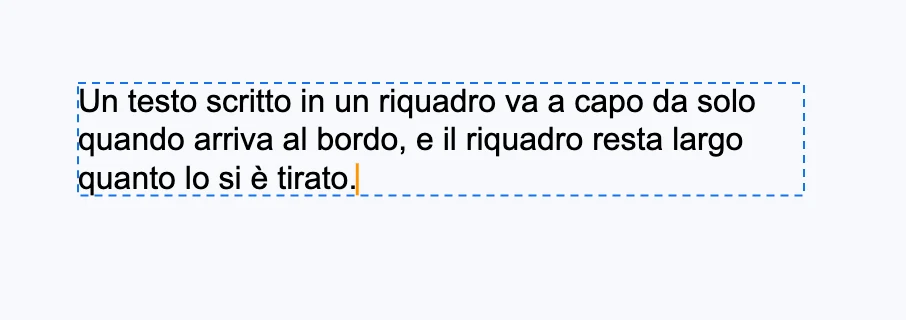
| Dragged box | a text that wraps within that width |
| Click on an existing text | opens it, with the cursor where you clicked |
The size of a new text is 16 pixels on screen at the current scale: readable at any zoom. The cursor appears immediately; while you type you see the text frame, dashed.
Closing
- Esc.
- A click outside the text, on the canvas: it closes the text and the Selection tool comes back (on another text, it opens that one).
- Picking up another tool, or selecting something else.
A text left empty is not kept. A text opened and closed again without changes leaves no undo step. Clicking a field in a panel does not close the text: that is how you change the style of the selected characters.
Then
Everything about typing, per-character style, columns and threaded text frames is in the Type section.