
Rectangle
Shortcut R
The gesture
| Keys | What it does |
|---|---|
| drag / click and click | the two opposite corners |
| ⇧ | square (the side is the larger of the two) |
| ⌥ | grows from the center instead of from the corner |
What is created
Once the shape is placed, you are back to the Selection tool with the shape selected. It is created above the objects next to it, inside the page under the center of the gesture (or in the active page, or in the open container), with the Fill & stroke style set with an empty selection. The geometry starts from zero and it is the matrix that puts it in place: moving the rectangle does not change its measurements. A shape smaller than 3 pixels on screen is not created: it is a stray click.
Then
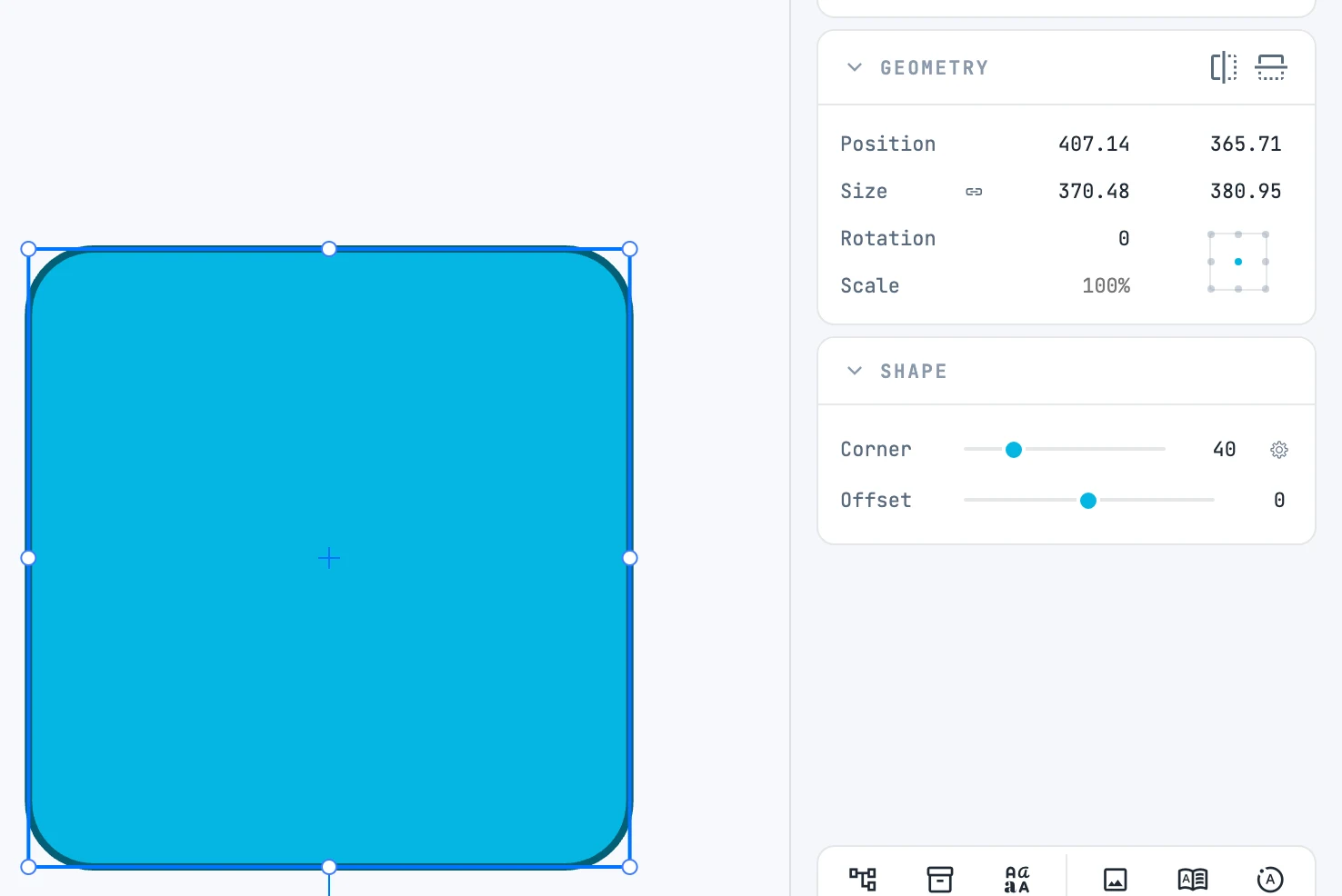
In the Shape panel: the corner radius (Corner, also one per corner) and the hole or frame (Offset).