
Images panel
The image archive, in the footer
The header
| Element | What it does |
|---|---|
| Count | "N · M used": how many images, and how many are used. During loading "reading N / M…", at the end "K skipped (not images)" if some files were not images |
| Filter | All, Unused, Preferred, Archived |
| add images | selects some files and puts them in the archive |
| add a folder | takes all the images in a folder, subfolders included |
| ≡ | Auto layout, Link folder…, Delete |
| × | closes the footer |
The strip
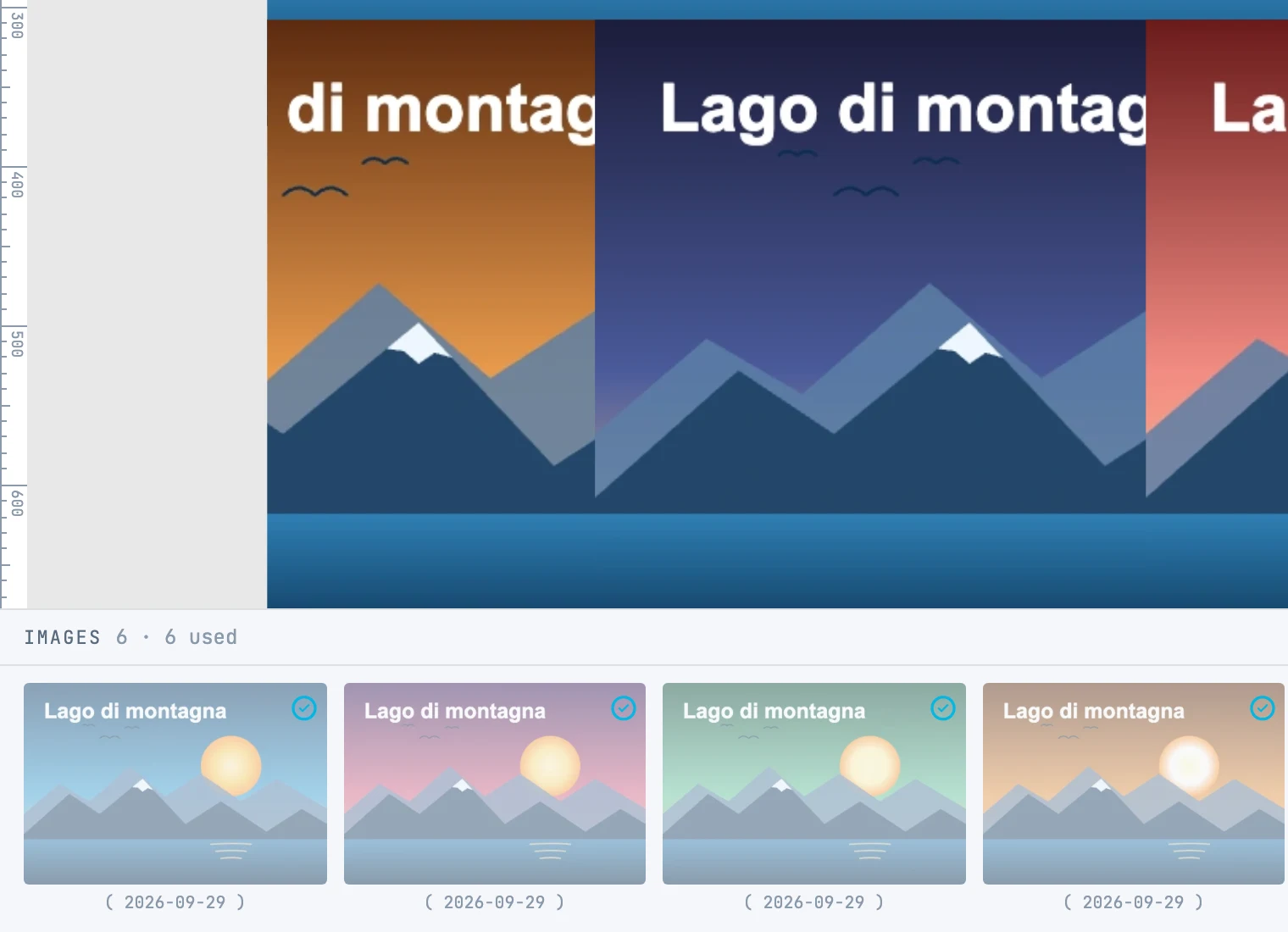
- Images in order of date, with the date underneath (the file date in parentheses, if there is no capture date).
- A used image is dimmed with a check mark; used more than once it shows "×N".
- A preferred one has a yellow border; an archived one is gray.
| Gesture | What it does |
|---|---|
| Click, ⇧ + click, ⌘ + click | selects, extends, adds or removes |
| Click without dragging on one already selected | leaves it as the only one selected |
| Drag the selected ones | onto a photo grid they go into the grid; elsewhere on the page, as a use |
| Double-click a used one | selects on the canvas the object that uses it and frames it |
| Files dropped on the panel | go into the archive |
The detail
On the right, for the selected image:
| Field | What it does |
|---|---|
| Name and date | the file name and the date |
| Usage | where it is used |
| Original | "on disk" (the file can be found), "in memory (this session)" (it is there while the window is open), "not found" in red |
| Weight | the weight in grids: how much area it wants; from 0.25 to 5 |
| Category | none, preferred, archived. A preferred image weighs more; an archived one stays out of the automatic layout |
With several images selected, weight and category apply to all of them.
What's in the document
- A working image of at most 1000 pixels on the long side — you change the size with Photo size in the Project panel, and it applies to the photos added from then on —, and a 480-pixel thumbnail.
- The identity of the original: file name, size and date.
- In the drawing, a
usefor each time the image is placed: deleting auseleaves the image in the archive; Delete in the menu removes the image and all itsuseelements, in one step. - No image is ever enlarged: not the working image, not the thumbnail, not in print.