
Photo grid panel
With a photo grid selected, or a photo inside the grid
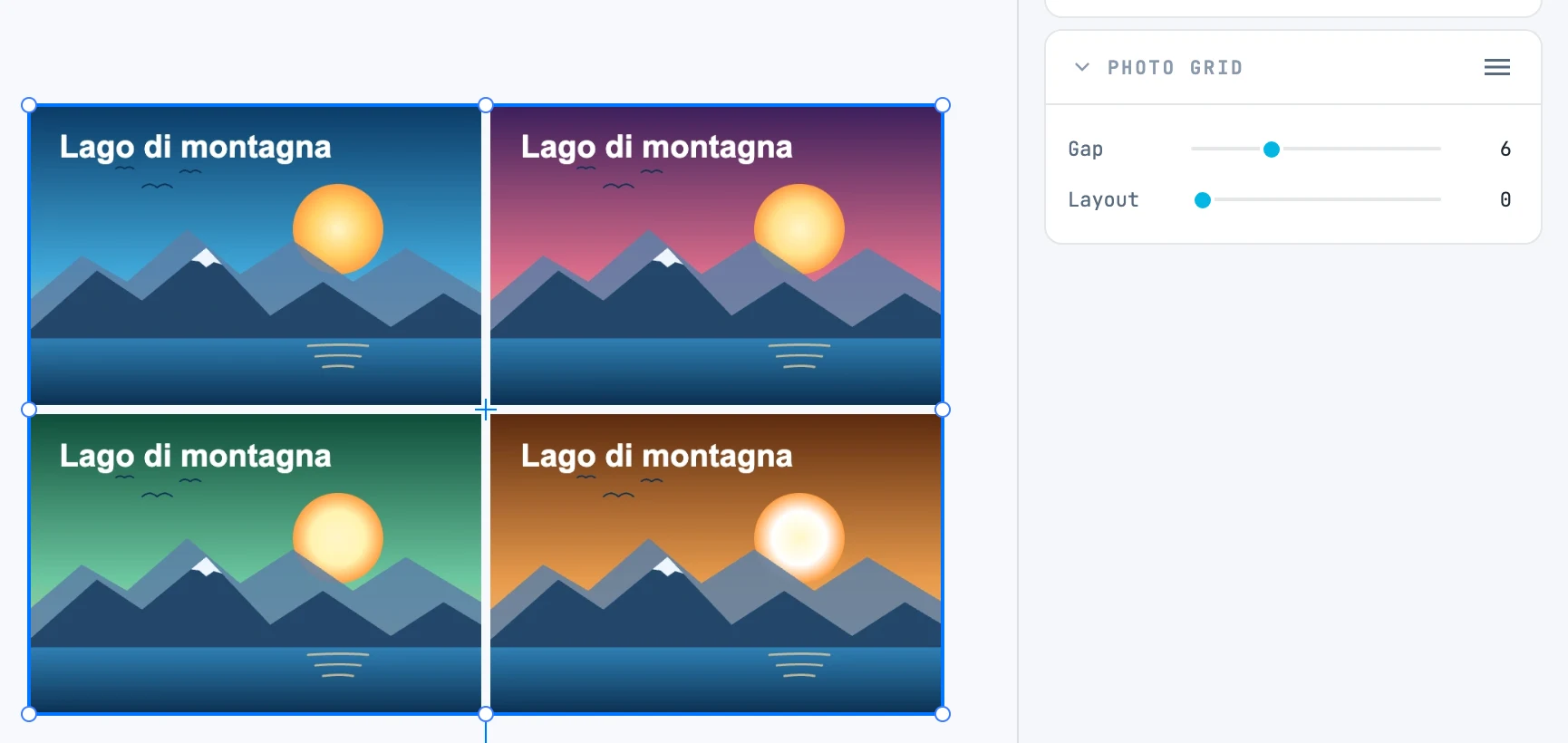
When it appears
With a photo grid selected, or a photo inside the grid.
Fields
| Field | What it does |
|---|---|
| Gap | grid: the space between cells |
| Layout | grid: the layout variant; the slider goes from 0 to 20; 0 is the best |
| Weight | photo: how much area it wants (2 = twice as much as one at 1); the slider goes from 0.25 to 5 |
| Zoom | photo: the magnification in the cell, from 1 to 10 |
| Rotation | photo: the rotation in the cell |
The menu
The ≡ in the header: Sort by date puts the photos in the grid back in order of capture date. See Photo grid.