
Photo originals
The real files stay on the disk
Why
The document holds the working image; the original stays the file on disk. Janvas remembers it and finds it when needed: for high-resolution printing, for the .jaz package with the originals and for the SVG with Original images. Nothing goes over the network.
How it remembers them
- When you add images with add images, with a folder or by dragging files, Janvas keeps a reference to the file, stored in the browser: when you reopen the document, the originals are found again.
- Reading an original asks the browser for permission; a file that has changed on the disk is discarded.
- In browsers without file access, the original stays in memory while the window is open.
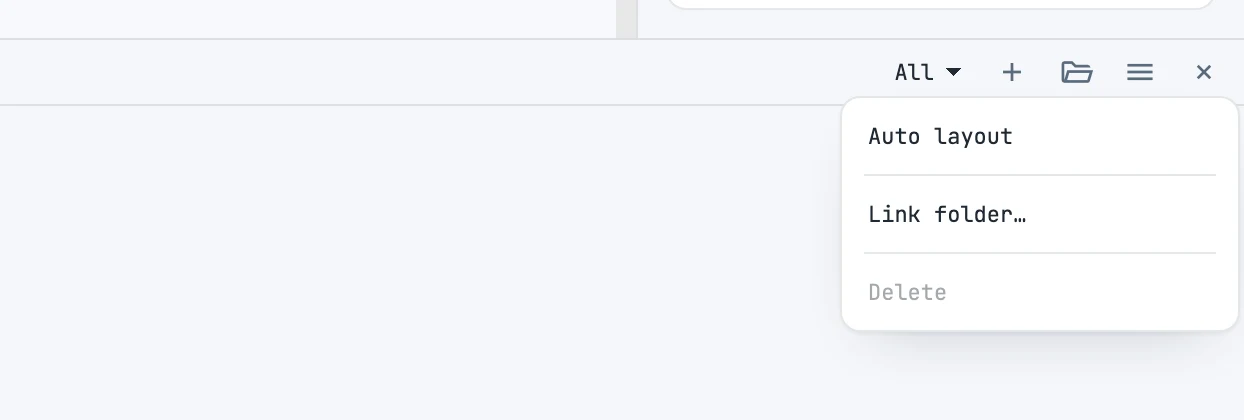
Link folder…
From the panel menu: you select a folder, and missing originals are searched for inside it by name, size and date.
Hidden files and non-images
When reading a folder, hidden files (such as the macOS "._" files) and files that cannot be decoded as images are skipped: loading continues with the others. Files are read four at a time.