
Dragging paints and resources
From the panels to the canvas and to the panels
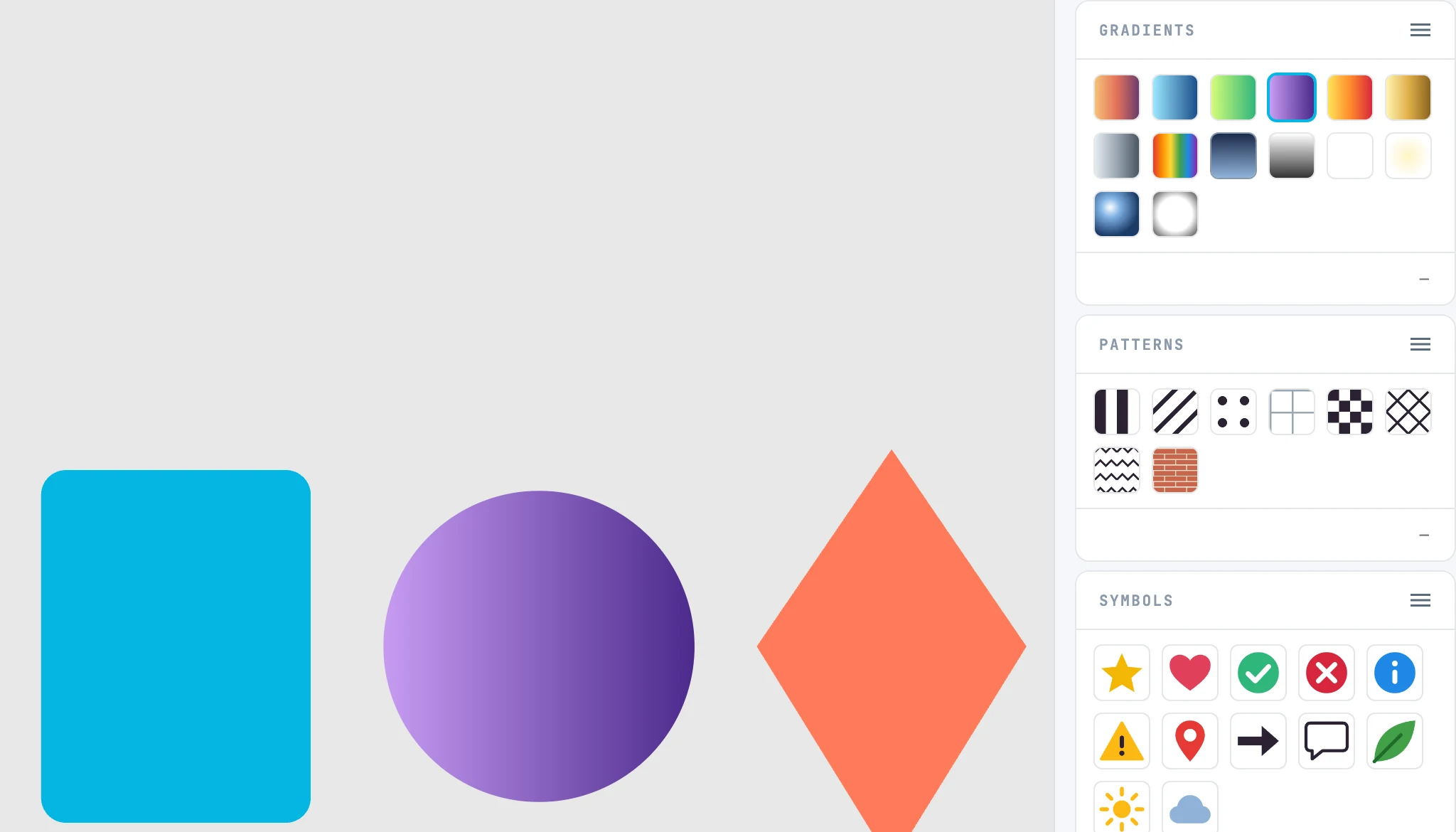
What you drop where
| What | Where | Result |
|---|---|---|
| color, gradient, pattern | onto a shape | on the outline its stroke, inside its fill. On the open text, the selected letters |
| symbol | onto the canvas | a use at the point |
| symbol | onto the Use panel | replaces the symbol |
| marker | onto the Markers panel | the marker of that vertex |
| widget | onto the canvas | a copy of the component |
| images from the Images panel | onto a photo grid, or onto the page | they go into the grid, or into the page as a use |
While dragging
With a paint, the shape that will take it lights up: the thick outline if the pointer is on the outline, the shaded interior if it is inside. Dropped on an empty area, nothing happens. A library resource is copied into the document in the same step as the drop. Every drop is one step.