
Creating resources
Symbol, pattern, or marker from the selection
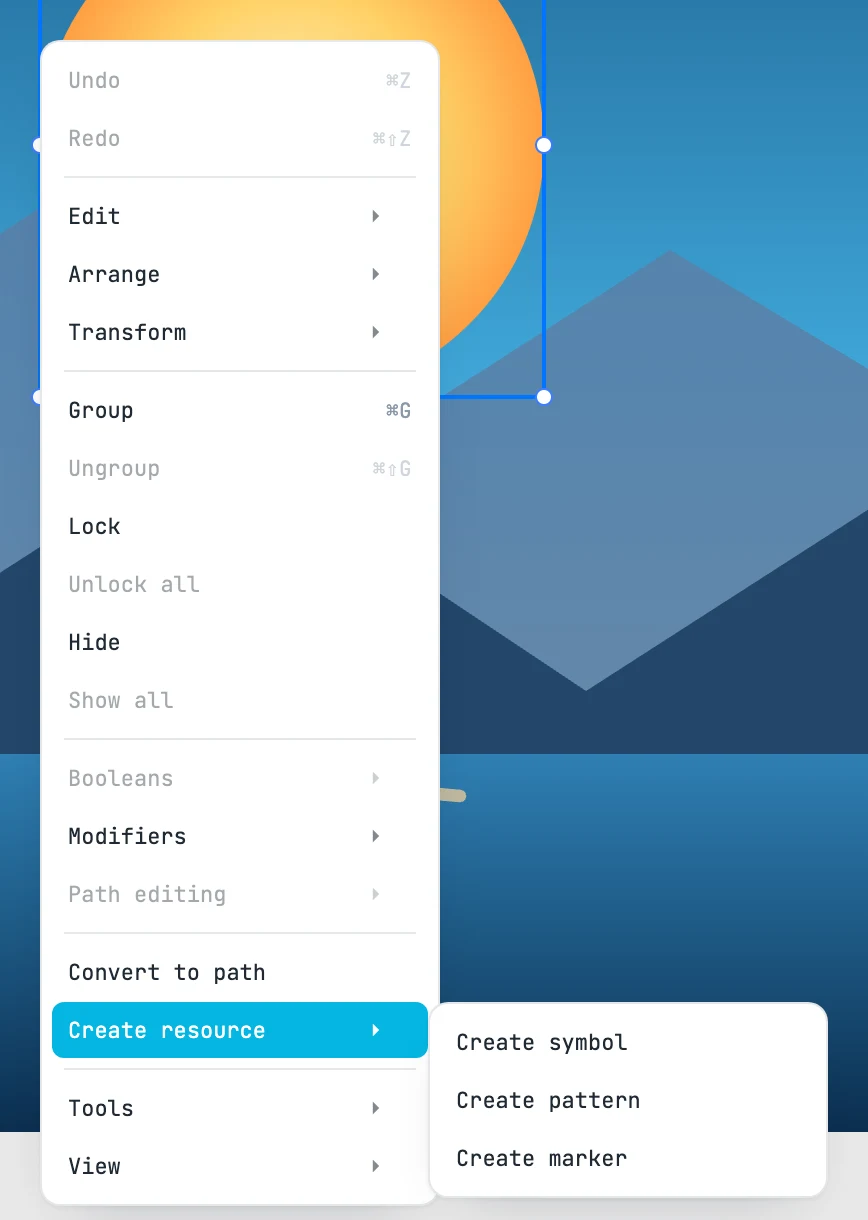
The three items
Right-click menu › Create resource, with something selected. What is selected moves into the new resource — "symbol-1", "pattern-1", "marker-1"… — where it was on the canvas, in one step (two, in a document that had no resources yet).
| Item | Origin | Afterwards |
|---|---|---|
| Create symbol | the top-left corner of the bounding box | in place of the selection a use remains that shows the symbol there, selected: the drawing does not change |
| Create pattern | the corner of the bounding box; the tile is as large as the bounding box | the selection leaves the drawing and you enter the pattern |
| Create marker | the center of the bounding box: the point that falls on the vertex | you enter the marker; it orients itself along the line |