
Patterns
A tile that repeats
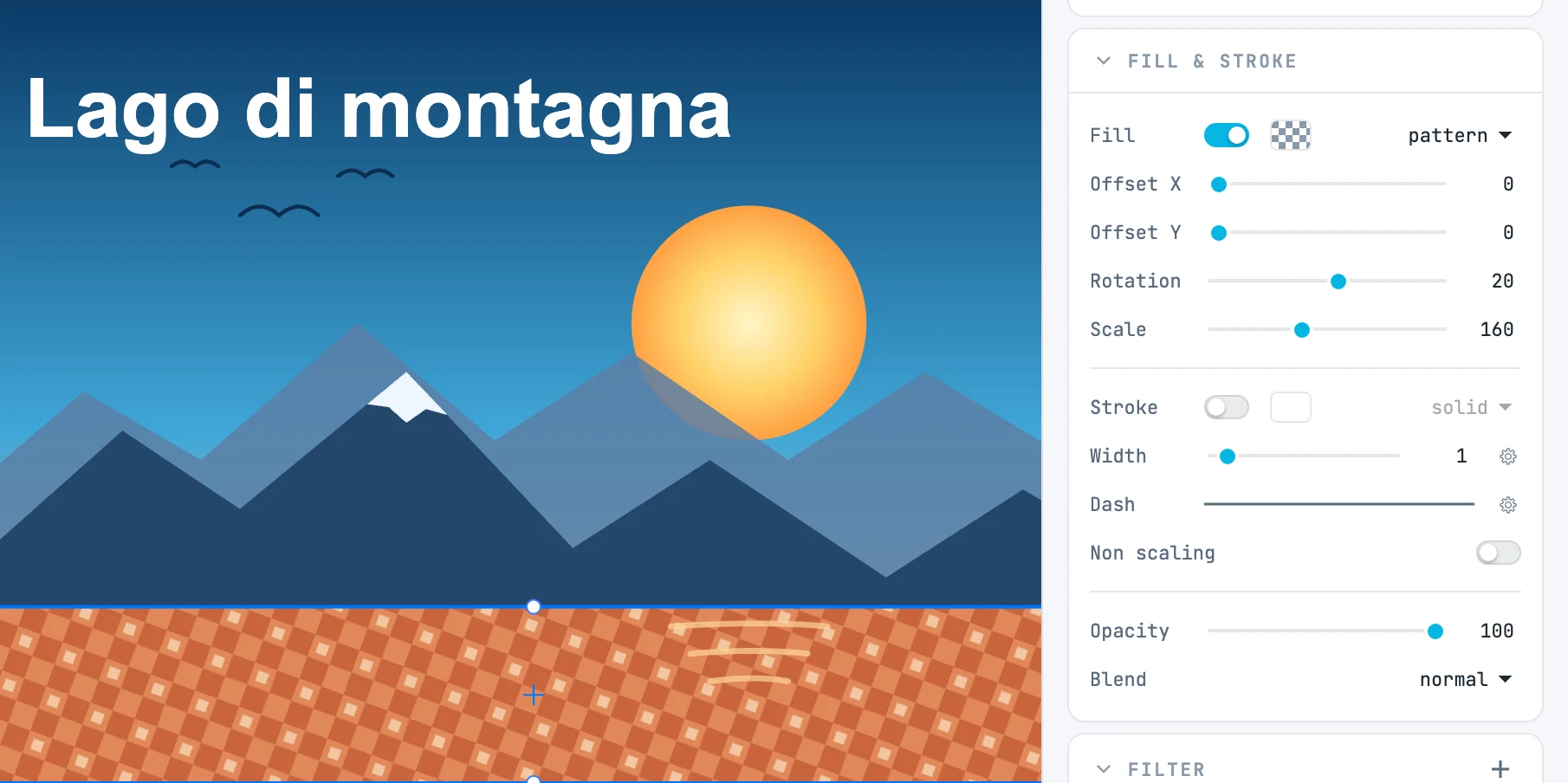
Applying a pattern
- From the pattern type in the fill or stroke row (the most recent pattern, or the default one).
- By dragging a pattern from the Patterns panel onto the object (with ⌥, onto the stroke).
- By creating one from the selection: right-click menu › Create resource › Create pattern.
The pattern on the object
With a pattern, below the type row:
| Field | What it does |
|---|---|
| Offset X / Offset Y | the offset of the pattern; the slider spans one tile, beyond which the pattern repeats |
| Rotation | the rotation, from −180 to 180 degrees |
| Scale | the scale as a percentage, from 10 to 400 |
Rotation and scale are applied to the pattern as it is: a pattern imported with a distortion keeps it. A pattern used by several objects is copied before it is changed.
Editing it
Double-click its cell in the Patterns panel to enter the pattern: inside, you draw the tile like any other content, with the origin crosshair. Exit with Exit.