
Perspective
Distorting between four corners
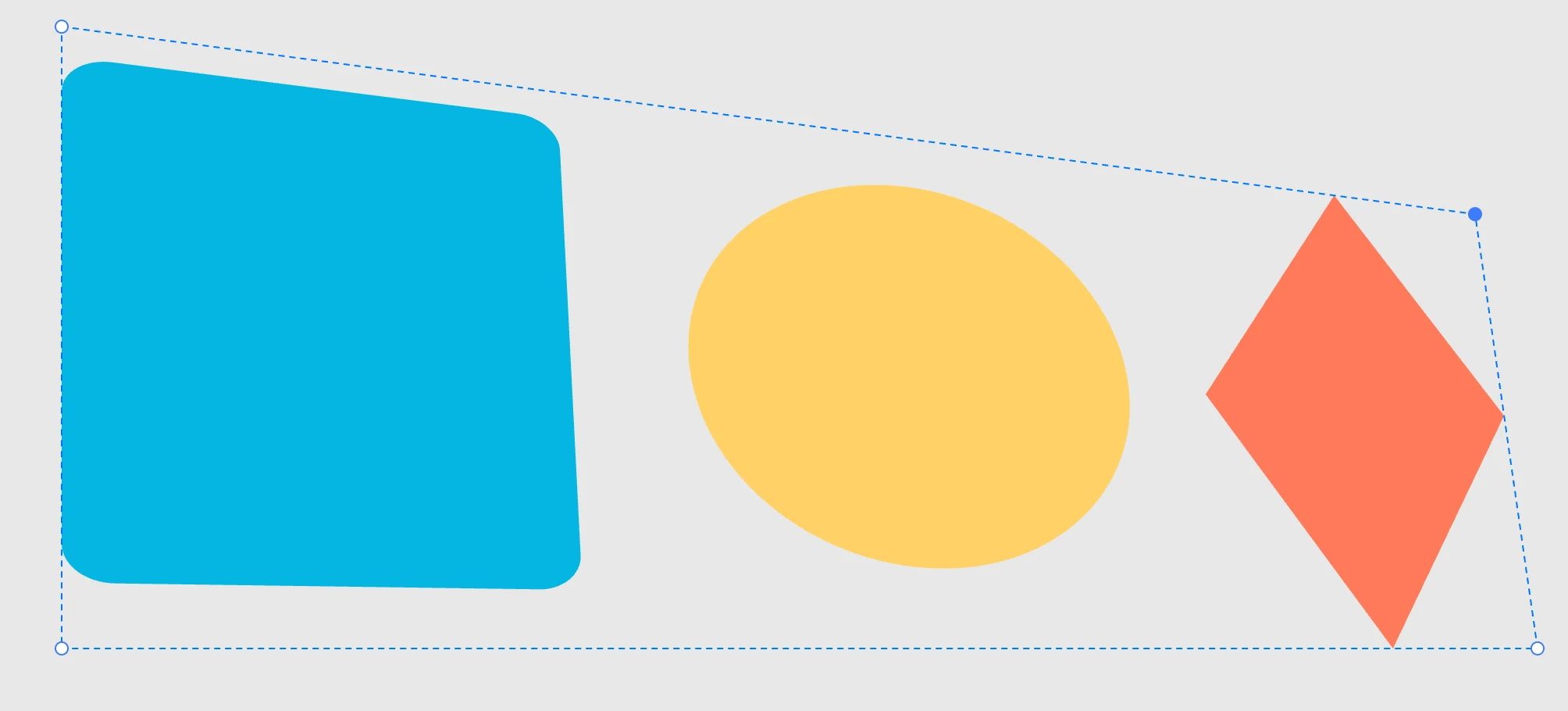
Creating it
Right-click menu › Modifiers › Perspective, with one or more shapes selected: a distortion has no operands, it has a subject.
The handles
With the perspective selected, the handles are the four corners of the quadrilateral. When you move one, the other three stay where they are, and the shapes are redrawn: straight lines stay straight. Each shape keeps its own appearance.
Then
Double-click to enter and edit the source shapes, still undistorted. When you scale from outside, the scale goes into the sources and the quadrilateral follows it.