
Drawing tools
Shapes, lines, freehand, type and images

The tools are in the toolbar at the top; the letter in parentheses in each button's tooltip selects the tool from the keyboard. Almost all of them place points — by dragging, or with click and click — and ⇧ constrains them; the Pencil and the Brush record a single gesture: press, drag, release. See The two ways of every gesture.
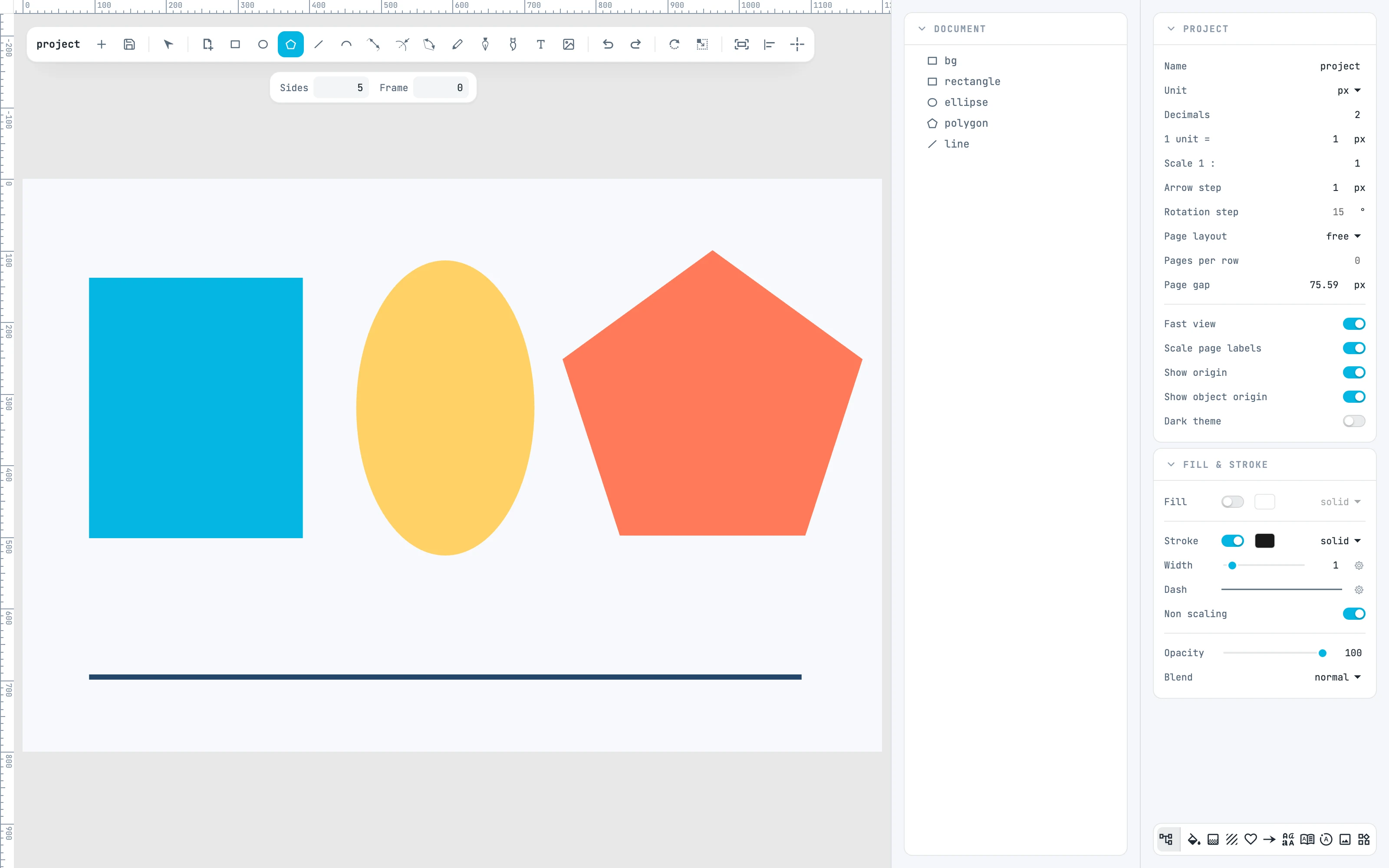
Rectangle, ellipse, pentagon and line drawn with the tools, and the polygon options bar
4.1

The options bars

The options of the Arc, Pen, Pencil, Polygon and Brush tools, and how they open.
4.2

Shapes

The shapes drawn from a box or from a radius.
4.3

Lines

The tools that place endpoints, arcs and measurements.
4.4

Freehand

Hand-drawn strokes, paths drawn point by point, brush strokes.
4.5

Type and images

Typing on the canvas and placing an image in the drawing.