
Point panel
In the anchor point mode of a path, with a single point selected
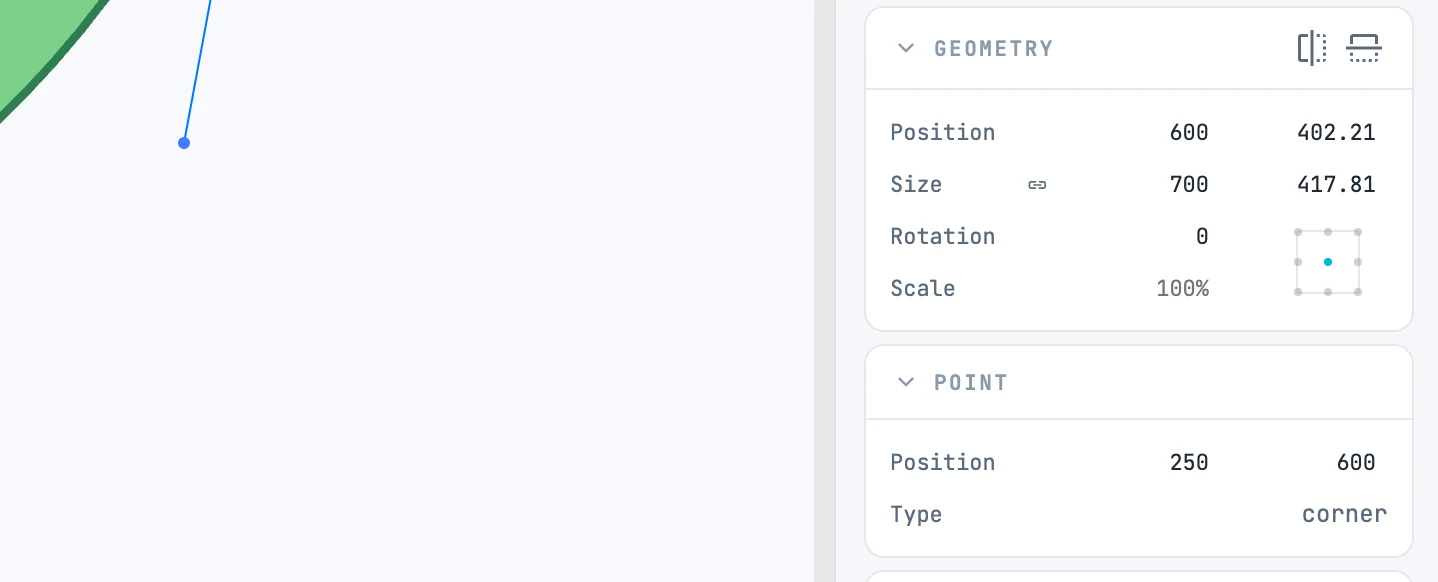
When it appears
In the anchor point mode of a path, with a single point selected. It shows and sets the point.
Fields
| Field | What it does |
|---|---|
| Position | X and Y of the point, from the page origin; when you type in one field, the point moves along that axis |
| Type | end (an endpoint), corner (corner point), smooth (smooth point: direction handles in line) |
| Radius in | the radius of the arc arriving at the point ("Fillet" if it is a rounded corner): when you type it, the arc changes with its ends fixed |
| Radius out | the radius of the arc leaving the point |