
Ellipse
Shortcut E
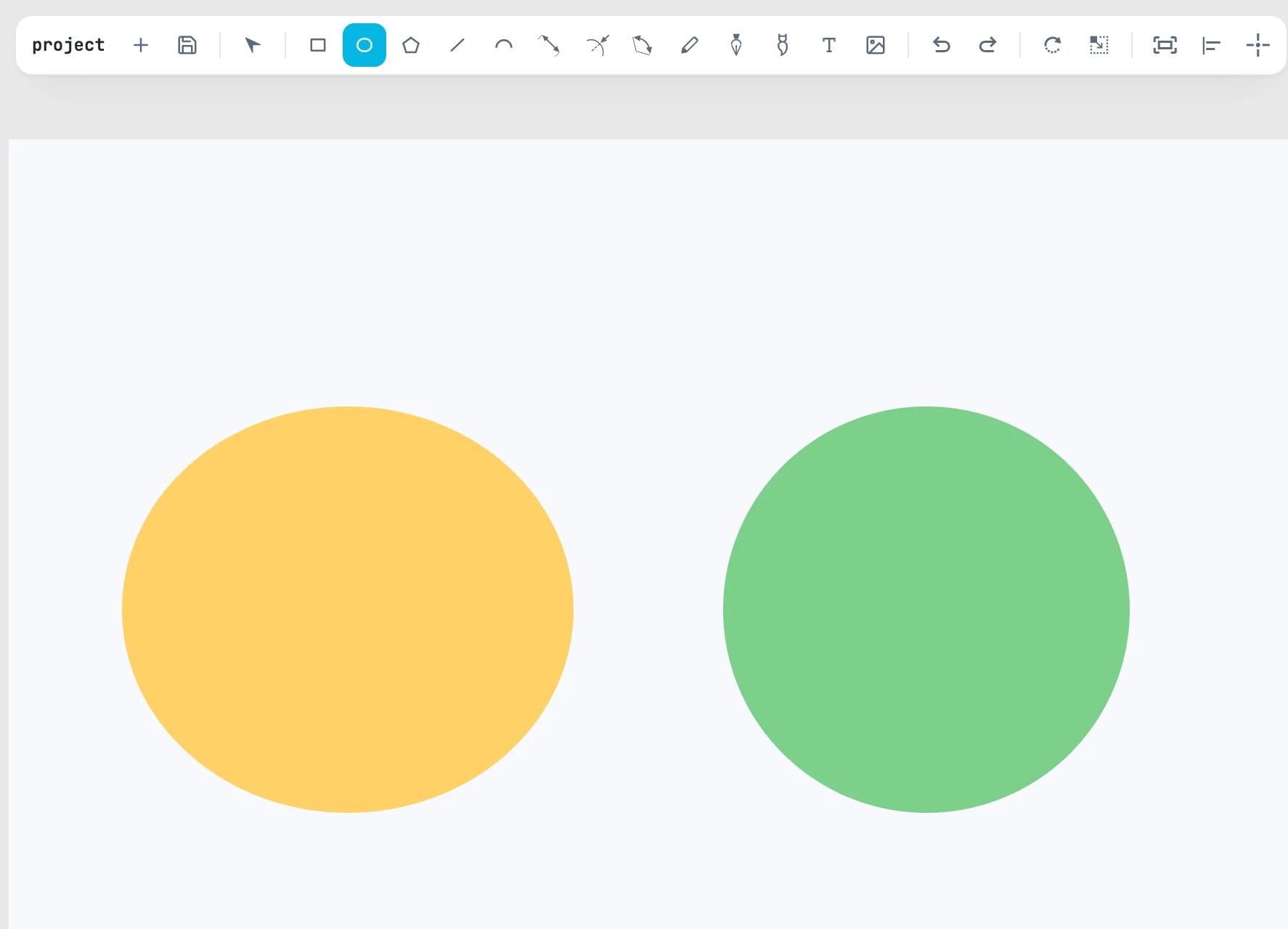
The gesture
| Keys | What it does |
|---|---|
| drag / click and click | the box that contains the ellipse |
| ⇧ | circle |
| ⌥ | grows from the center |
What is created
Once the shape is placed, you are back to the Selection tool with the shape selected. It is created above the objects next to it, inside the page under the center of the gesture (or in the active page, or in the open container), with the Fill & stroke style set with an empty selection. The center is at the object origin. Even without keys, the 45° diagonal of snapping leads to a circle.
Then
In the Shape panel: Offset for a ring or a frame.