
Marker panel
Inside a marker (double-click its cell in the Markers resource panel)
When it appears
Inside a marker (double-click its cell in the Markers resource panel).
Fields
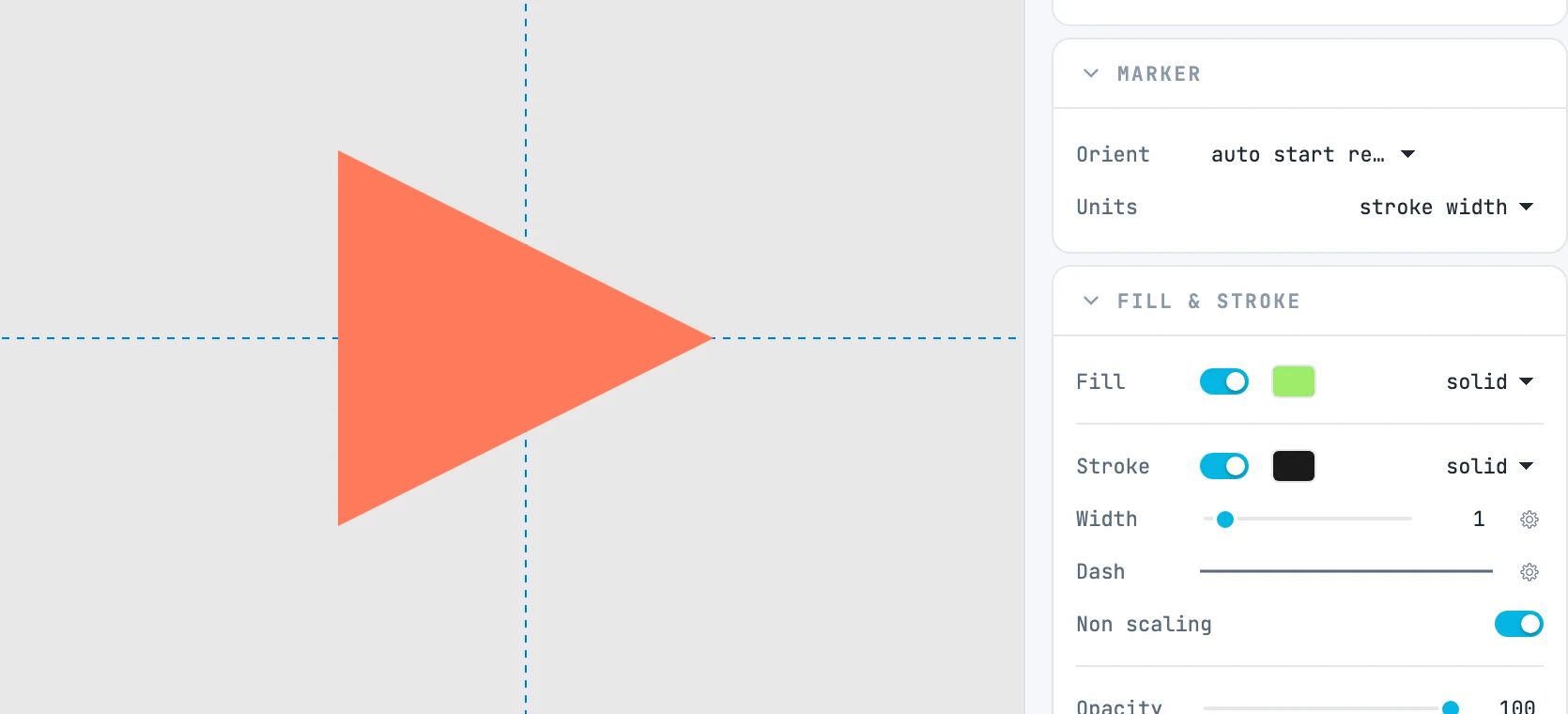
| Field | What it does |
|---|---|
| Orient | auto, auto start reverse, or angle with the angle value |
| Units | stroke width or user space |