
The options bars
What appears below the toolbar
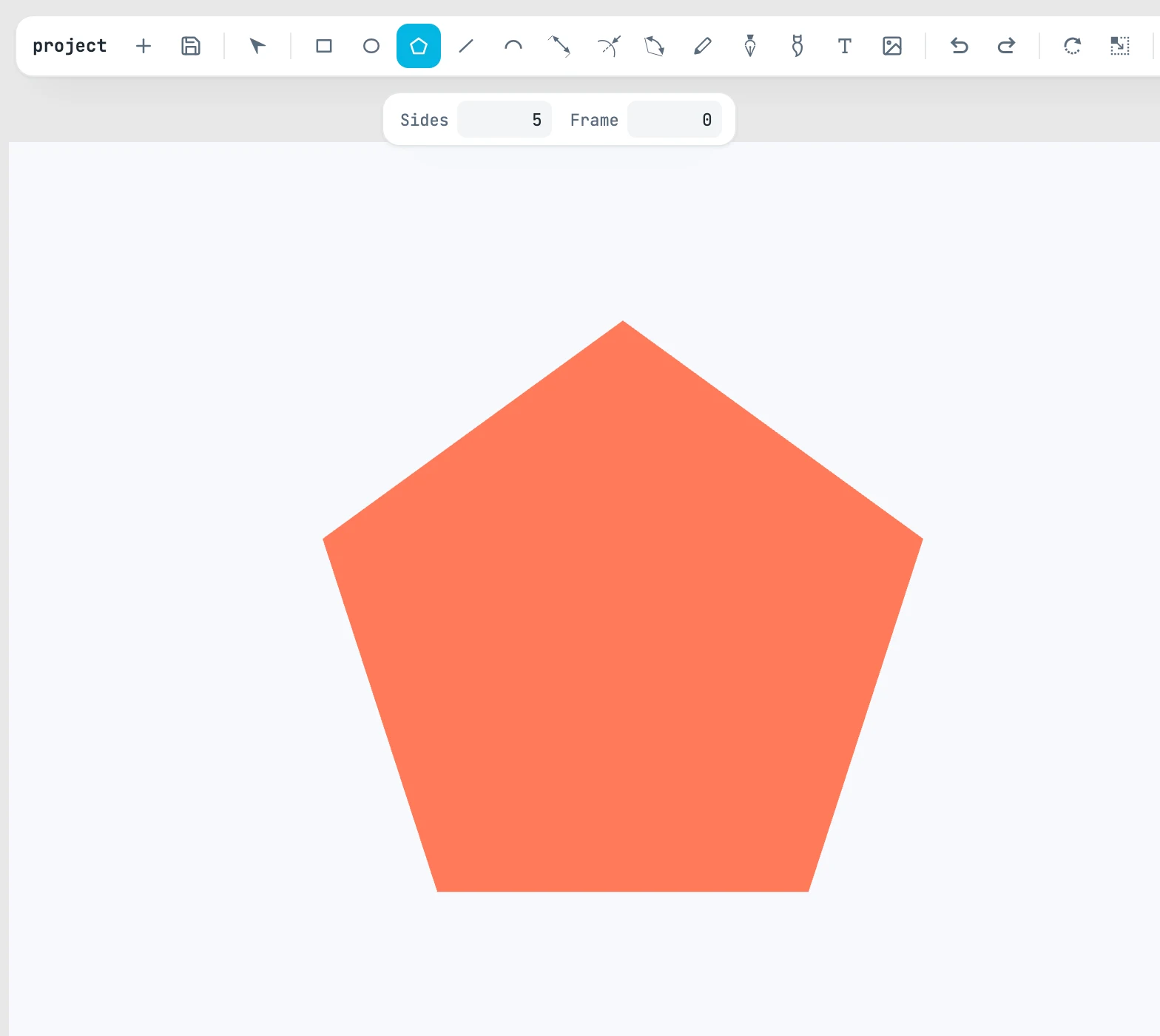
Two ways to open
- With the tool selected: the bar opens when you pick up the tool and stays open as long as you hold it — Pen, Pencil, regular polygon.
- On hover: it opens when you move the mouse over the button and closes when you move away, even with the tool selected — the arc modes, the list of brushes, alignment, snapping.
A tool's settings (the arc mode, the sides of the polygon, the Pencil tolerance) are kept from one drawing to the next.
The bars, one by one
| Tool | Options |
|---|---|
| arc | three modes: center and endpoints, diameter, three points. Selecting a mode picks up the Arc tool |
| path | curve or arc; the length of the next segment; the check mark that finishes the path |
| freehand | normal, unite, subtract; the tolerance |
| regular polygons | Sides and Frame |
| brush | the list of brushes (Brushes) |
The details are on each tool's page.