
Janvas 9 · 2D graphics editor in the browser
The graphics editor for your design.
The professional editor for graphic designers, architects, illustrators and animators. In the browser, with nothing to install.
01
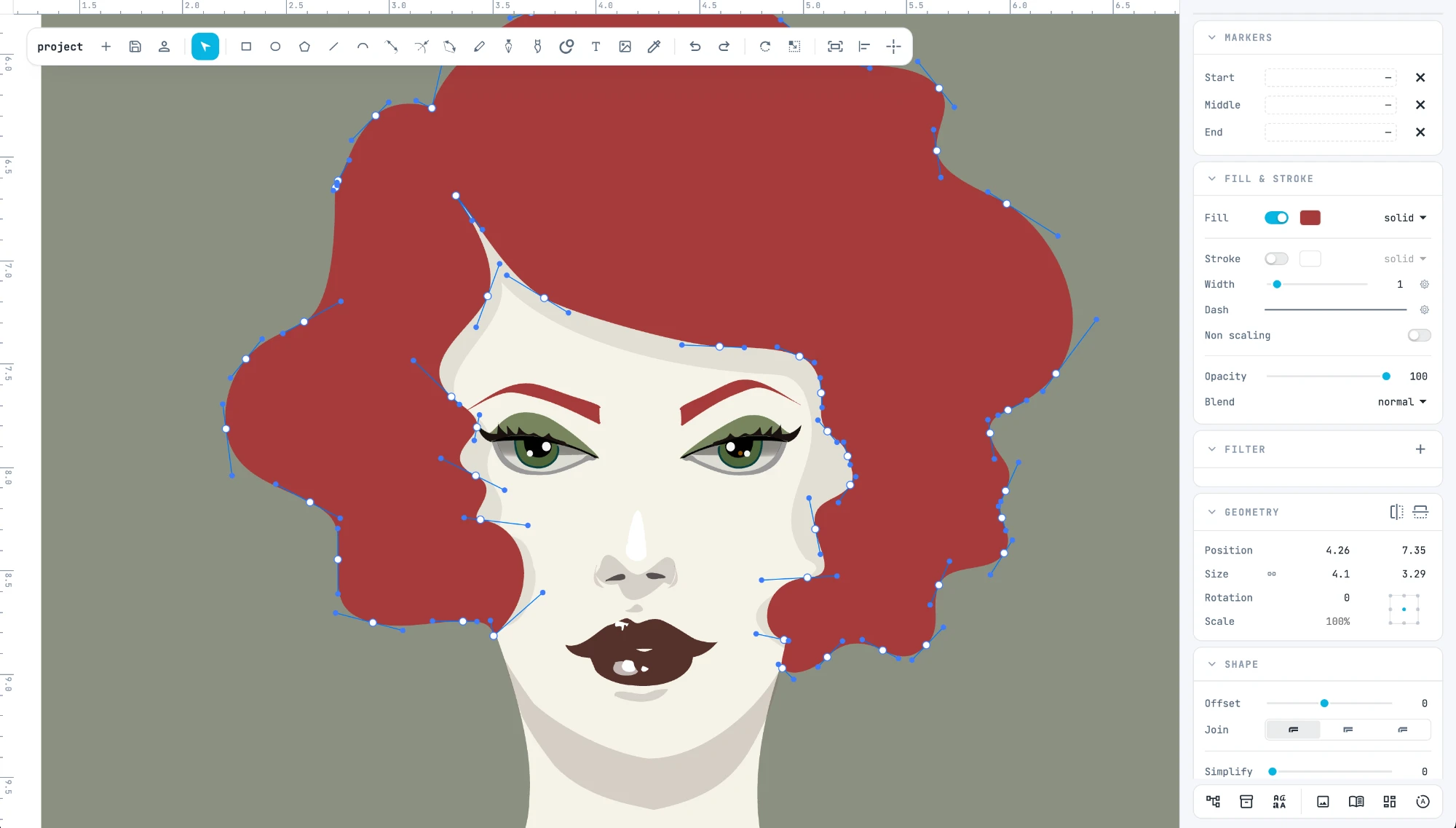
Create vector illustrations
For illustrators: pen, pencil and brushes, the blob brush, gradients, patterns, filters and image tracing. The eyedropper carries a style from one object to another.
02
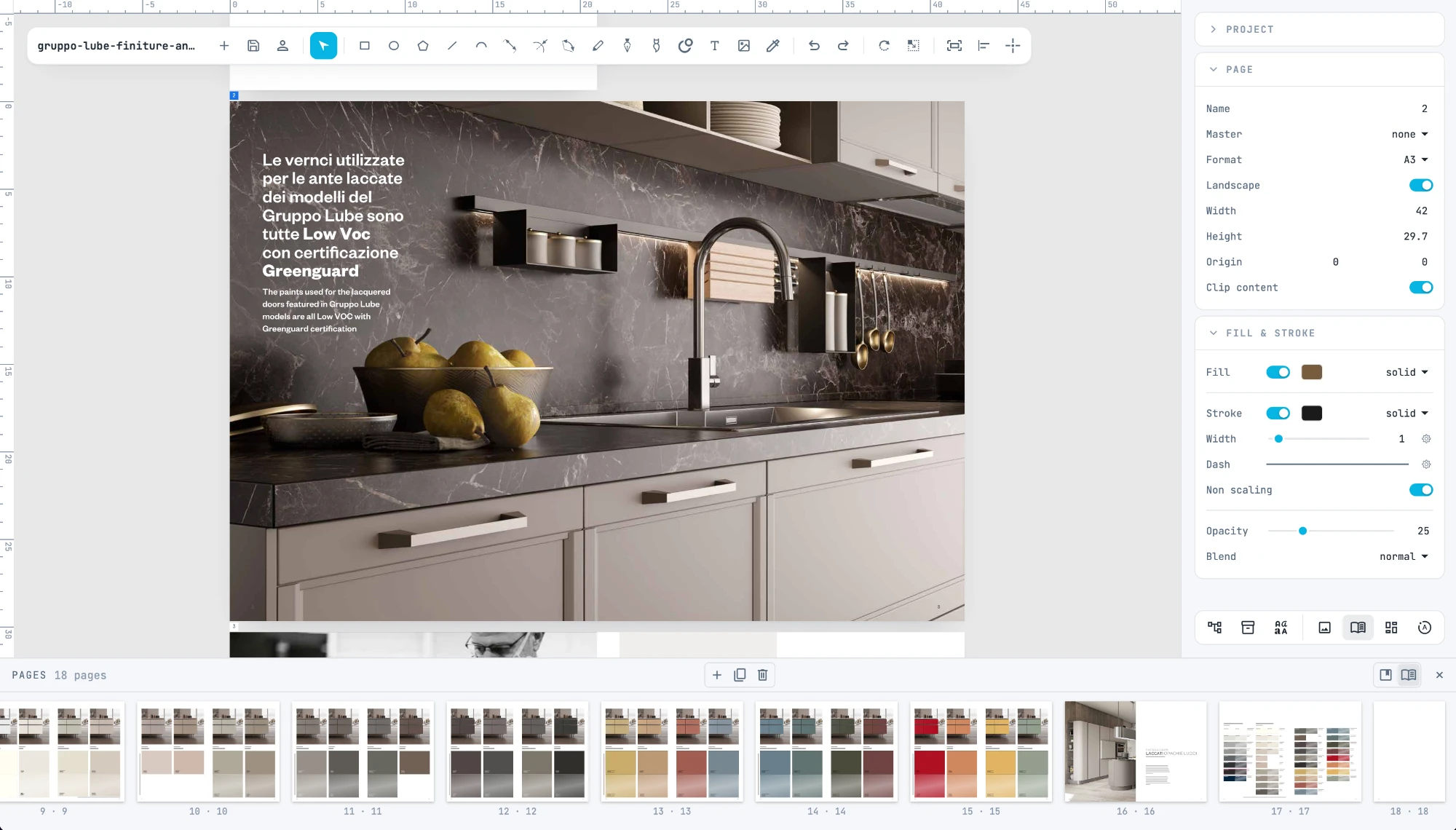
Lay out your ideas
For interior designers and graphic designers: catalogs, price lists and presentations on real-size pages, with master pages, templates, photo grids, tables and charts.
03
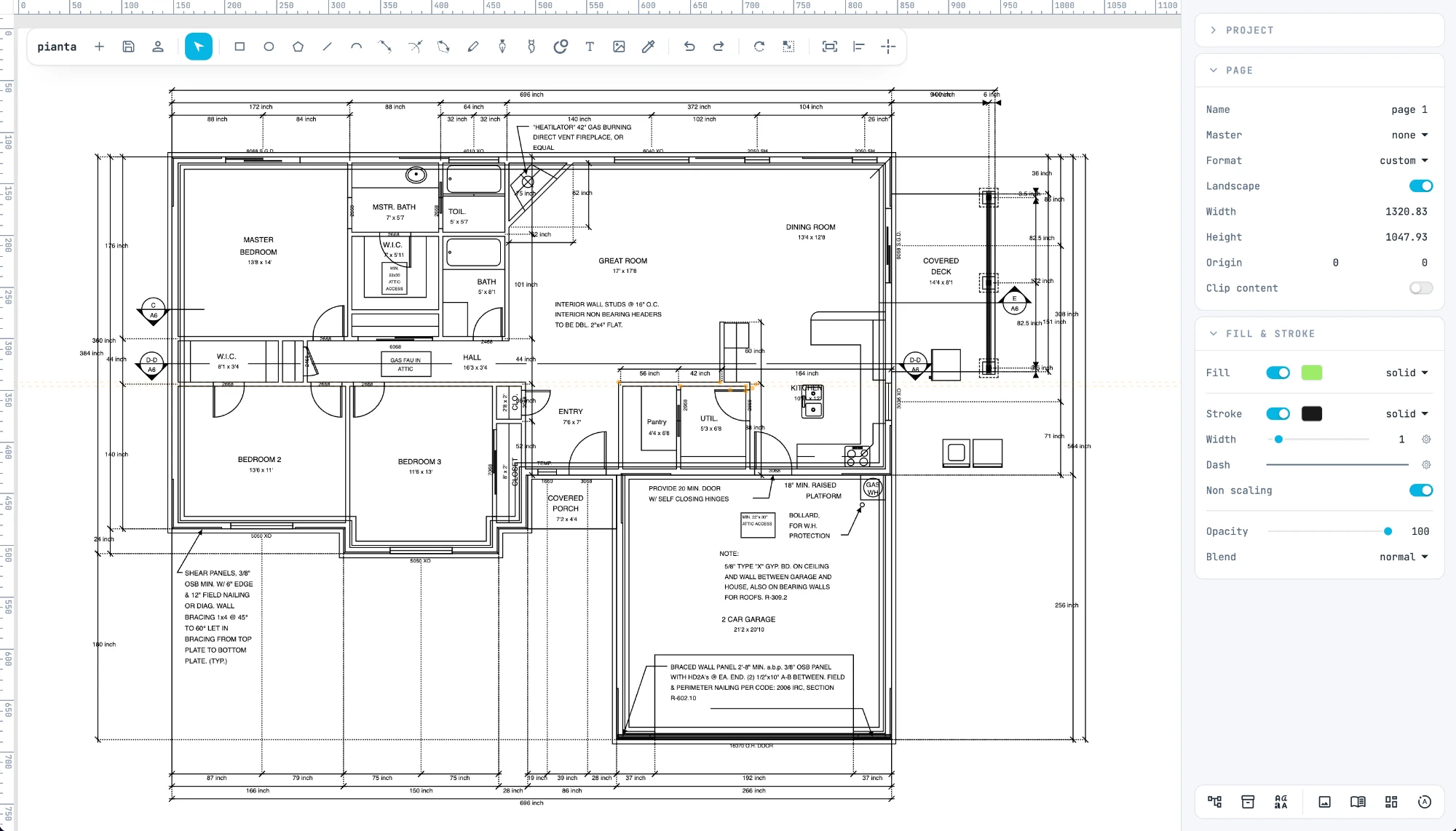
Design with CAD tools
For architects: open DXF files, draw with dimensions, snap to points and guides, print to scale. Without installing a CAD.
04
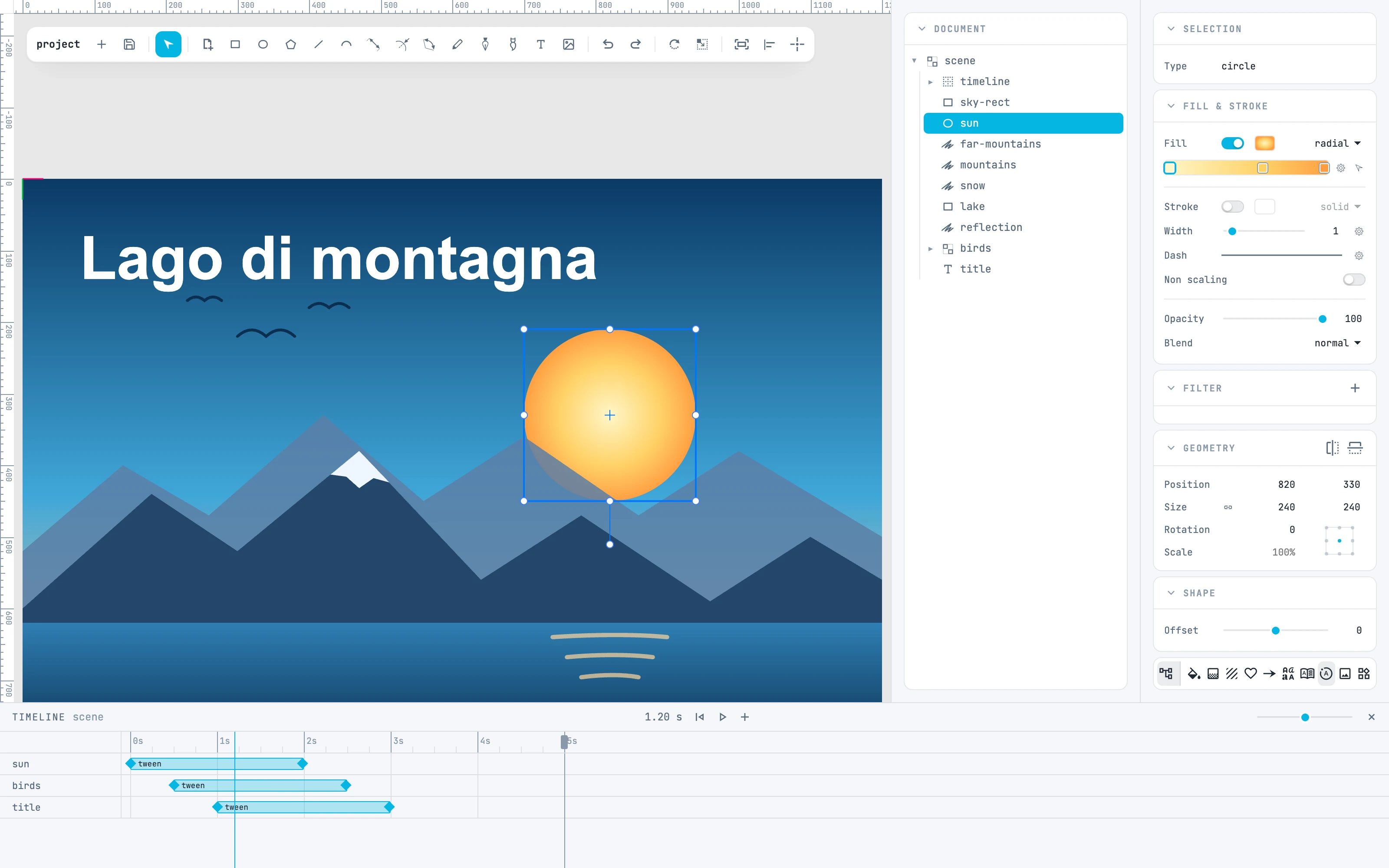
Create vector animations for the web
A timeline for every container, tweens, auto-key and 38 easings. You export an animated SVG that plays on its own in the browser.
01
Open
Nothing to install: Janvas runs in the browser, and installs as an app too.
02
Draw
Everything stays editable: shapes, texts, modifiers, animations.
03
Export
SVG, animated too, PNG, WebP and JPEG, and printing to PDF. Your files stay on your computer.
10 free saves. Then a simple subscription.
Every tool is included from the start. Cancel whenever you like.
The complete guide
01
Introduction
The editor, the installable app, the interface, the panels, the document, gestures, undo and the player.
03
Select and transform
The Selection tool, containers, handles, the free tools, alignment and stacking order.
08
Modifiers
A node that holds the selected shapes as its source and draws the result, always editable.
10
Document and resources
The Document tree, the Resources column, colors, gradients, patterns, symbols, markers, widgets, tables, charts and data.