
Animate a logo
Timeline, tweens, auto-key and easing, and an SVG that animates on its own in the browser
You animate a logo: a bar slides out from behind a circle and a dot fades in. Then you choose how the movement runs and export it to an SVG that animates on its own in any browser.
1 · The logo in a group
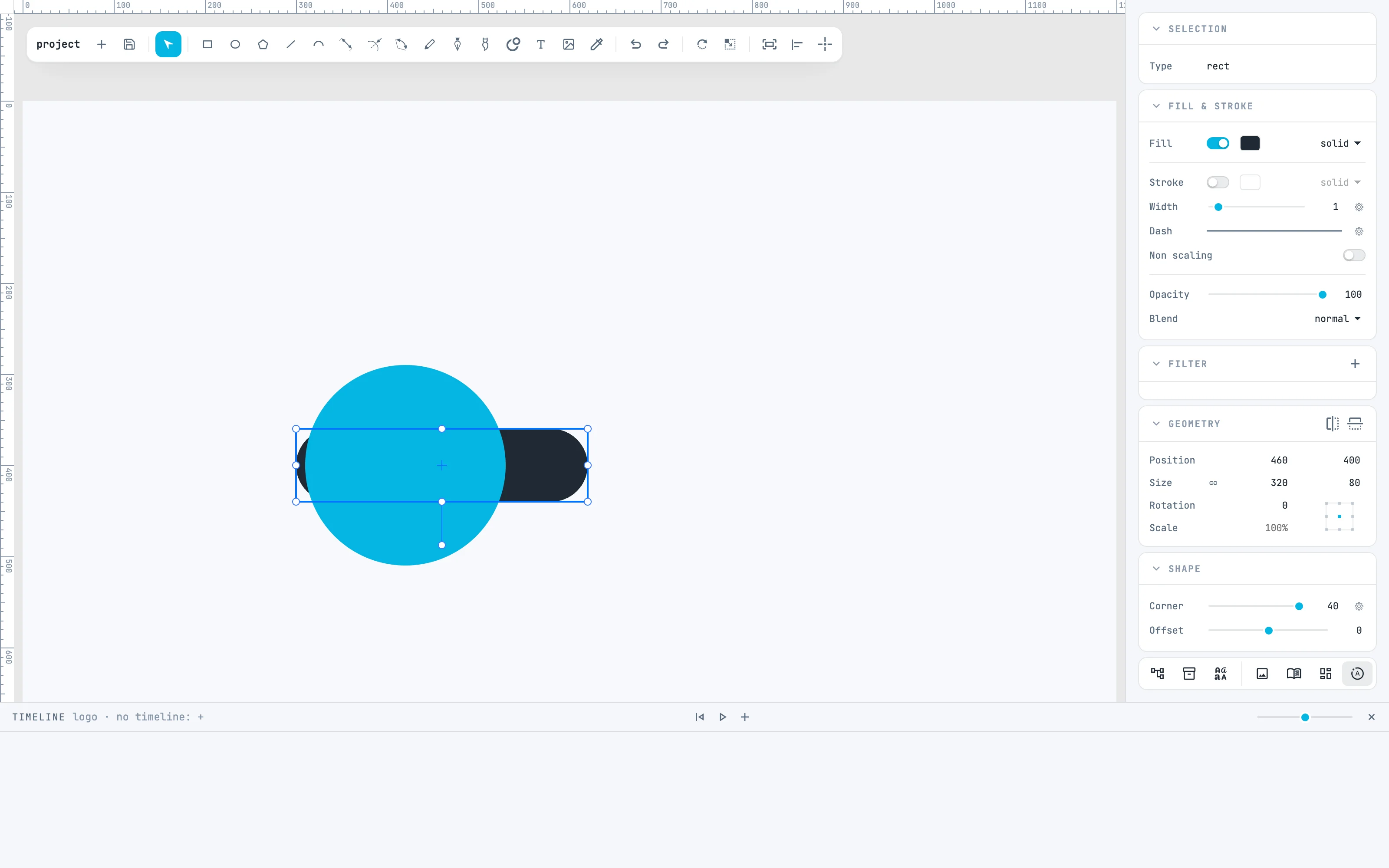
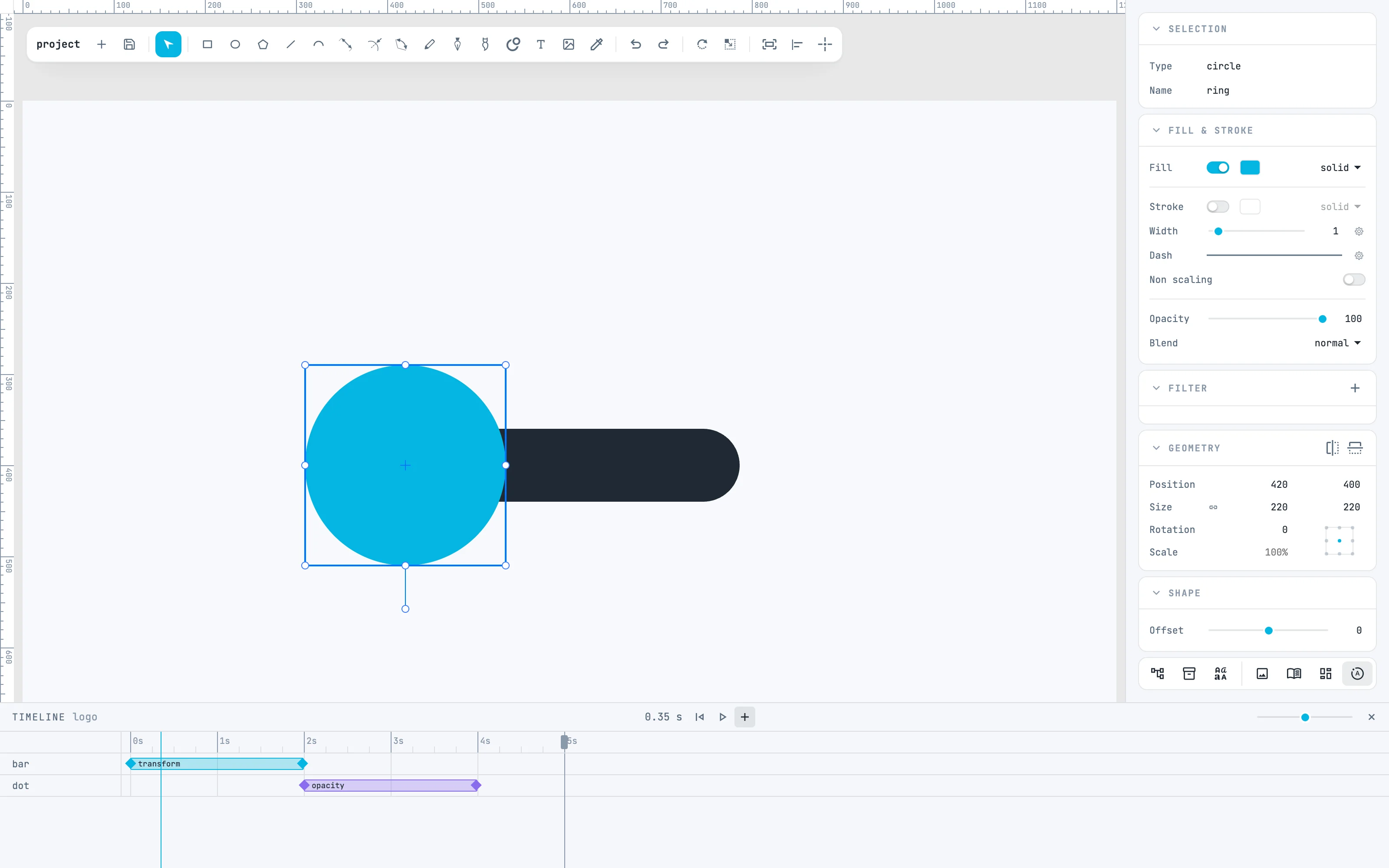
A timeline belongs to a container: a page or a group. Put the parts of the logo in a group (⌘ G) — here a circle, a bar hidden behind the circle and a transparent white dot — and open the Timeline panel from the timeline button of the bar at the bottom of the inspectors.
2 · The first tween
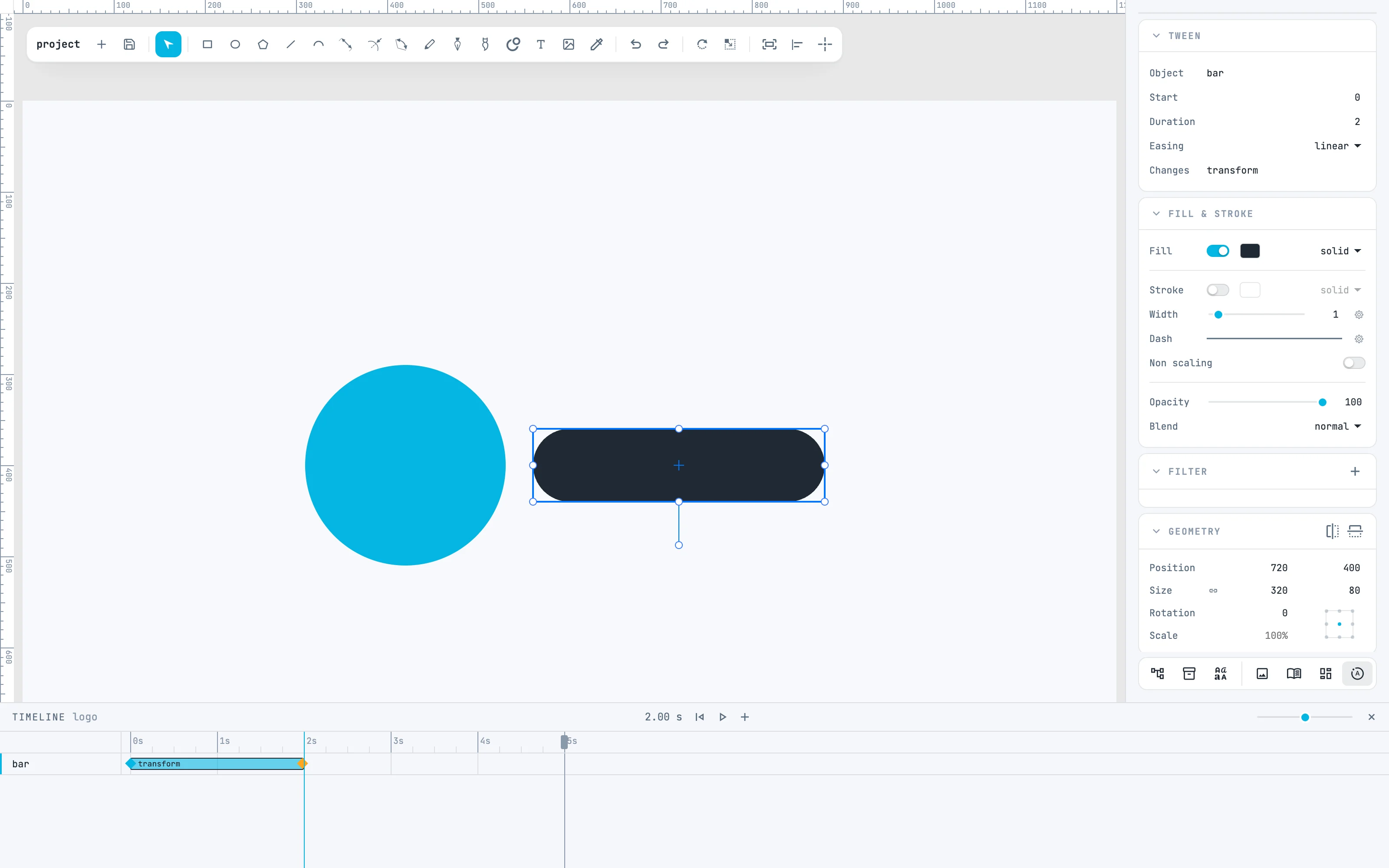
Select the bar and press + in the Timeline header: an empty tween is created, 2 seconds long, at the playhead. Move the playhead to the end of the tween, at 2 s, by clicking the ruler, and drag the bar to the right. With the playhead at a time other than zero, moving an object writes the tween's arrival instead of changing the object: this is auto-key. The tween's bar says what changes: transform.
3 · The dot that appears
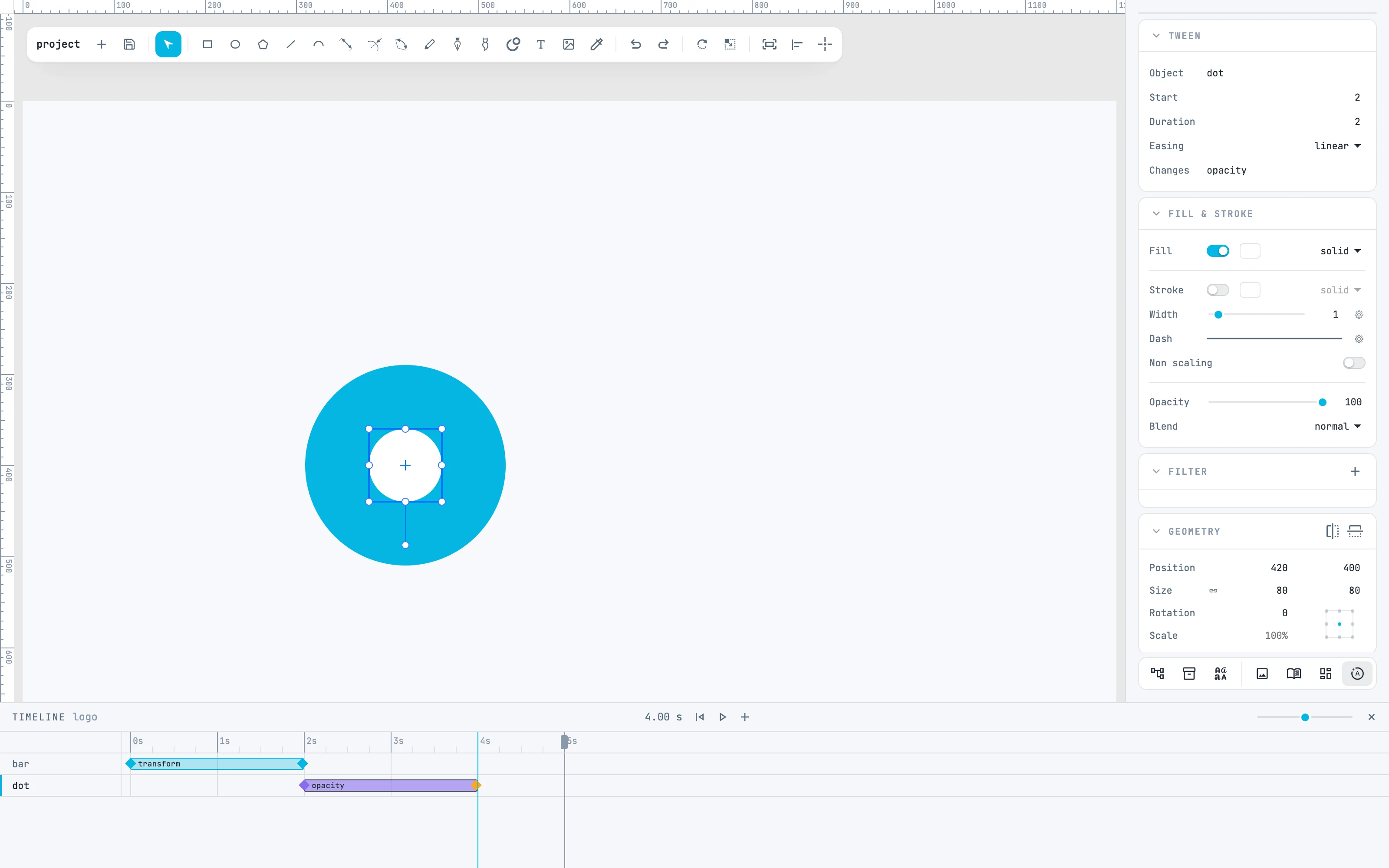
Select the dot and press +: the tween is created at the playhead, from 2 to 4 s. Move the playhead to 4 s and, in the Fill & stroke panel, set Opacity to 100: the dot will fade in. Its bar says opacity.
4 · Easing
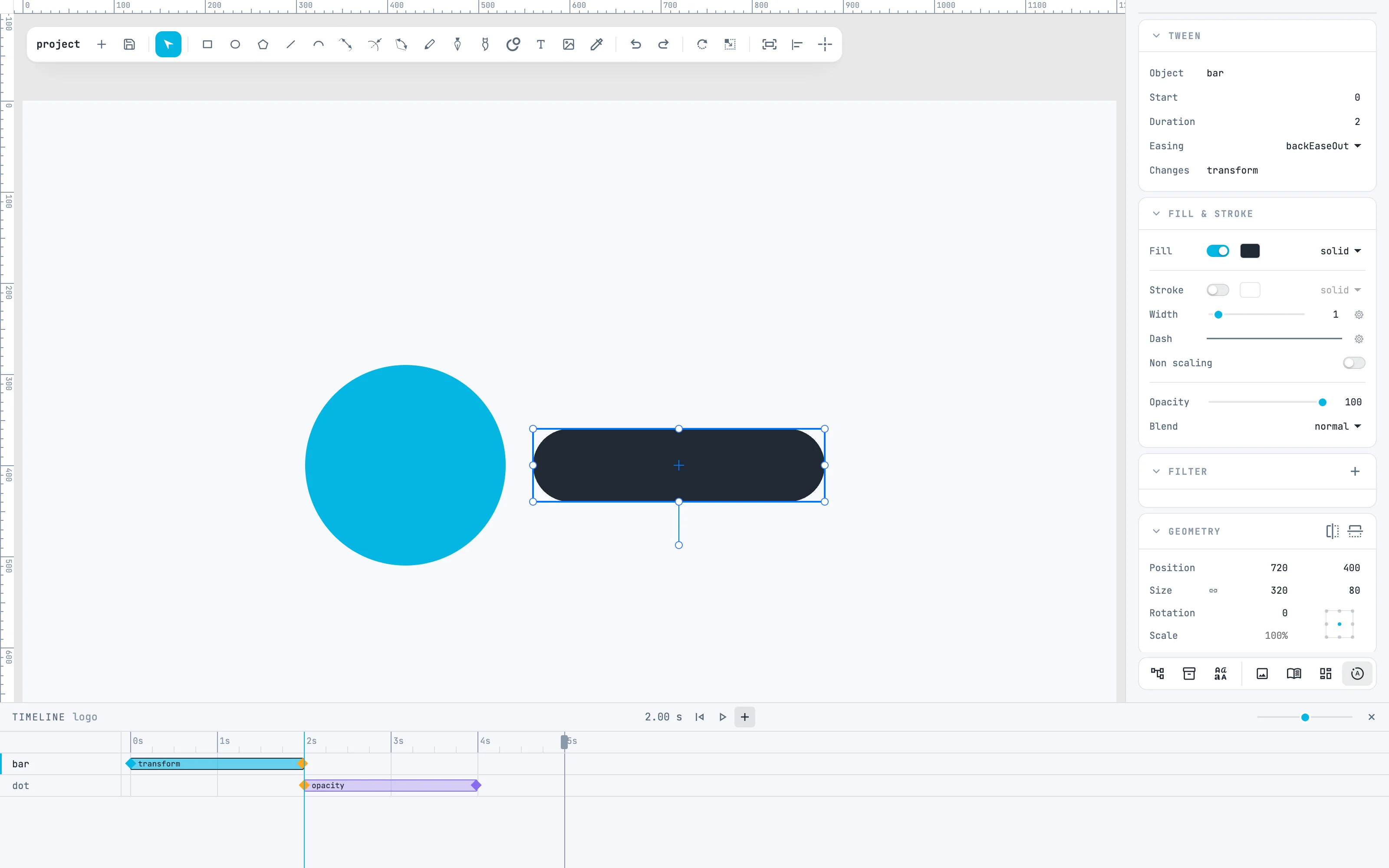
Click the bar of the first tween: it is being edited, and the Tween panel appears. In the Easing row choose backEaseOut: the bar arrives, goes a little past and comes back. A new tween is linear; there are 38 equations to choose from.
5 · Look halfway
Click the ruler at 0.35 s: the canvas shows the logo at that moment, with the bar halfway and the dot still transparent. play in the header plays the animation, and ⇧ + dragging on the ruler draws a loop.
6 · Export to animated SVG
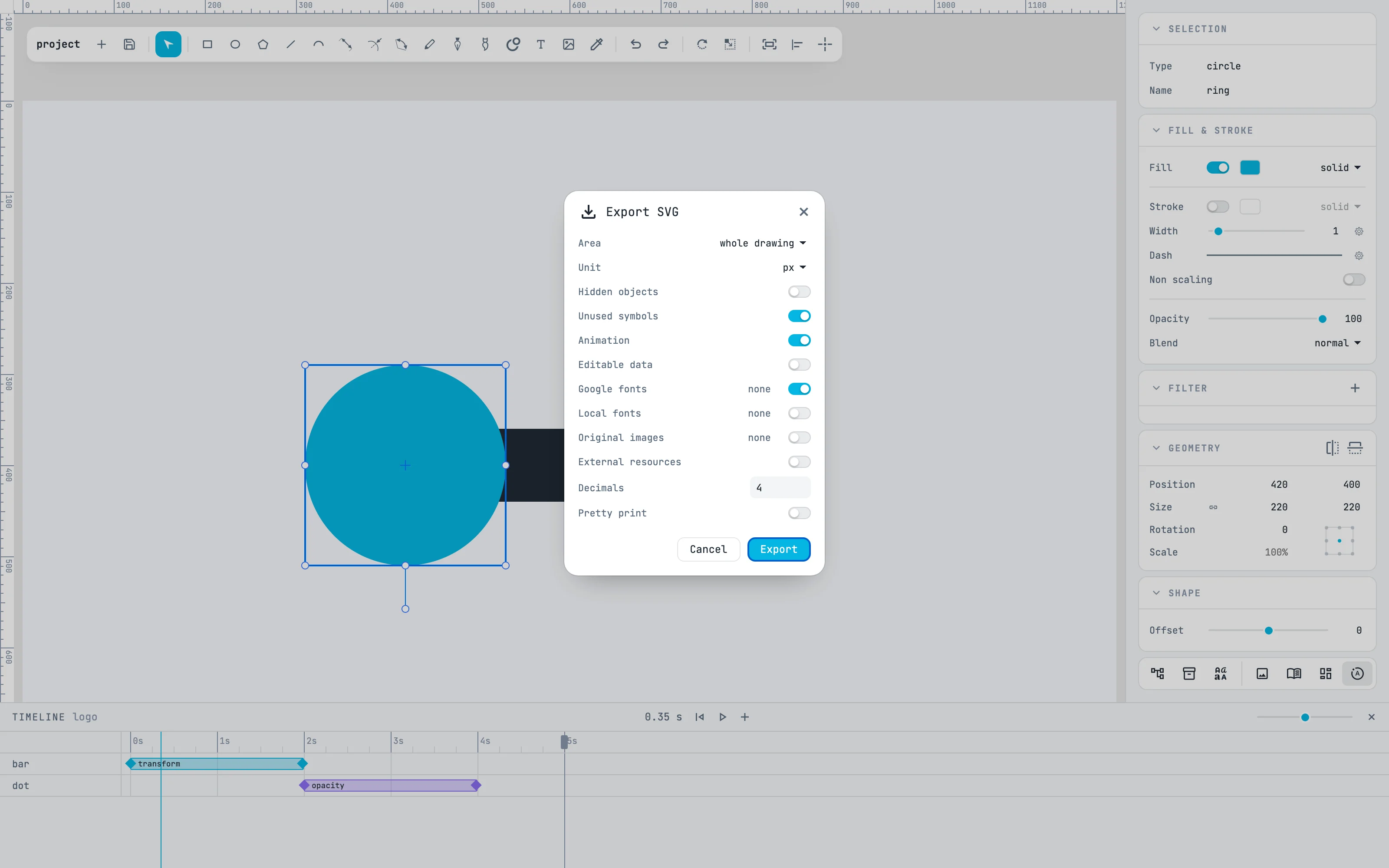
From the open and save button, Export SVG…: turn on Animation and press Export. Timelines and tweens go into the file with a small script: opened in a browser, the SVG animates on its own, loops, and a click pauses and resumes it. In another editor you see the drawing at rest.
Going further
In the guide: the timeline, tweens and auto-key, easing and exporting to SVG.