Groups, containers and booleans
Grouping, entering and exiting, booleans you change without redoing them
A group holds several objects together; a boolean combines them into a single shape. Both are containers: with a double-click you enter and edit what is inside. A boolean destroys nothing: the starting shapes remain, and the result is redone.
1 · Group
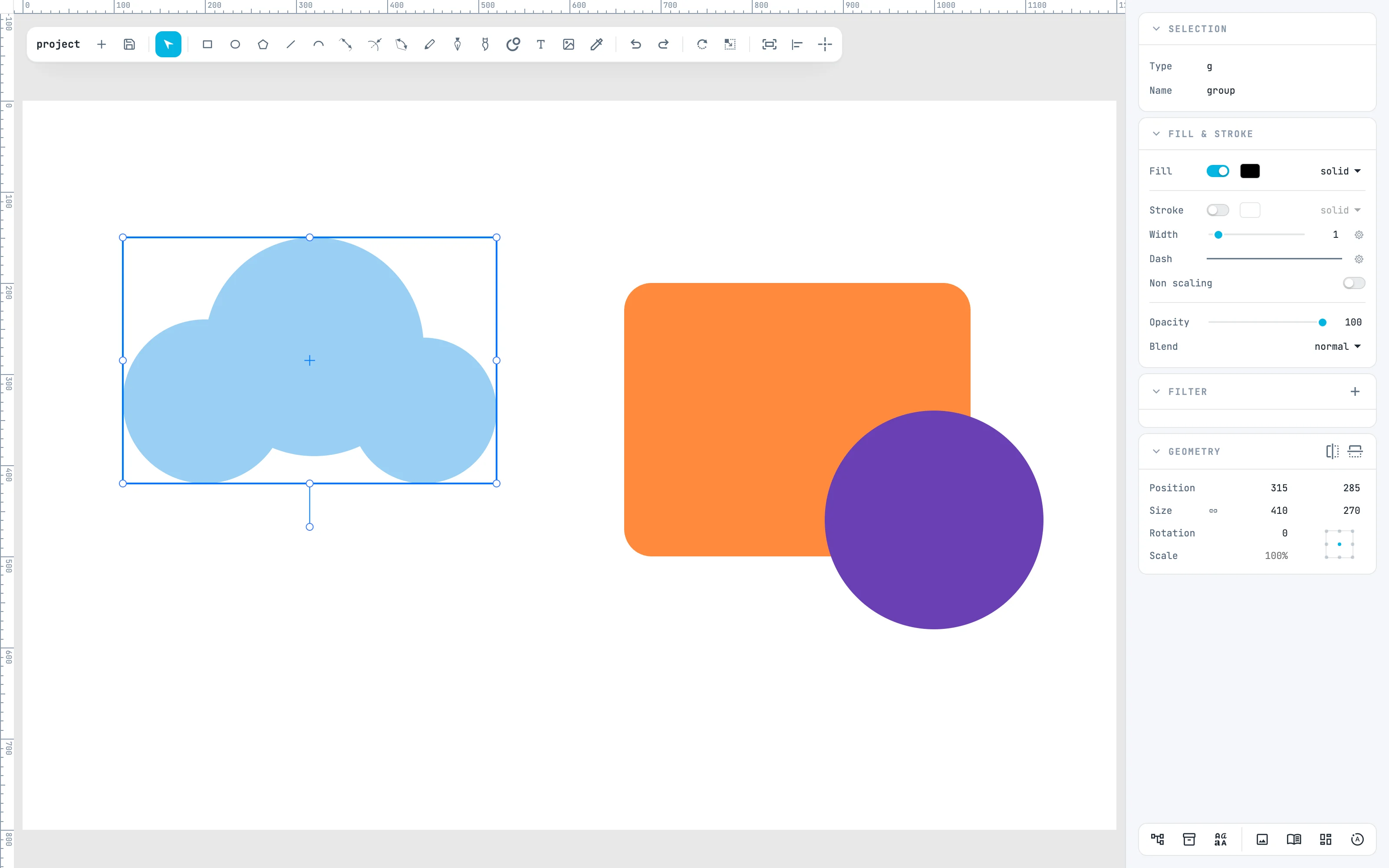
Select the three circles and ⌘ G, or Group in the right-click menu: they become a single group, which moves and scales as a whole. ⌘ ⇧ G (Ungroup) breaks it up.
2 · Enter the group
Double-click the group: you enter it. The rest of the document is veiled and cannot be picked; at the end of the toolbar Exit appears. Inside, each child is selected and edited on its own, and what you draw is created in the group.
3 · Exit, then the booleans
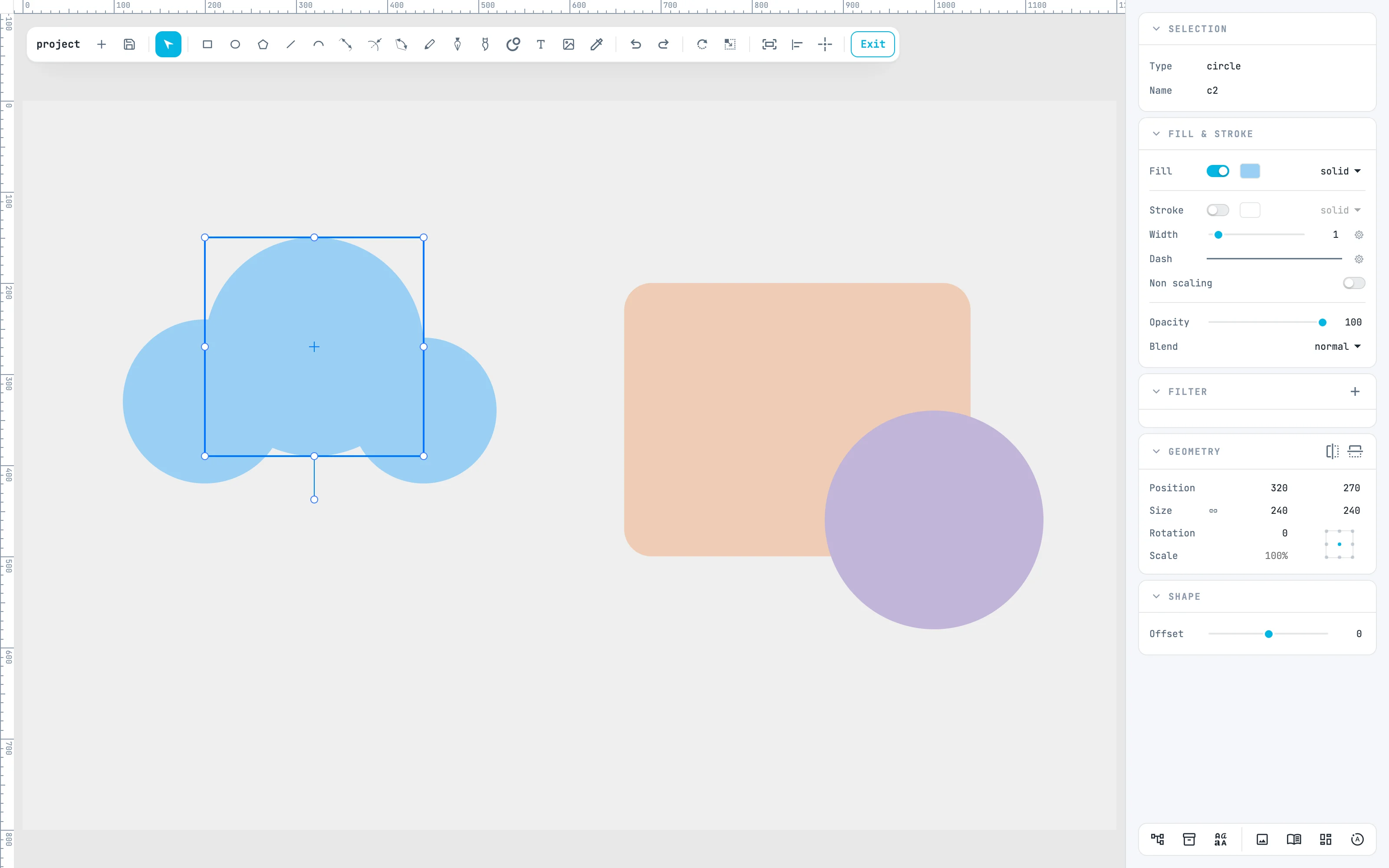
Esc, Exit or a double-click on the empty area exit, and the group is selected again. Now select the orange plate and the purple circle, and in the right-click menu open Booleans: Unite, Subtract, Intersect, Exclude, Divide.
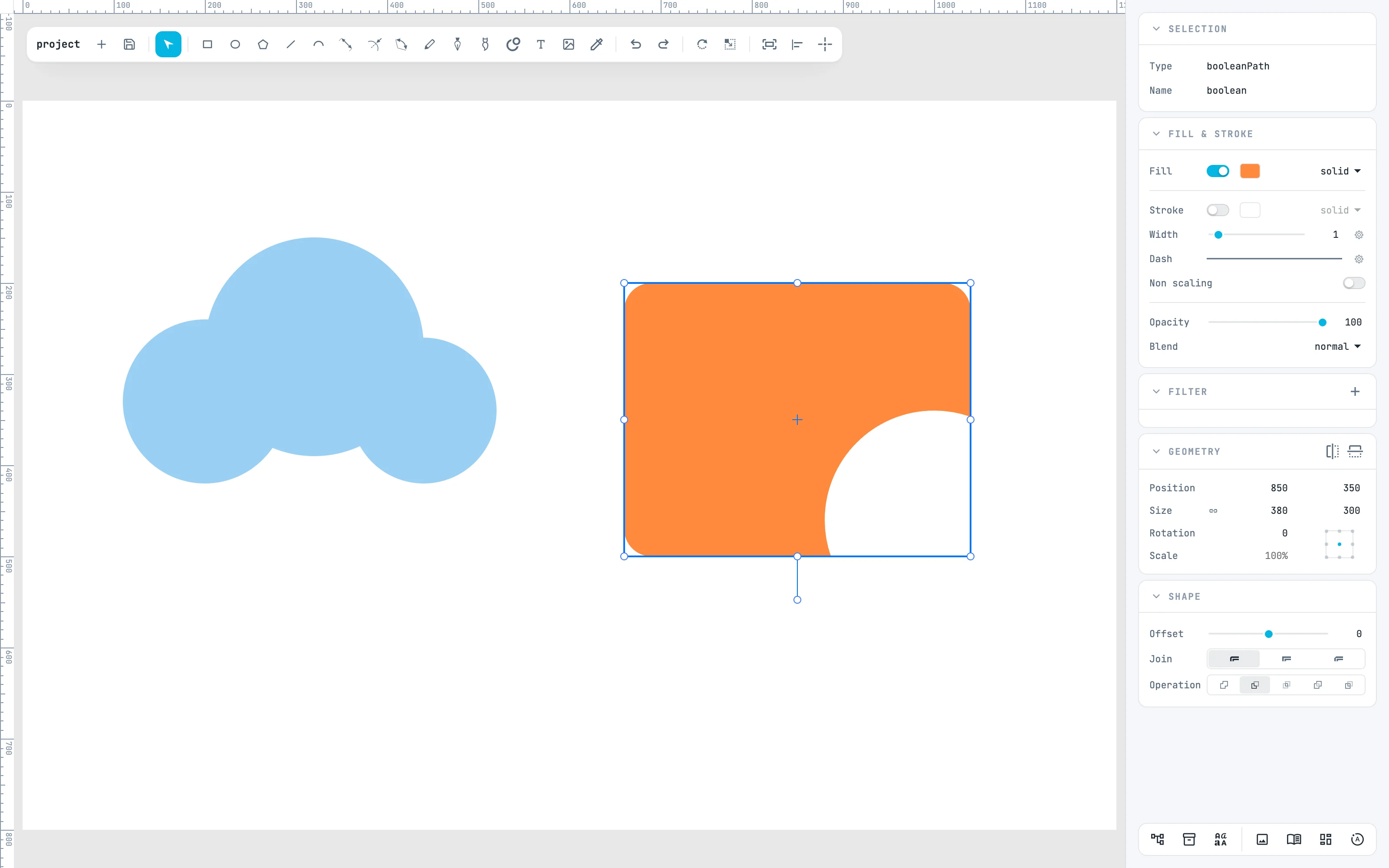
4 · Subtract
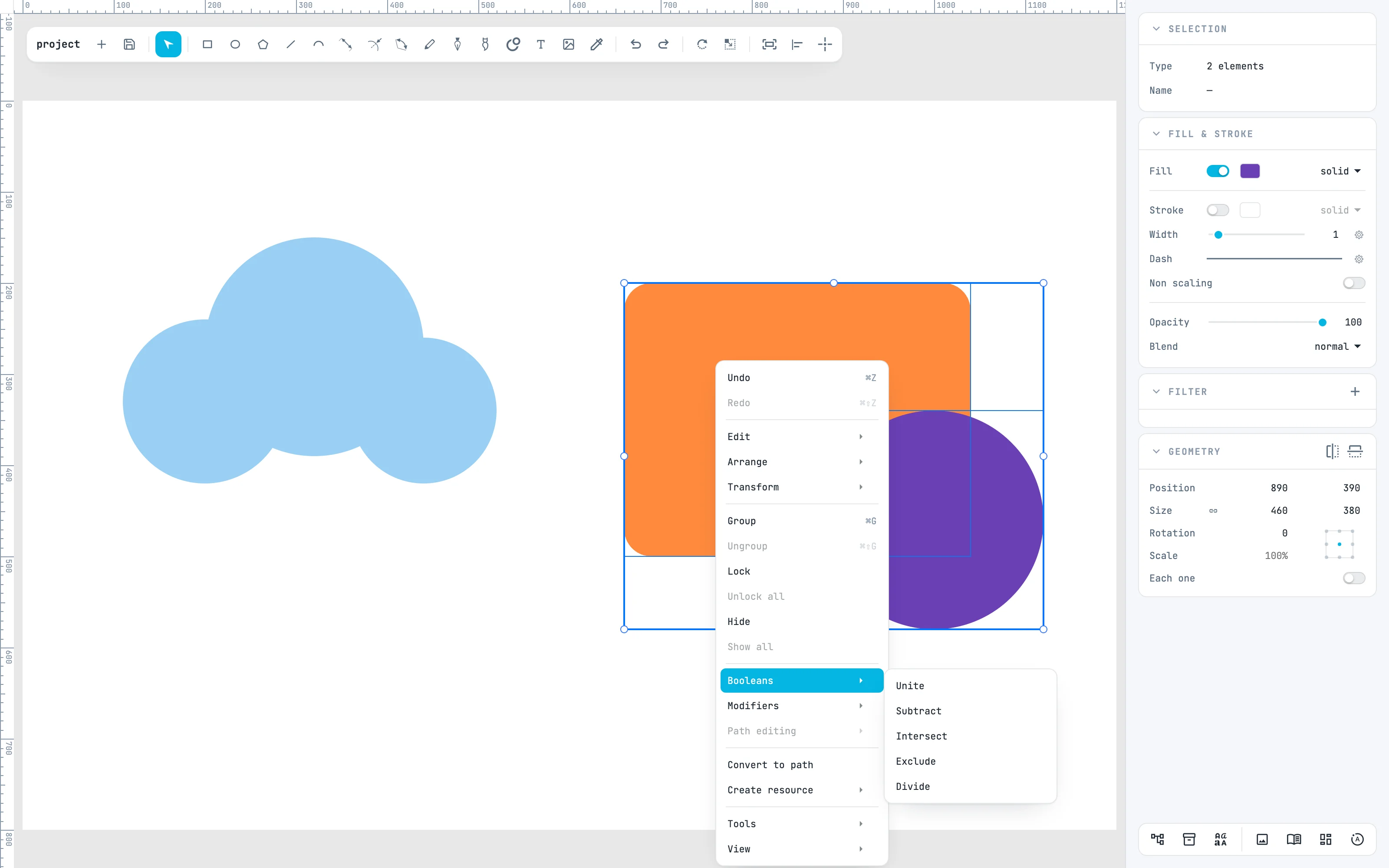
Subtract removes the other shapes from the first one. The "first" is the lowest in the drawing order, here the plate; the result takes its look.
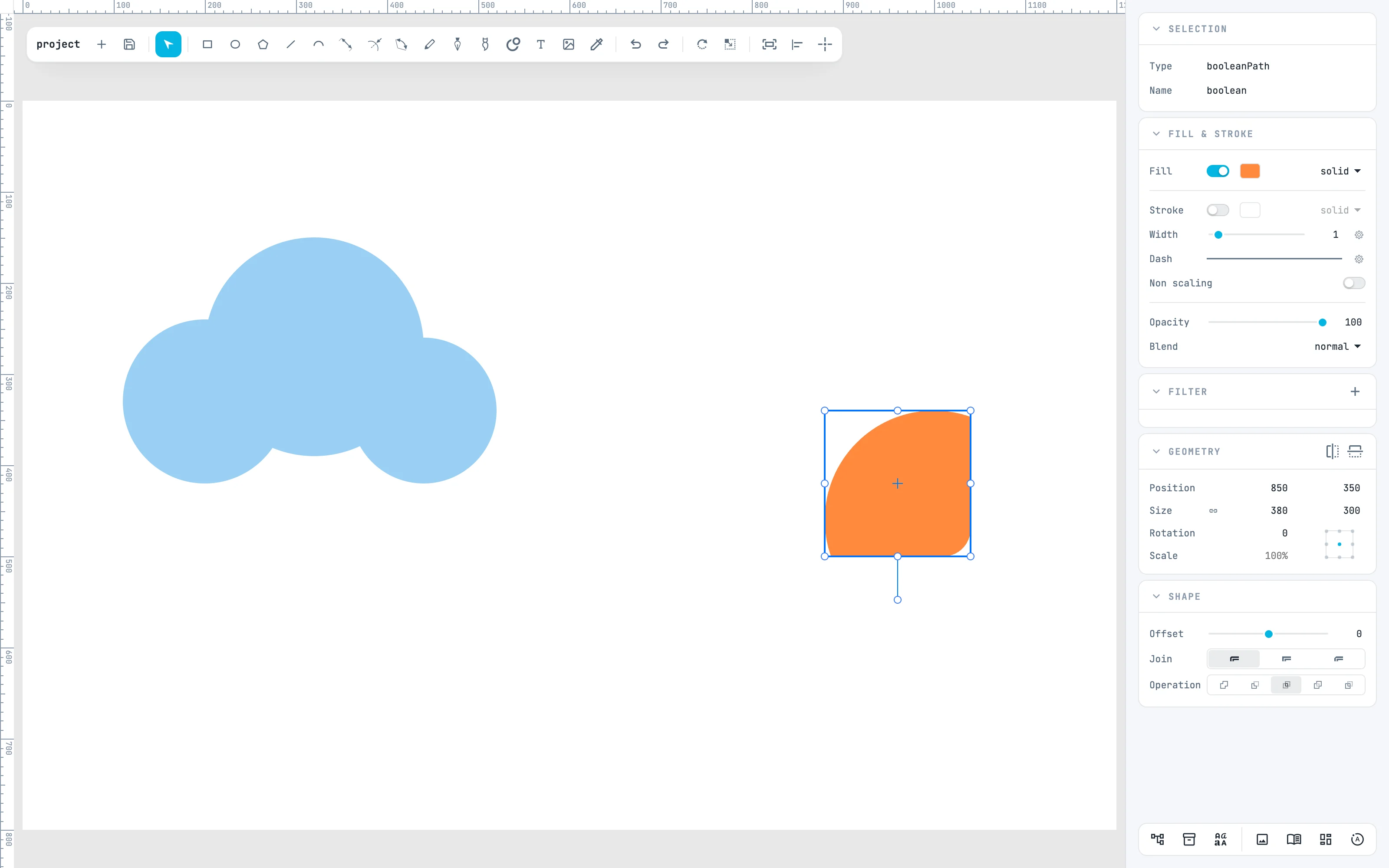
5 · Change the operation
With the boolean selected, the Operation row of the Shape panel changes the operation without redoing it: here intersect leaves only the common part. The starting shapes stay where they are.
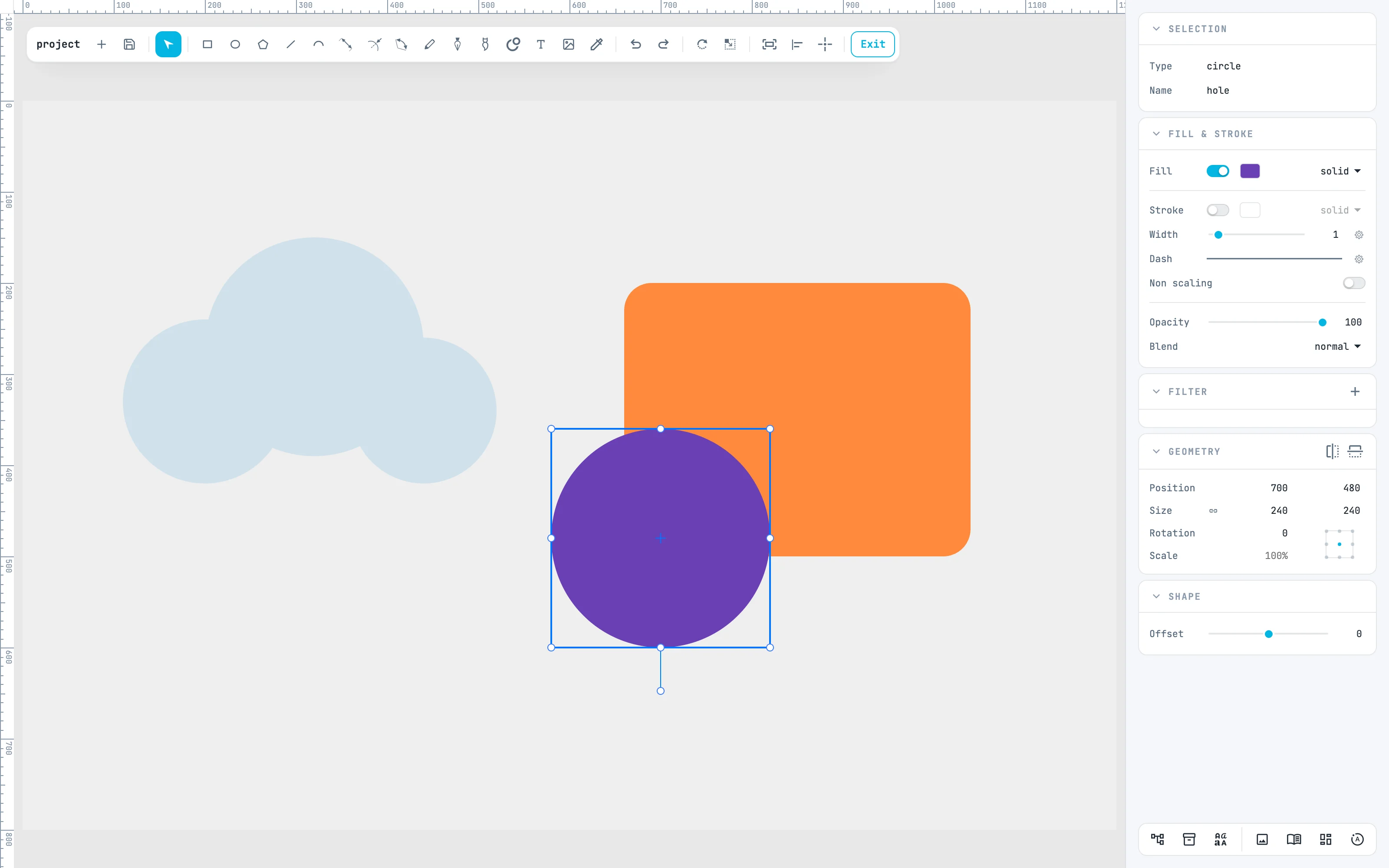
6 · Edit the sources
Go back to subtract and double-click the boolean: inside are the plate and the circle, whole. Each shape can be moved, scaled, edited point by point; here the circle goes to the bottom left.
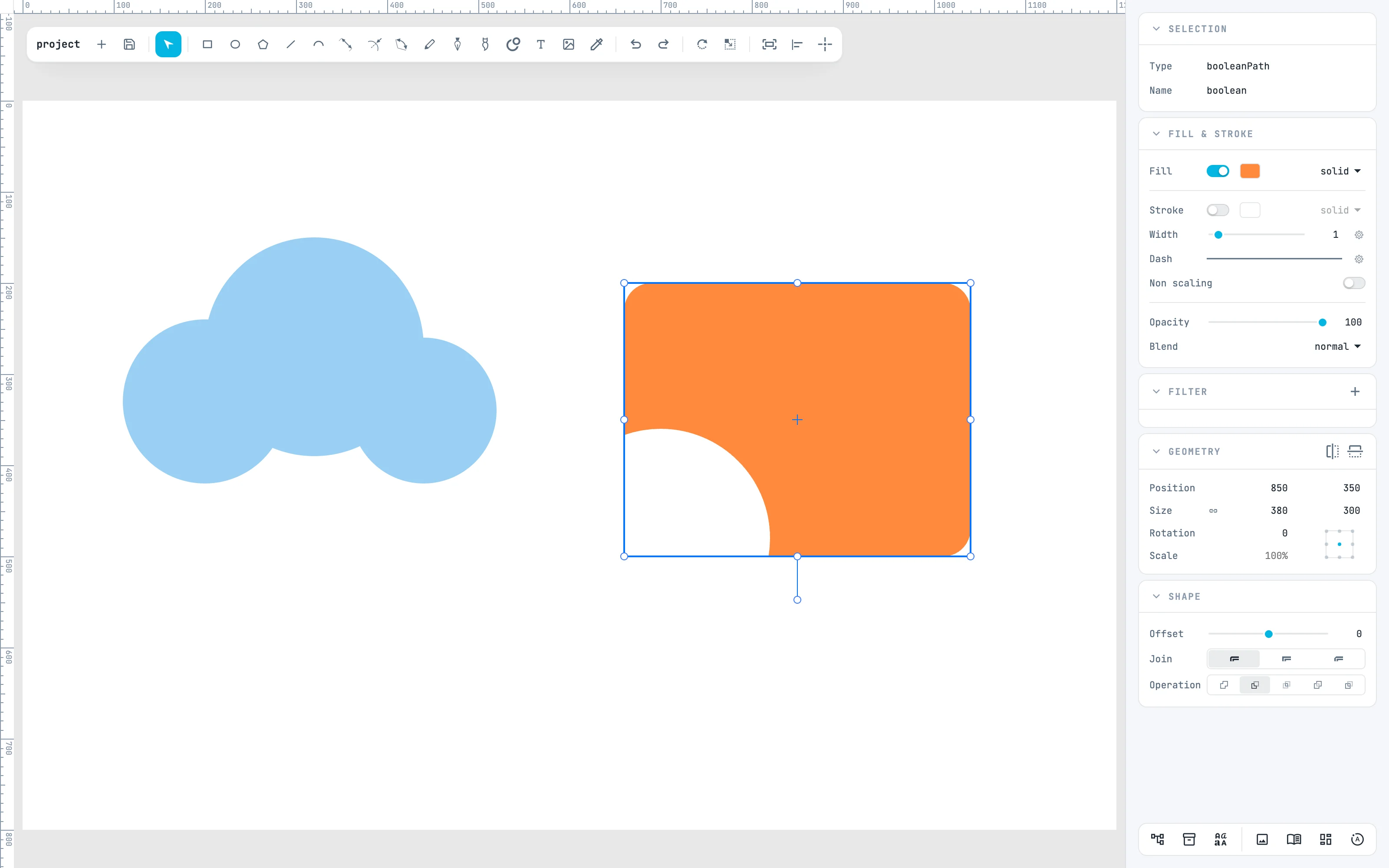
7 · The result is redone
Exit: the boolean is redone with the circle in its new place. Scaling the boolean from outside passes the scale down to the sources. With Convert to path you fix it into a path.
Going further
In the guide: entering and exiting containers, groups, locking and visibility, booleans and Convert to path.